
FAQ: Why is my MS80 not showing the new update?
- Problem: New software versions or subscription dates are not appearing after purchase.
- Is an upgrade necessary? Yes. To access the latest vehicle diagnostic software, bug fixes, and technical improvements, your device must be synchronized with the OBDSTAR server after a subscription purchase.
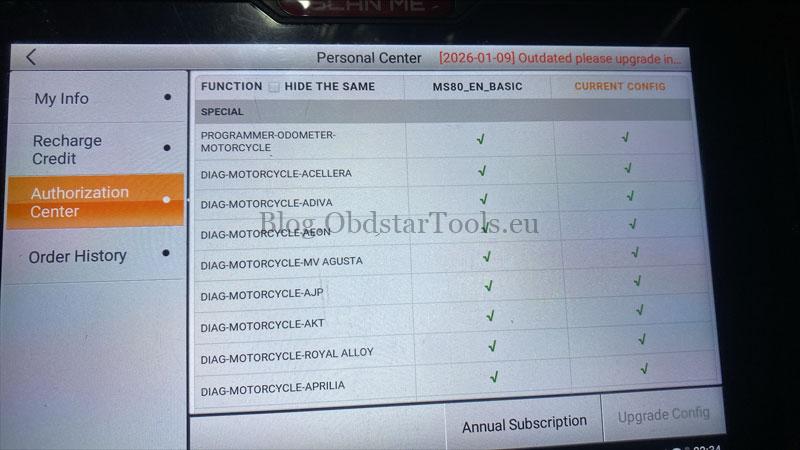
Quick Solution
To sync your subscription status with the server, please perform the following steps:
- Restart the MS80 device.
- Log out of your OBDSTAR account.
- Log in again to refresh the license data.
Note: For expired units, ensure you have purchased the specific MS80 Standard Update Service for Expired Devices to resume full functionality. For active units, use the standard one-year update service.
Technical Support
If the update status remains unchanged, please contact us:
- Email: sales@obdstartools.eu
- WhatsApp/Mobile/Wechat: +86 15972933706
- Skype: OBDStarTools.eu
- Official Store: www.obdstartools.eu