
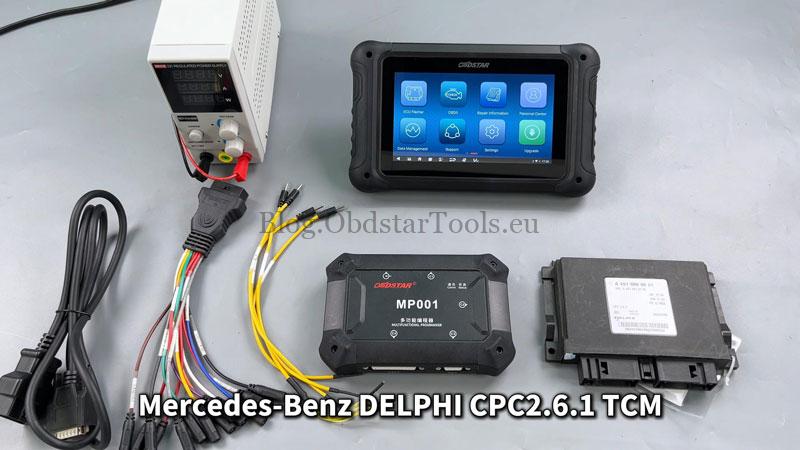
In this guide, we’ll demonstrate how to read & write Mercedes-Benz Delphi CPC2.6.1 Transmission Control Module(TCM) data with OBDSTAR DC706 by bench.
What You’ll Need:
DC706 ECU Tool or X300 Classic G3
High-power DC Regulated Power Supply
Main Cable
ECU Clone Jumper
Mercedes-Benz Delphi CPC2.6.1 TCM
*Make sure the software is latest version before we get started.
Step-by-Step Operation
Check Video Tutorial:
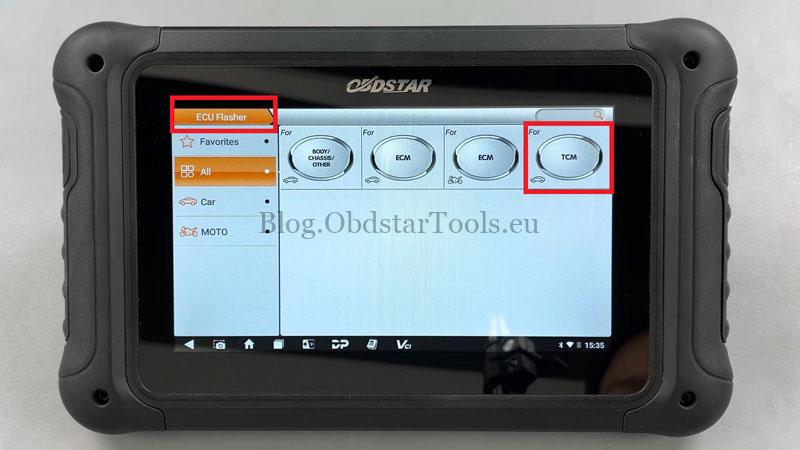
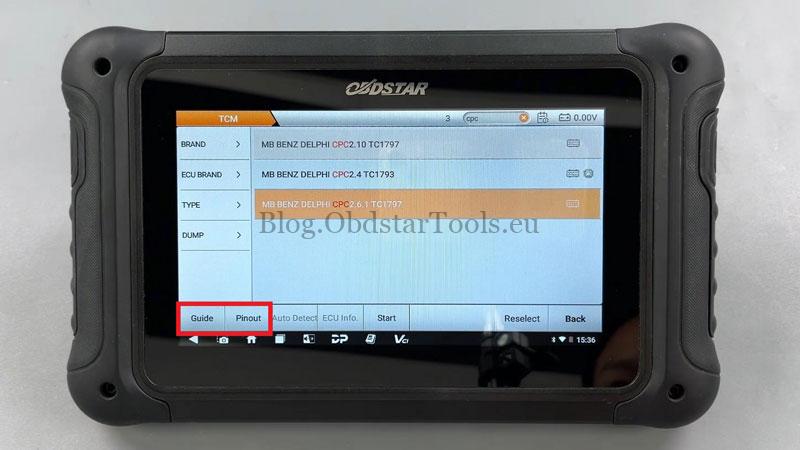
ECU Flasher >> TCM(Latest Version) >> MB BENZ DELPHI CPC2.6.1 TC1797
Tap [Guide] and carefully read the warm reminder, menu description, operation guide, connection methods and special notes.
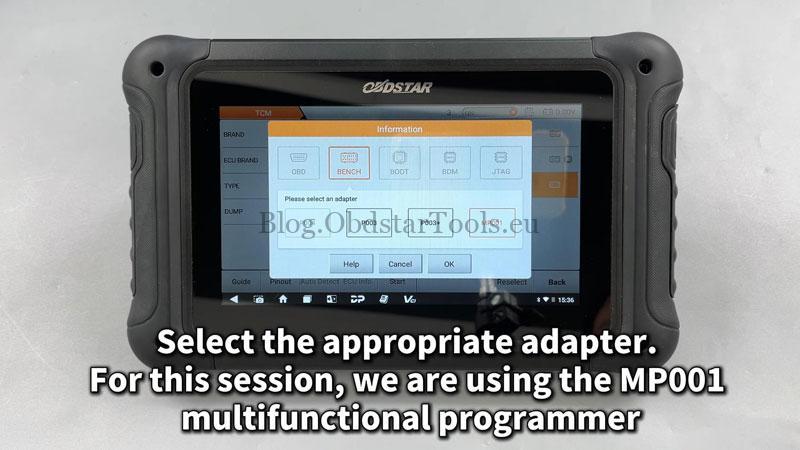
Select the appropriate adapter: Pinout >> BENCH >> MP001
Confirm the module appearance is consistent by checking the [ECU Image].
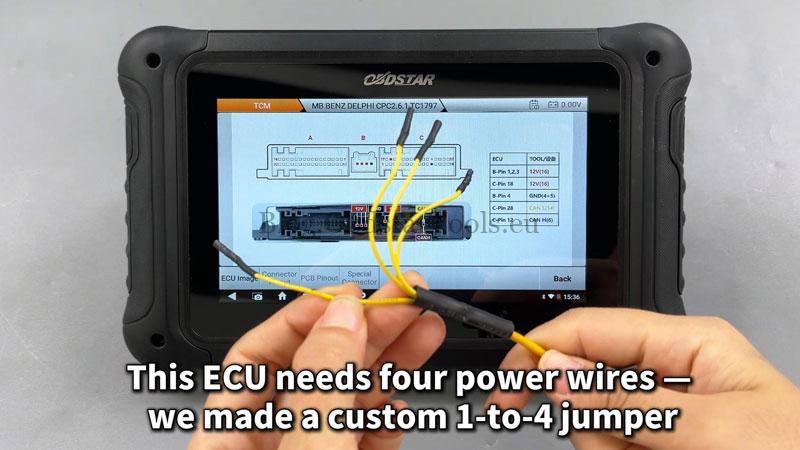
Tap [Connector Pinout]: This ECU needs 4 power wires – we made a custom 1-to-4 jumper
Refer to the wiring diagram to make the connection.
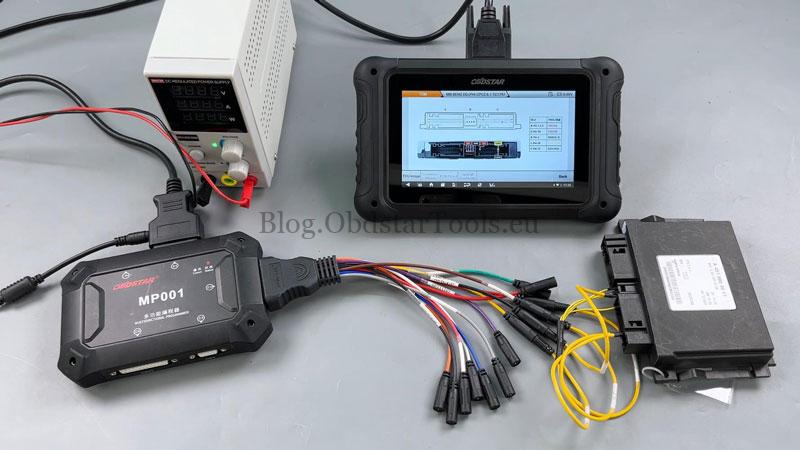
After the connection is successful, first back up the original INT flash/eeprom data.
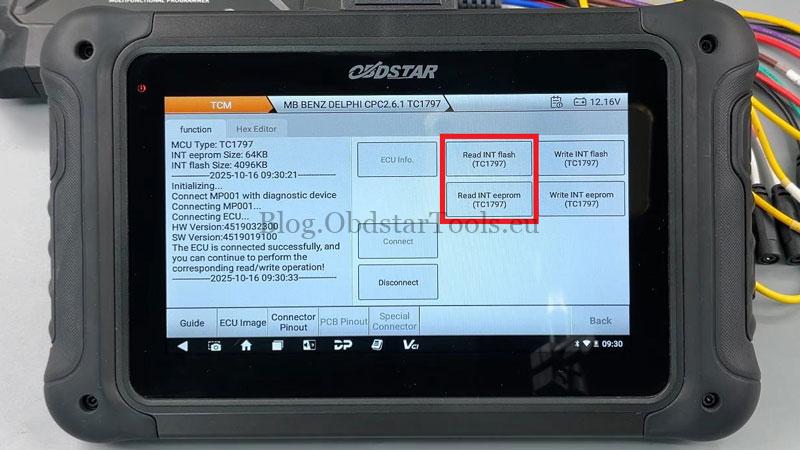
Click “Read INT flash(TC1797)”, save file.
Click “Read INT eeprom(TC1797)”, save file.
Now write data to the module.
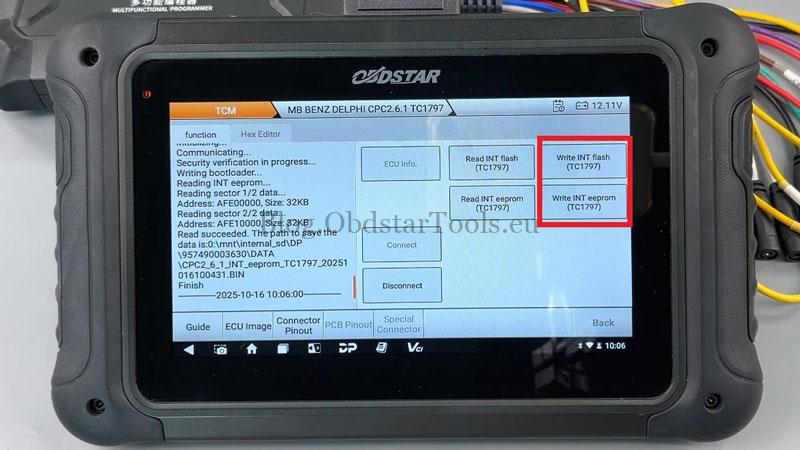
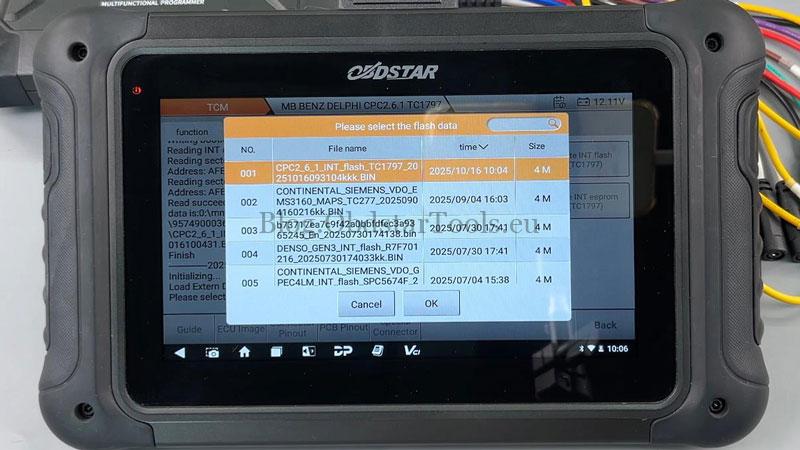
Write INT flash(TC1797) >> Load Extern Data
Flash writing succeeded.
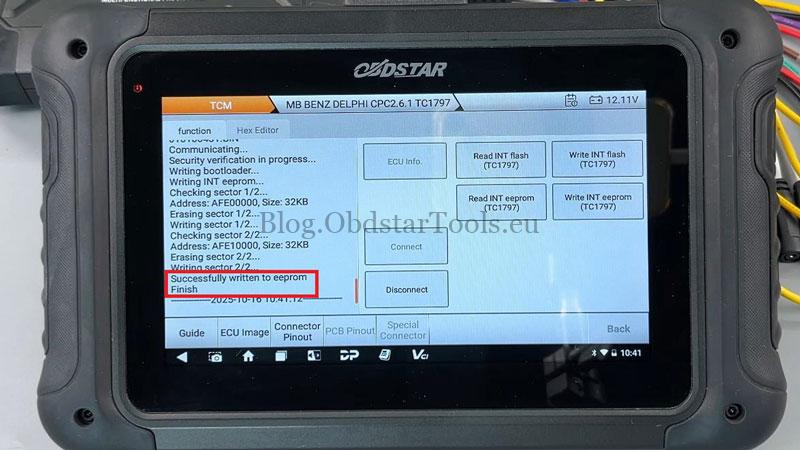
Write INT eeprom(TC1797) >> Load Extern Data
Successfully written to eeprom.
Operation complete.
The OBDSTAR DC706 Mercedes solution enables reliable TCM data repair and cloning.
Technical Support
Email: sales@obdstartools.eu
WhatsApp/Mobile/Wechat: +86 15972933706
Skype: OBDStarTools.eu