
This tutorial provides a streamlined process for reading/writing ECU data and performing an Immobilizer (IMMO) OFF on a HYUNDAI ME17.9.11.1 ECM using the OBDSTAR X300 Classic G3.
Preparation & Hardware
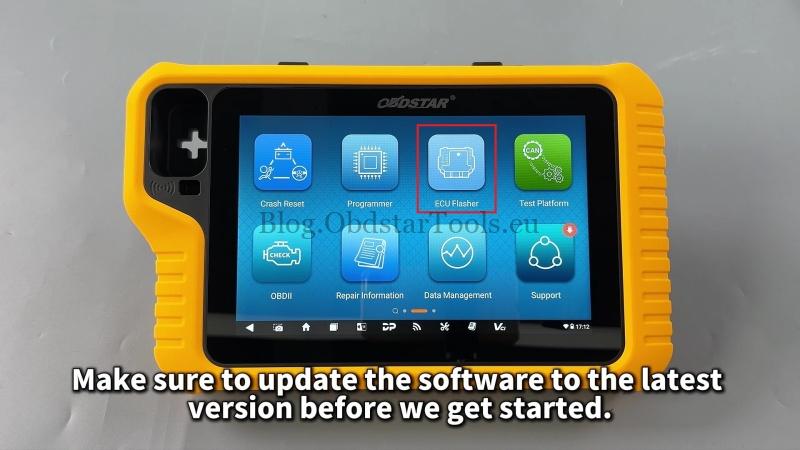
Before starting, ensure your software is updated to the latest version via the ECU Flasher menu.
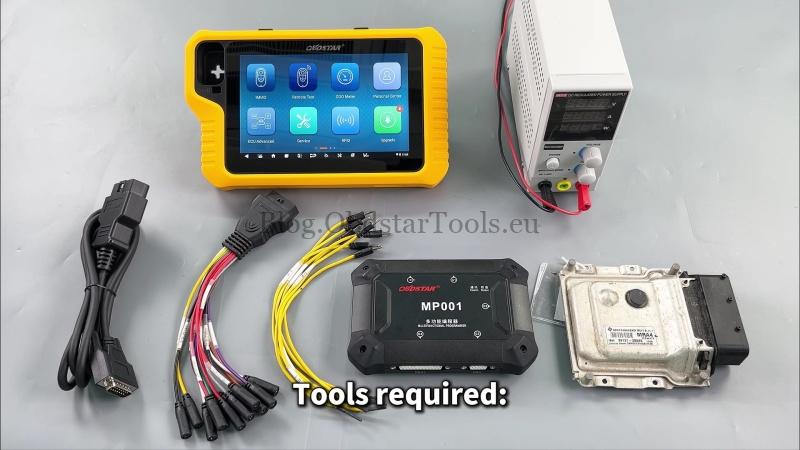
Required Tools
- Tablet: X300 Classic G3
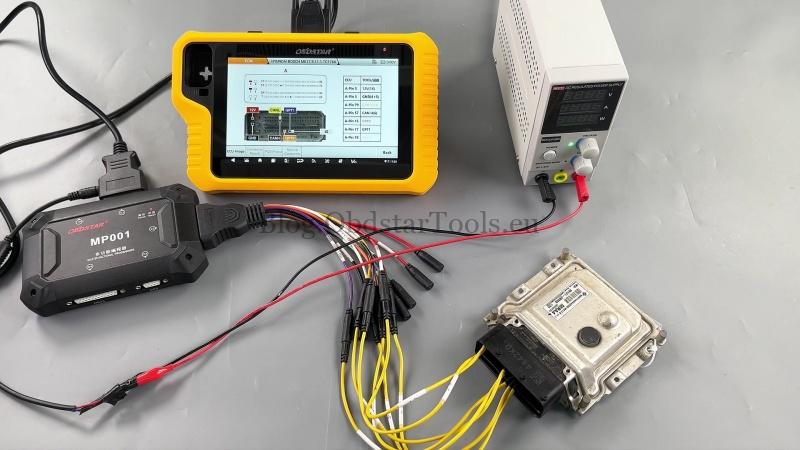
- Programmer: MP001 Set
- Accessories: Main cable, Jumper wires, and a high-power DC regulated power supply
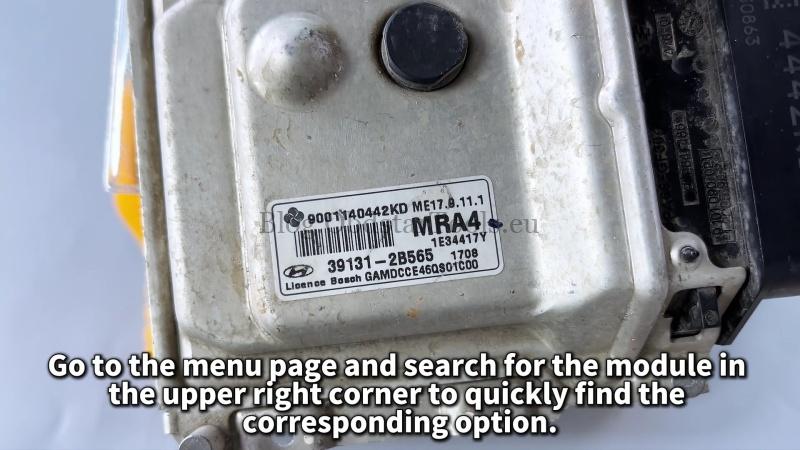
- Target ECU: HYUNDAI ME17.9.11.1 ECM
Step-by-Step Operation
1. Identify and Connect the Module
Navigate to: ECU Flasher > ECM.
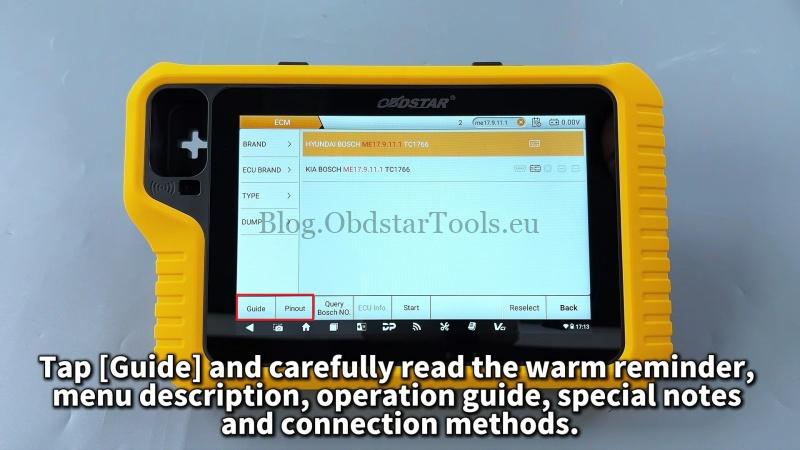
Use the search bar in the upper right corner to locate: HYUNDAI BOSCH ME17.9.11.1 TC1766 (MP001).
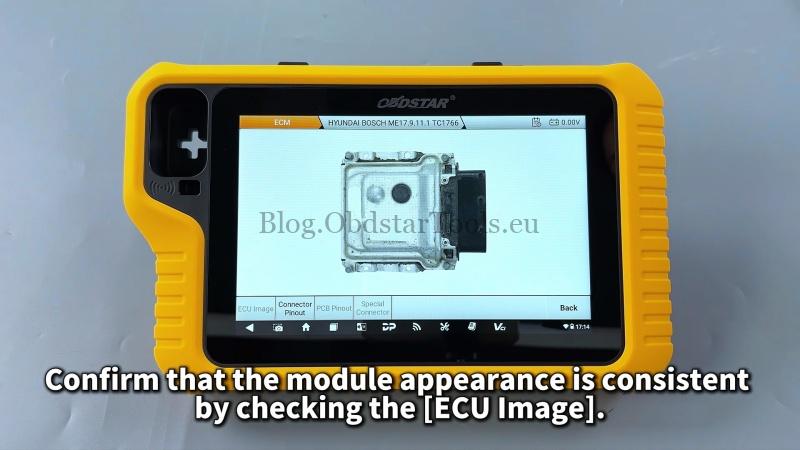
- Verify the hardware by selecting [ECU Image].
- Tap [Connector Pinout] and follow the wiring diagram to connect the ECM to the MP001 using jumper wires.
2. Data Backup (Read)
Tap Start > OK > Connect.
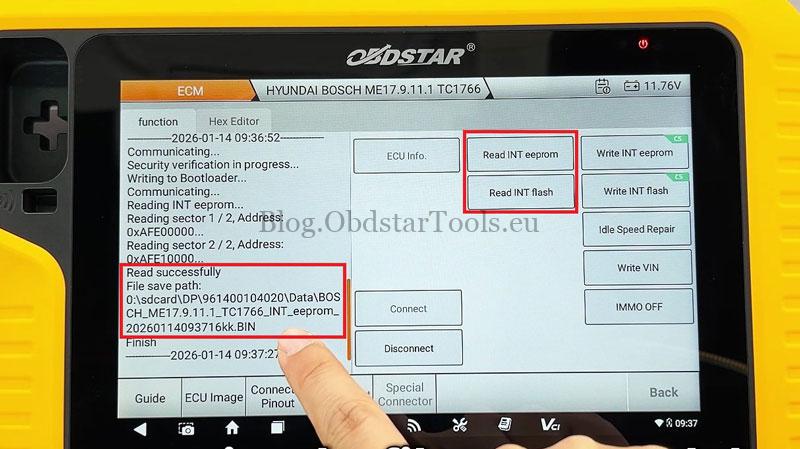
- Read EEPROM: Select [Read INT eeprom] and save the file.
- Read Flash: Select [Read INT flash] and save the file.
Note: Operation records and saving paths are visible on the left side of the screen.
3. Data Modification and Write
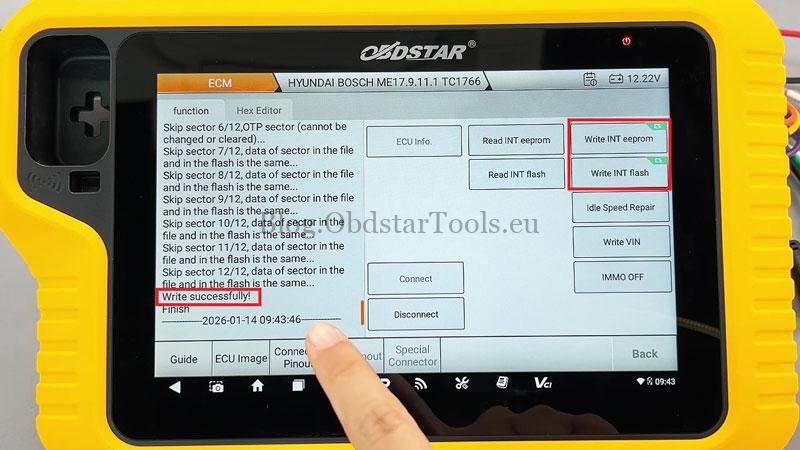
- Write Data: Select Write INT eeprom or Write INT flash. The system supports checksum (CS) verification for these operations.
- VIN/Idle Repair: You can also use the Write VIN or Idle speed repair functions as needed.
- IMMO OFF: Tap the [IMMO OFF] button, load your external INT flash data, and follow the prompts to write it.
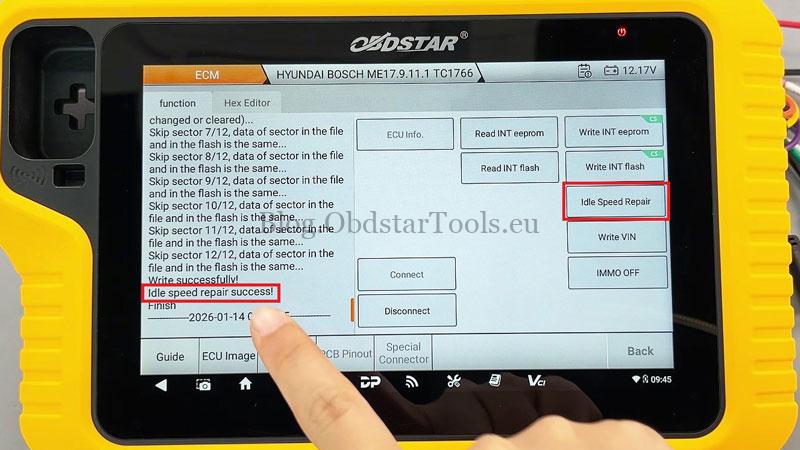


4. Completion
Once the screen displays “Write successfully,” the process is complete.
Disconnect the hardware and verify the ECU on the vehicle.
Technical Support
For further assistance with the OBDSTAR X300 G3, contact authorized support:
- Email: sales@obdstartools.eu
- WhatsApp/Mobile/Wechat: +86 15972933706
- Skype: OBDStarTools.eu