
Learn how to program a new key for a Volkswagen GEN4 instrument cluster (NEC24C64) using the OBDSTAR X300 Classic G3 and the VW4-AKL Cable – completely without soldering.
Step 1: Backup EEPROM Data
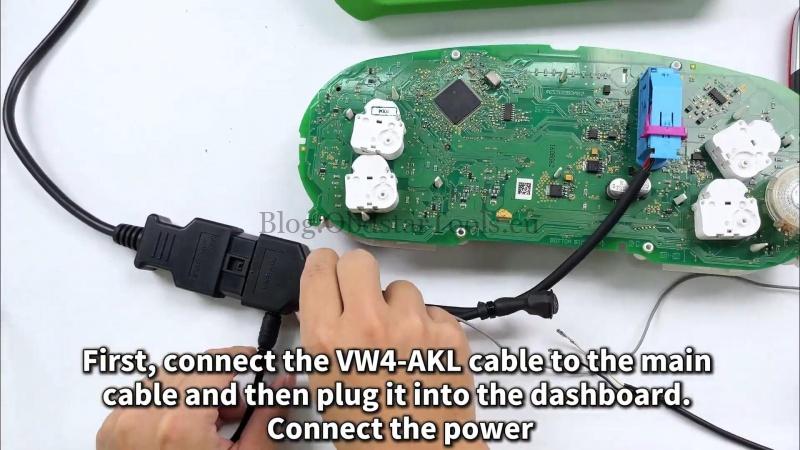
- Connect the OBDSTAR VW AKL Cable to the X300 G3 and the dashboard.
- Power on the dashboard.
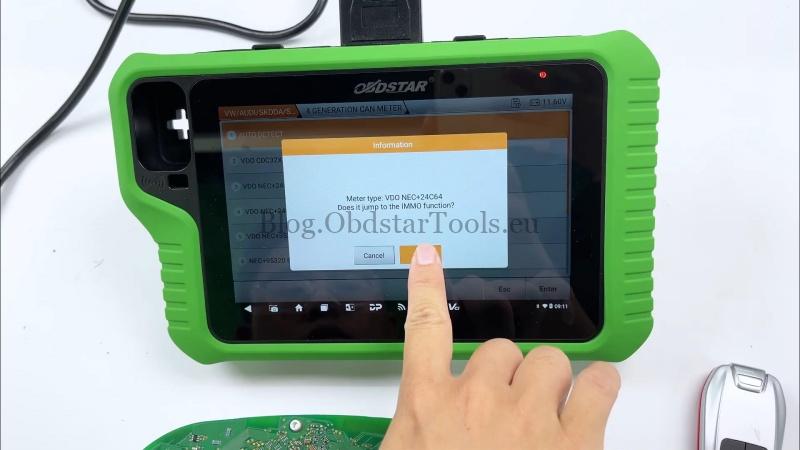
- On the X300 G3, navigate: IMMO > VW/AUDI/SKODA/SEAT > Manual Select > VW > 4 GENERATION CAN METER > AUTO DETECT.
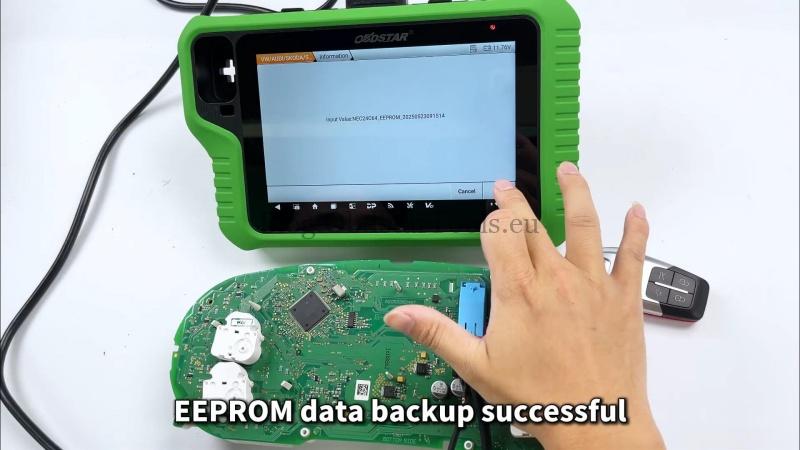
- Select All Keys Lost (read IMMO data via VW4-AKL cable) > Read EEPROM.
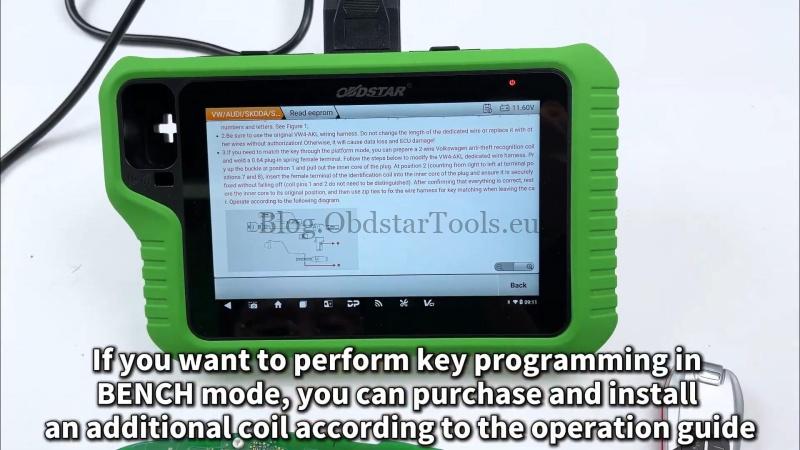
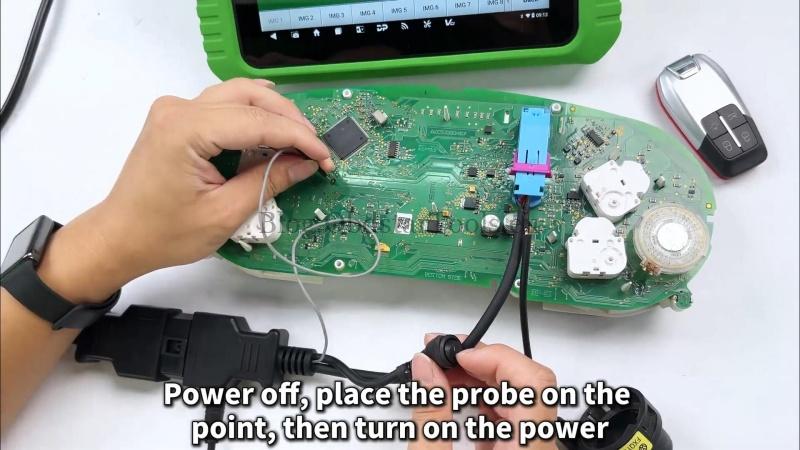
- Follow the on-screen guide to install the coil (if needed) by connecting to pins 7 and A successful backup is confirmed with a sound and a message.
Step 2: Read IMMO Data
- Select Read IMMO Data.
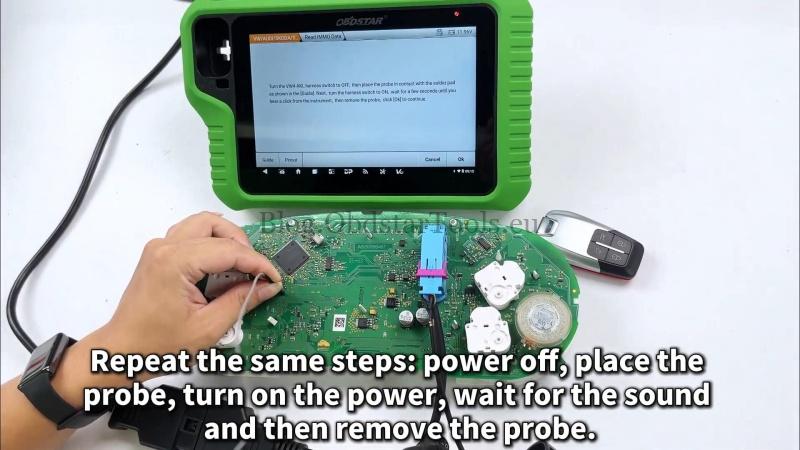
- Repeat the coil connection process: power off, place the probe, power on, wait for the sound.
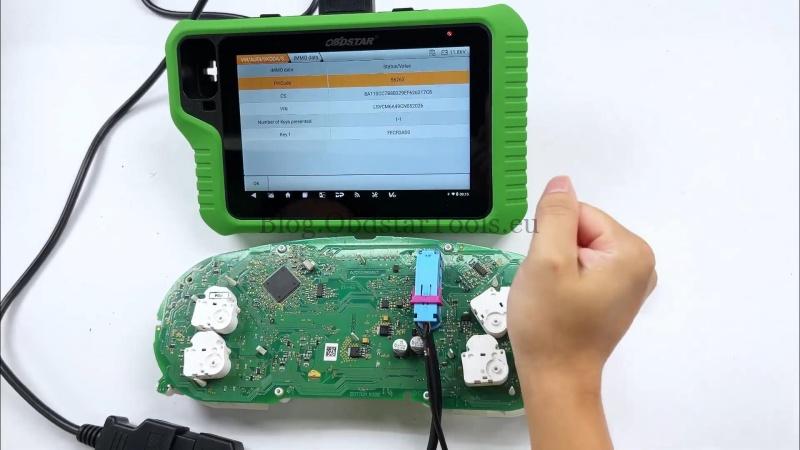
- The IMMO data will be read successfully.
Step 3: Program the Key
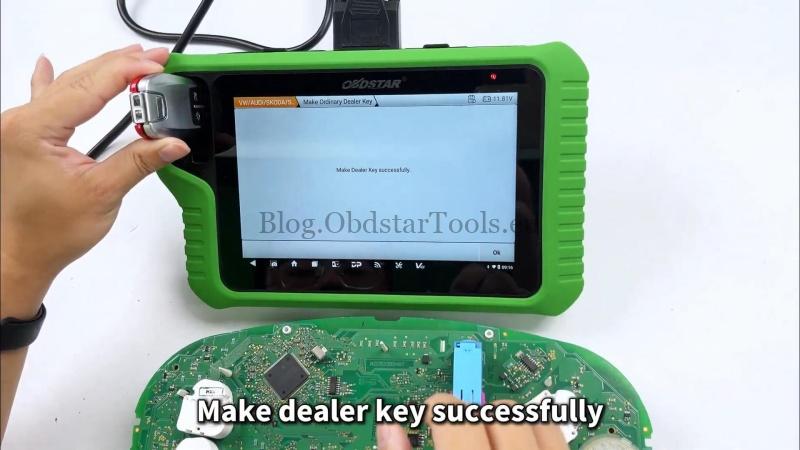
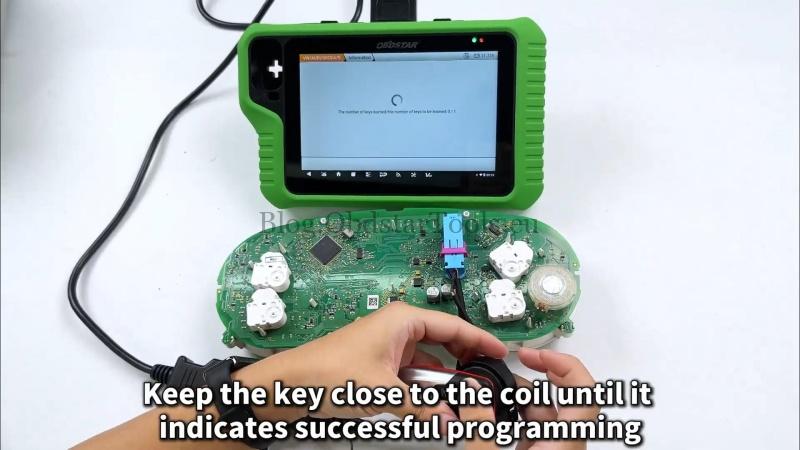
- Place the new key in the KEY MASTER G3 induction coil.
- Select Make Dealer Key and follow the prompts.
- Keep the key near the coil until programming is complete.
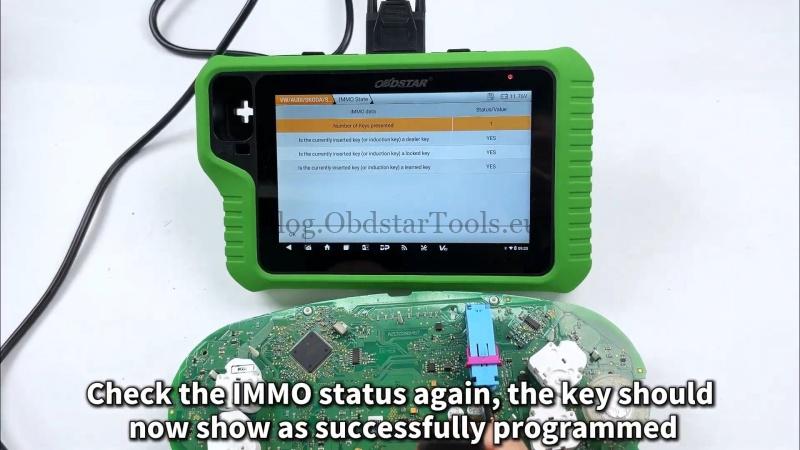
- Verify key status in the IMMO menu- it should now show as “programmed”.
Test the Key
Your new key is ready. Test it in the vehicle to confirm it starts the engine.
Contact Info:
Email: sales@obdstartools.eu
WhatsApp/Mobile/Wechat: +86 15972933706
Skype: OBDStarTools.eu