
If you’re setting up your OBDSTAR ODO Master and can’t find the ODO Meter application for mileage adjustment, don’t worry. This is a common initial setup hurdle that’s easy to overcome.
The OBDSTAR Odomaster is a professional tool that requires a quick online activation to unlock its full functionality. The missing ODO Meter app typically indicates that this activation process isn’t yet complete.
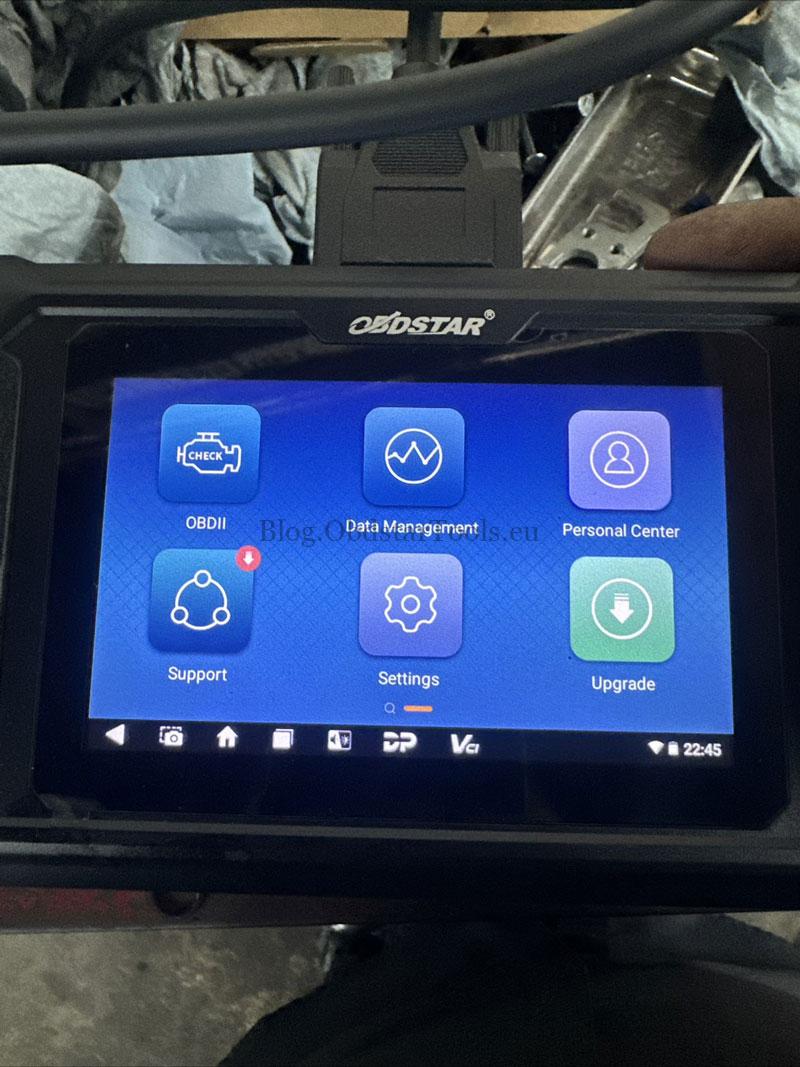
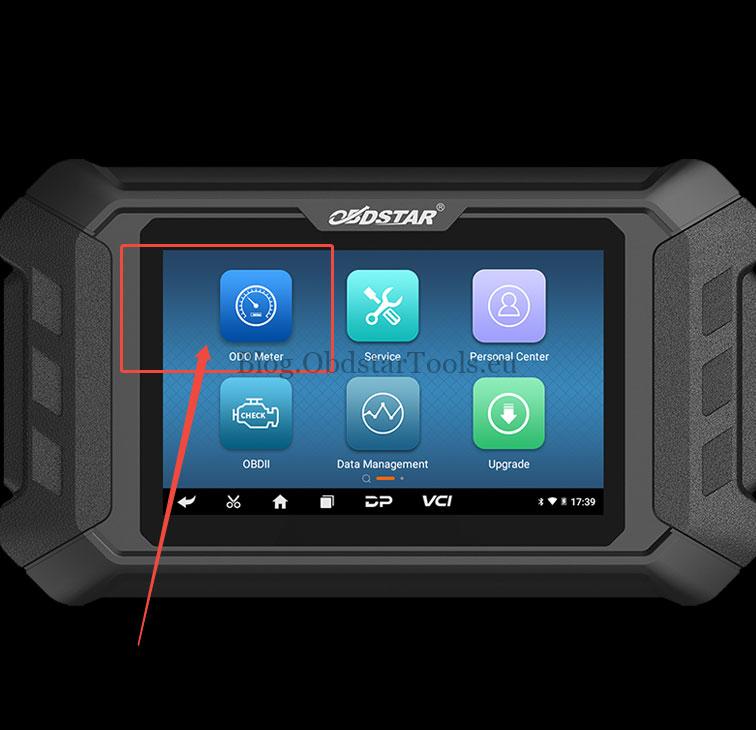
How to Get the ODO Meter App Back?
Follow these two straightforward steps to resolve the issue and access all features:
- Register &Log In
First, you need to create an official OBDSTAR account. Then, ensure you are logged into this account directly on your ODO Master device.
- Complete the Updates
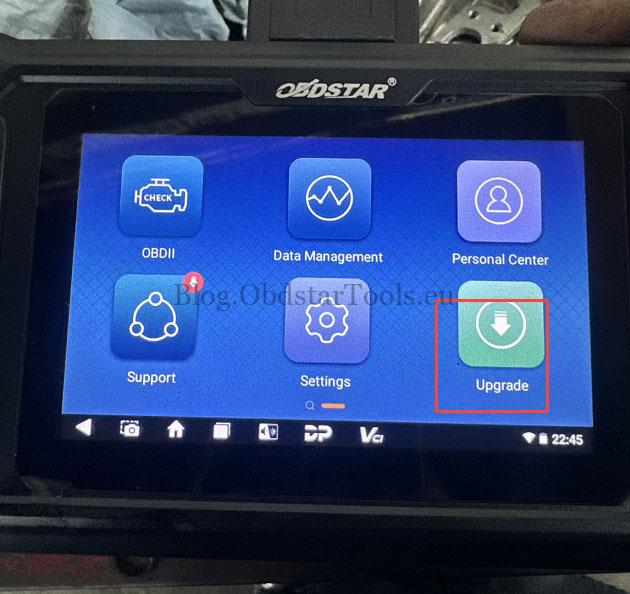
Next, navigate to the “Upgrade” menu on your device. Install all available updates listed there. This step downloads the necessary licenses and software, including the ODO Meter application.
After completing these steps and restarting the device, the ODO Meter app will appear on your desktop, ready for use.
Need More Help?
Email: sales@obdstartools.eu
WhatsApp/Mobile/Wechat: +86 15972933706
Skype: OBDStarTools.eu