
Introduction: This guide provides step-by-step instructions for changing the display language on the OBDSTAR Odo Master, a professional device used for automotive mileage correction and instrument cluster calibration.
Procedure:
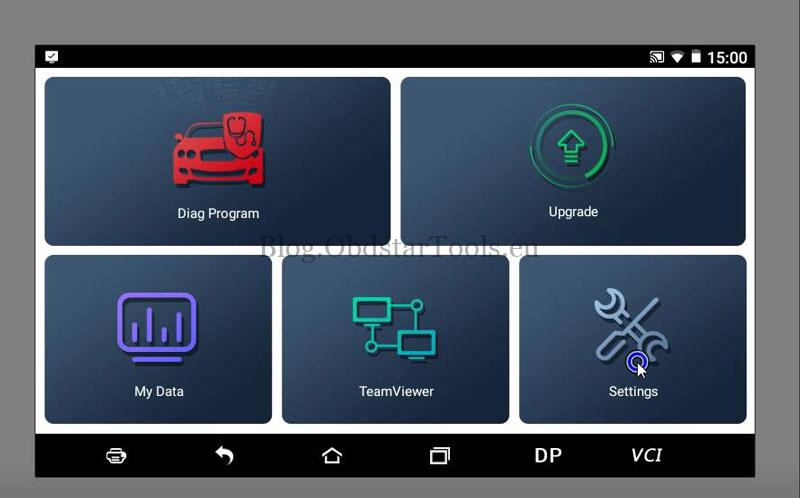
- Access the Settings menu on the OBDSTAR Odomaster
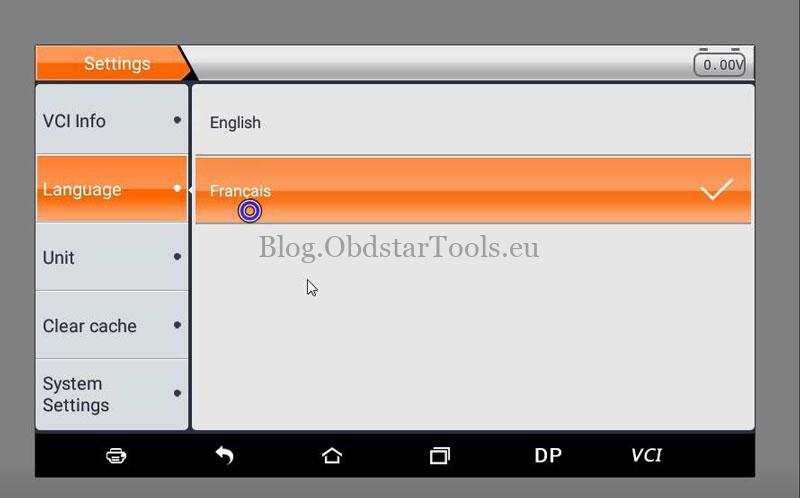
- Select the Language option.
- Choose your preferred language from the list (e.g., French).
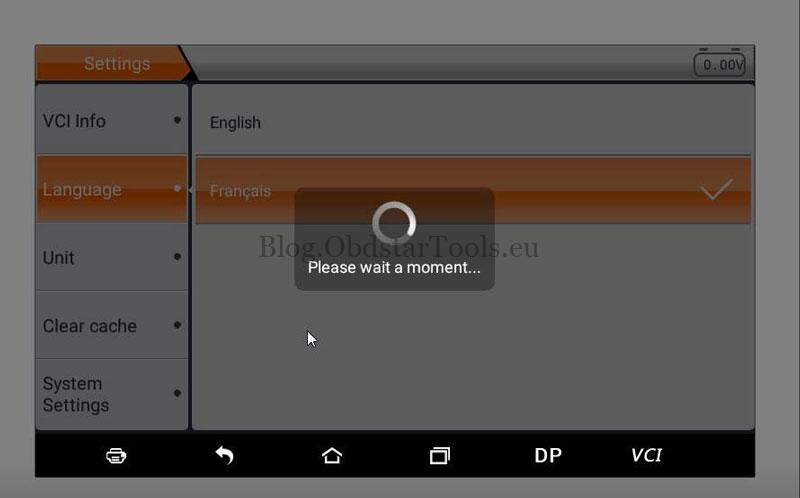
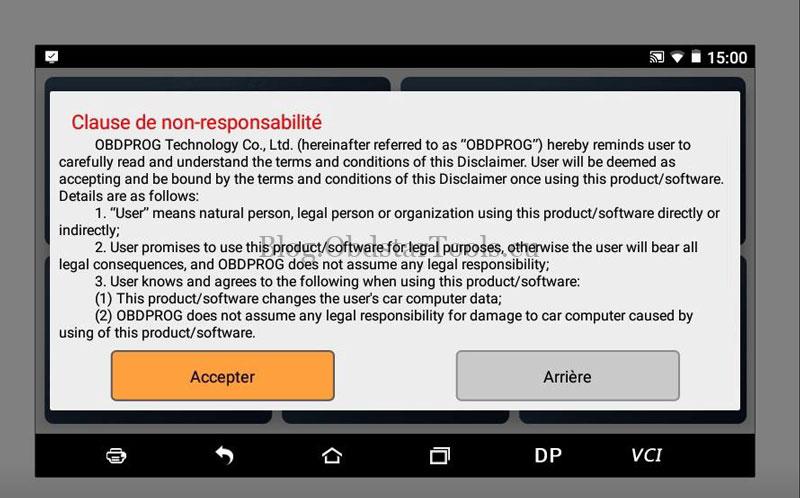
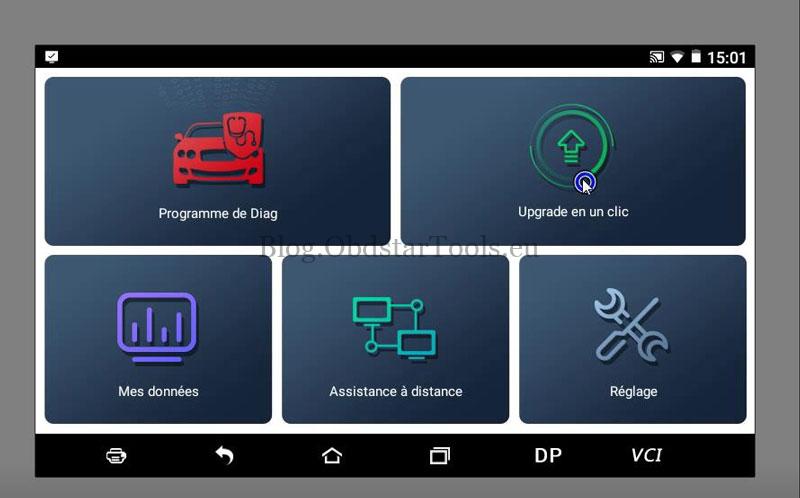
The OBDSTAR Odo Master device will automatically restart to apply the new language setting. After rebooting, the entire interface will be displayed in the selected language.
Post-Update Recommendation:
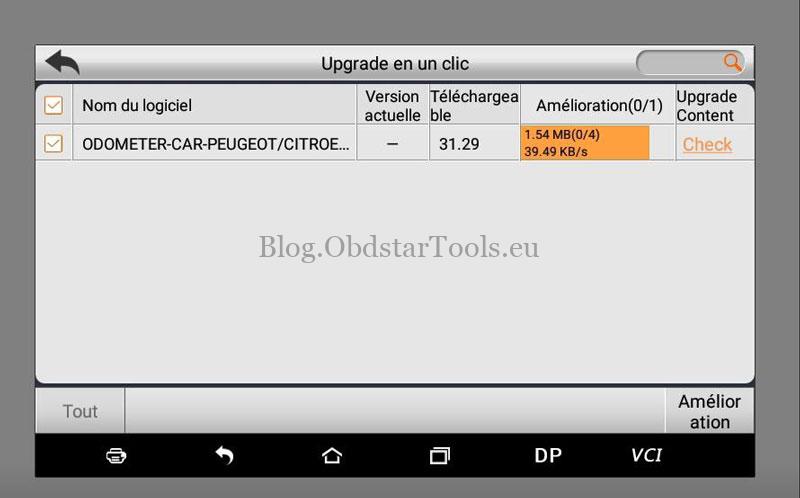
To ensure all mileage adjustment features function correctly with the new language, navigate to the Upgrade section, log into your account, and install any available software updates.
Watch Language Setup Video Tutorial:
Technical Support
Email: sales@obdstartools.eu
WhatsApp/Mobile/Wechat: +86 15972933706
Skype: OBDStarTools.eu