
This guide explains how to use the OBDSTAR X300M tool to perform mileage adjustment on a Peugeot 407 after dashboard replacement.
Initial Situation:
The vehicle’s dashboard displays 312,885 km.

Step-by-Step Process:
- Connect the Tool:
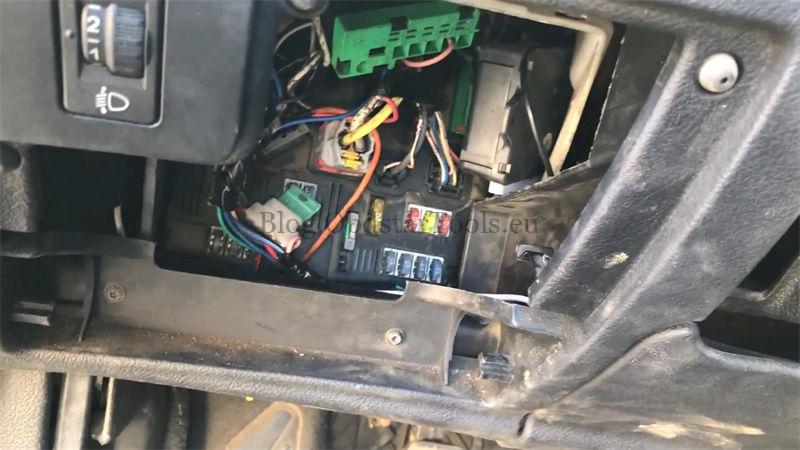
Plug the X300M Cluster Calibration tool into the vehicle’s OBD-II port.
- Navigate the Menu:
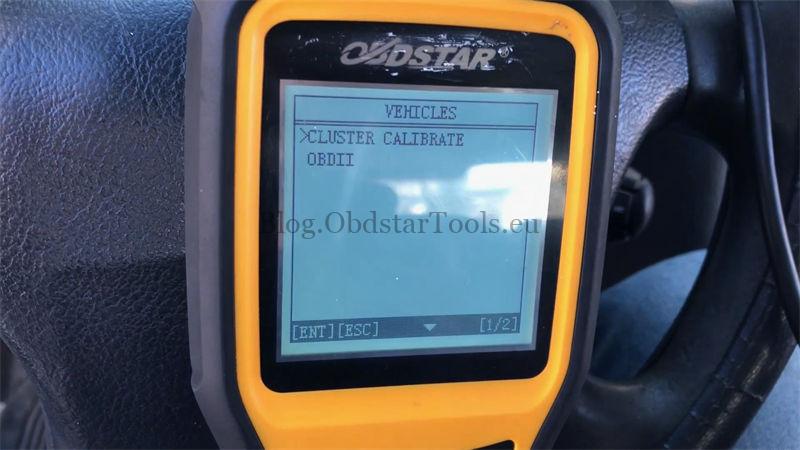
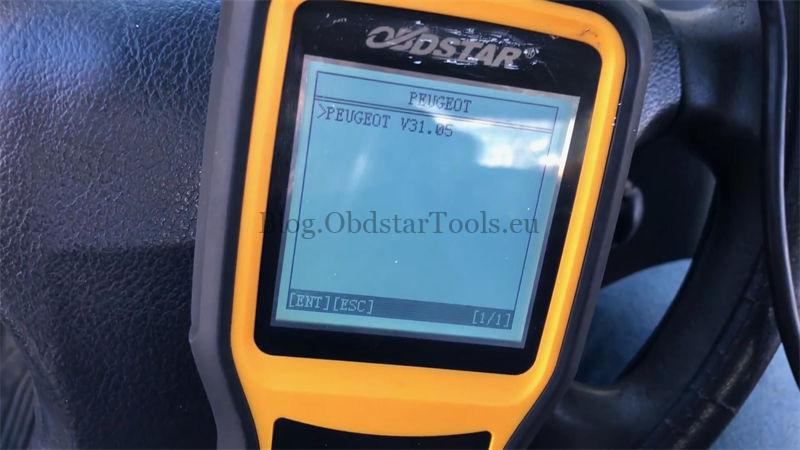
Go to: Vehicles → Cluster Calibrate → Peugeot → Peugeot V31.05 → BSI → Auto Select

- Turn Ignition On:
Switch the ignition to the ON position.
- Select Mileage Adjustment:
Choose the “Mileage Adjustment” option.
Confirm that “Read EEPROM” and “Read FLASH” have been performed.
- Verify Current Mileage:
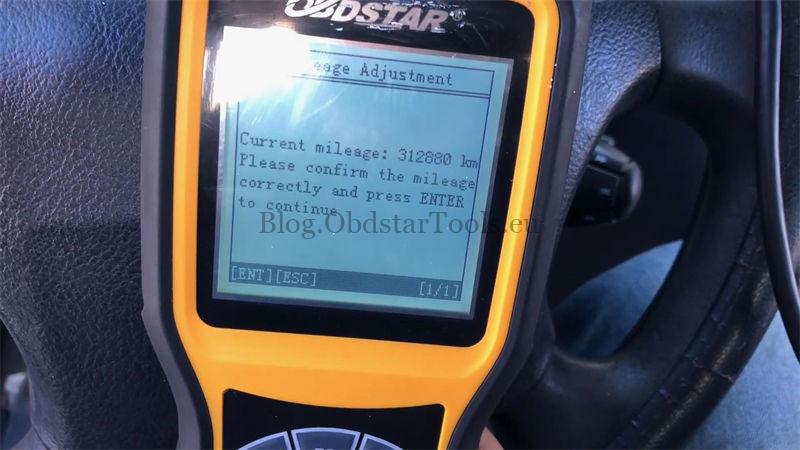
The tool displays the current mileage: 312,880 km. Confirm and press ENTER.
- Enter New Mileage:
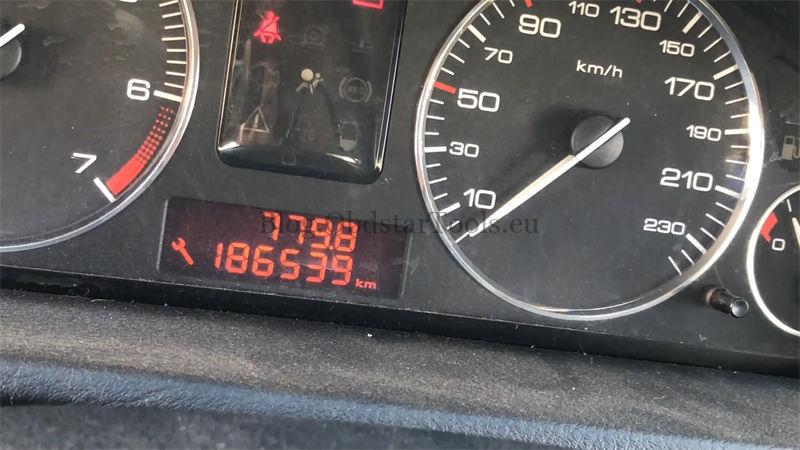
Input the desired mileage: 186,539 km.
Confirm the value again.


- Complete the Process:
Press ENTER. The tool will read and write the data.
This odometer correction process completes within moments.
Result:
The dashboard now displays 186,539 km, confirming a successful OBDSTAR X300M Odometer Adjustment.
For more information, visit: www.obdstartools.eu
Contact Info:
Email: sales@obdstartools.eu
WhatsApp/Mobile/Wechat: +86 15972933706
Skype: OBDStarTools.eu