
If you’ve recently purchased an OBDSTAR iScan Parsun Marine Scanner and can’t find the Parsun app, you’re not alone. This is a common question, and the solution is simple.
The Issue: No Parsun App on iScan Marine Scanner
Many users report that the Parsun-specific application does not appear automatically on their device. This can be confusing when you’re ready to start diagnosing.
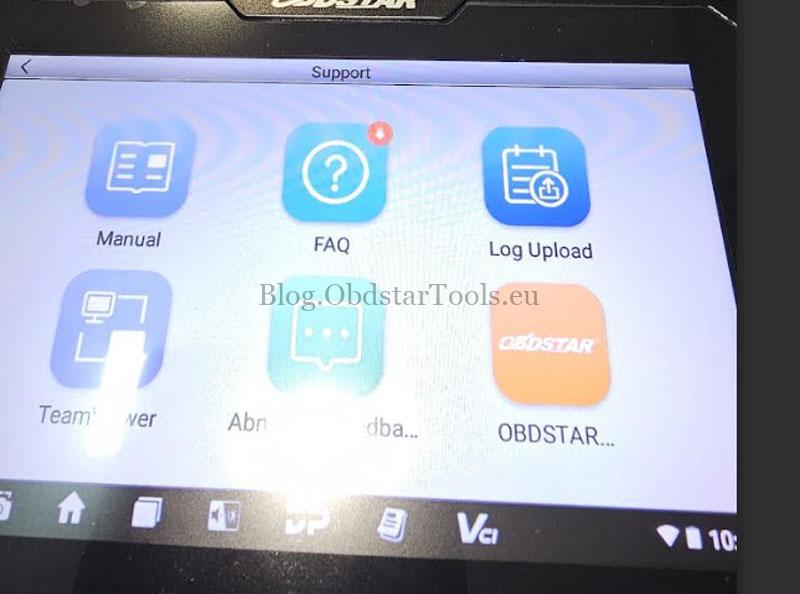
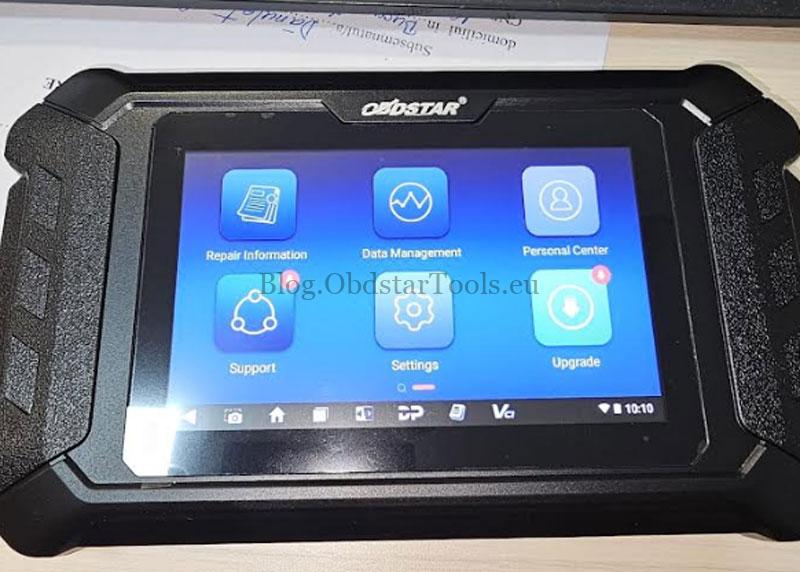
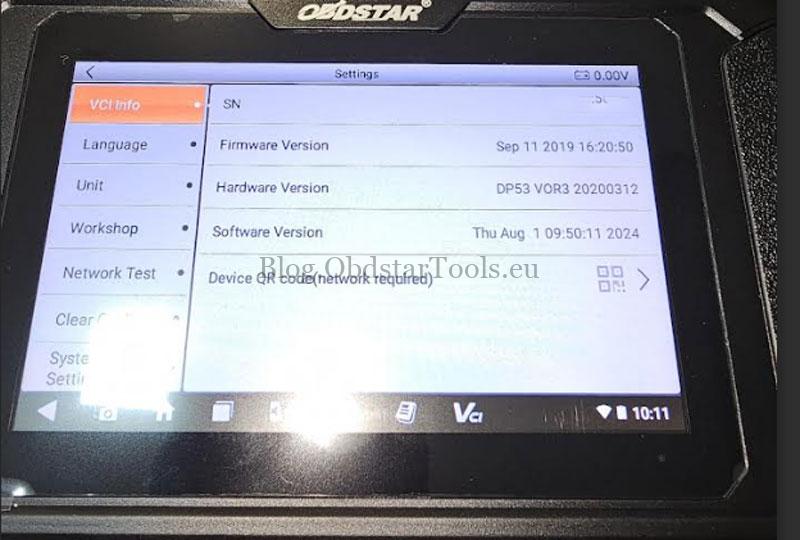
The Solution: Download via the Upgrade Menu
To install the Parsun app:
- Turn on your iScan Marine Scanner, login & update all available upgrades.
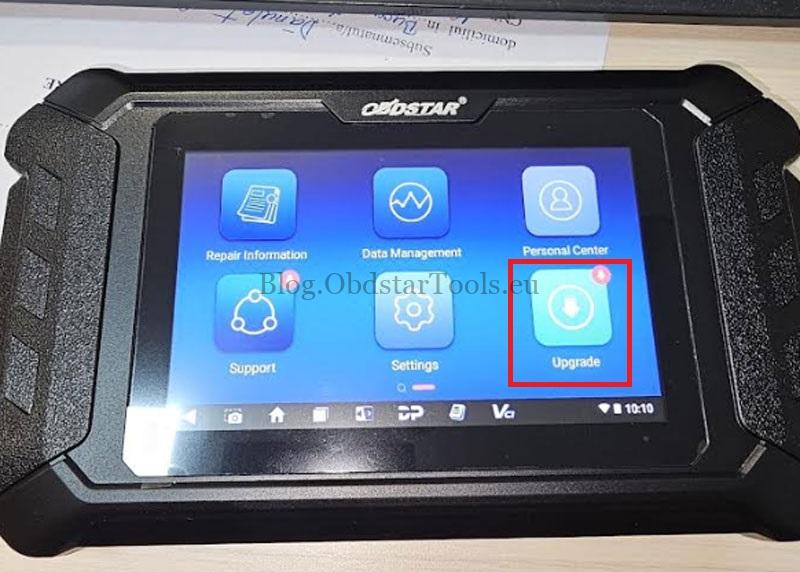
- Navigate to the “Upgrade” section in the main menu.
- From there, you can download and install the Parsun app directly.
This process ensures your Marine Scanner has the latest software and all necessary brand-specific applications.
Why Choose the OBDSTAR iScan Parsun Scanner?
The OBDSTAR iScan Parsun is a professional-grade diagnostic tool designed for marine engines. It offers:
- Comprehensive diagnostics for Parsun and other marine engines
- Easy software updates and app downloads
- User-friendly interface for professionals and boat owners
Read also:
How to Get the Moto Diag App on OBDSTAR iScan Guzzi Scanner?
How to Get the MOTO Diag App on OBDSTAR iScan Guzzi Scanner?
Fixed: Ducati App Missing on OBDSTAR iScan Ducati Scanner
Technical Support
Email: sales@obdstartools.eu
WhatsApp/Mobile/Wechat: +86 15972933706
Skype: OBDStarTools.eu