
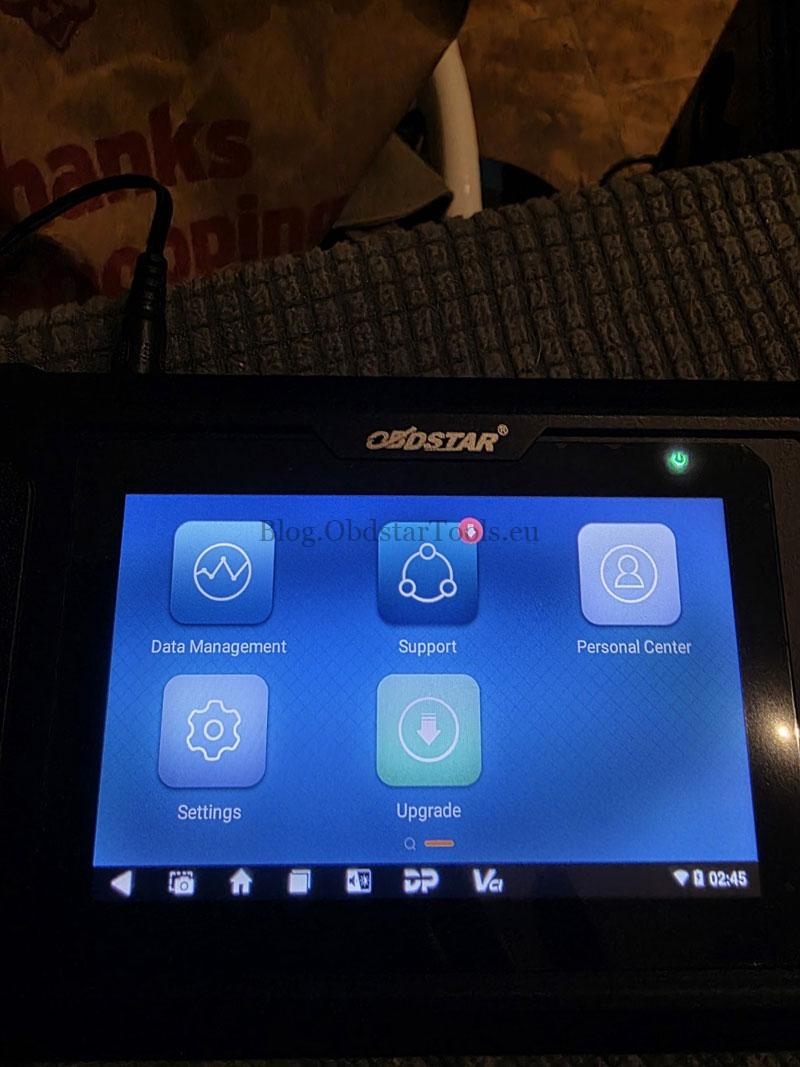
If you’ve recently purchased the OBDSTAR iScan Motorcycle Scanner series like iScan Guzzi but can’t find the “MOTO Diag” app on tablet, here’s the correct setup procedure.
Question:
“I’ve registered and downloaded the software for my OBDSTAR iScan Guzzi scanner, but the MOTO Diag app is missing. How do I get it?”
Answer:
To successfully access the MOTO Diag app, please follow these steps in order:
- First, register an OBDSTAR account and log in.
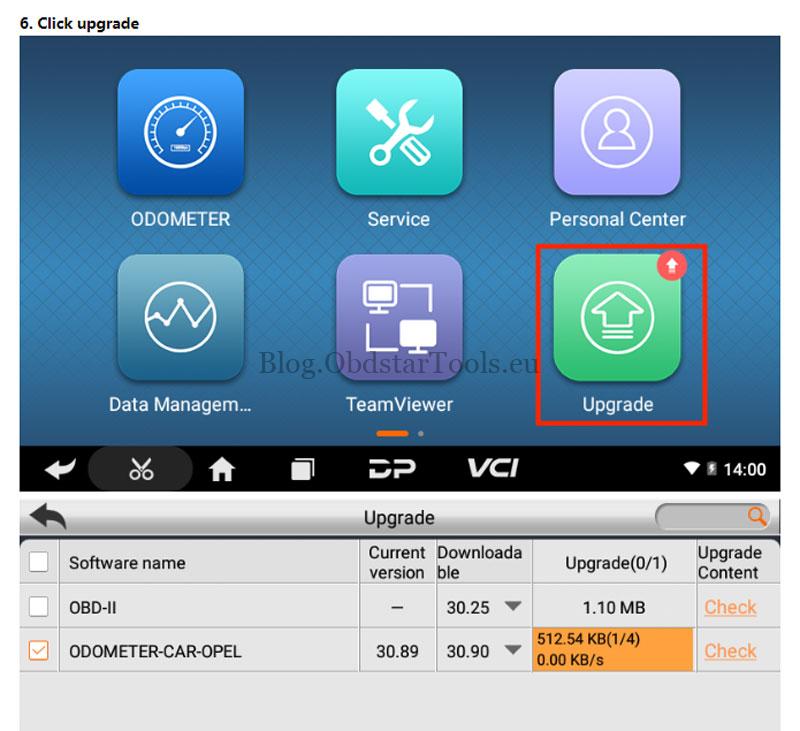
- Then, enter the “Upgrade” section to download the model software.
Important: Make sure to complete these steps in sequence. If you download the software before registering, the MOTO Diag app will not appear.
Once both steps are completed correctly, the MOTO Diag app will be available for use.
As a dedicated Motorcycle IMMO Diagnostic Tool, the OBDSTAR iScan Guzzi provides a professional solution for riders and technicians to handle everything from routine diagnostics to advanced immobilizer functions.
Read also
Fixed: Ducati App Missing on OBDSTAR iScan Ducati Scanner
Technical Support
Email: sales@obdstartools.eu
WhatsApp/Mobile/Wechat: +86 15972933706
Skype: OBDStarTools.eu