
This tutorial explains how to read and write Mercedes-Benz WABCO GS2 ST10F276+93C86 TCM using OBDSTAR ECU MASTER in BENCH mode.
Check Video Tutorial:
1. Prepare the Tools & Select the ECU
Required tools:
- ECU MASTER C
- Computer
- High-power DC regulated power supply
- USB cable
- HD-001 wiring harness
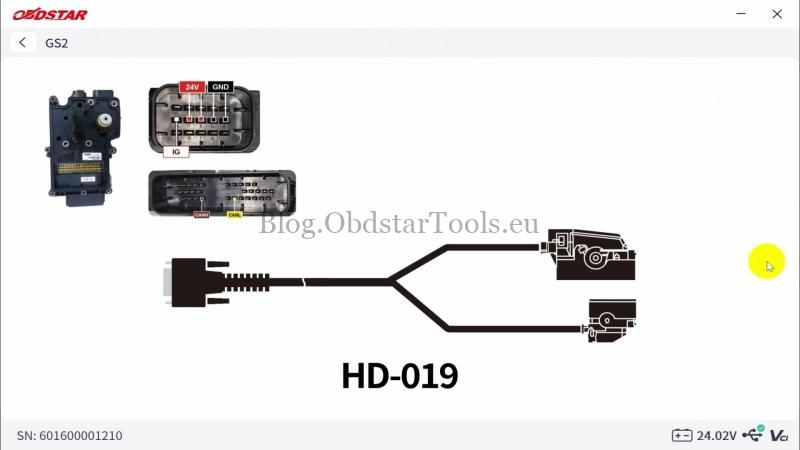
- HD-019 wiring harness
- Mercedes-Benz WABCO GS2 ST10F276 + 93C86 TCM
Open the ECU Master software and follow the menu path:
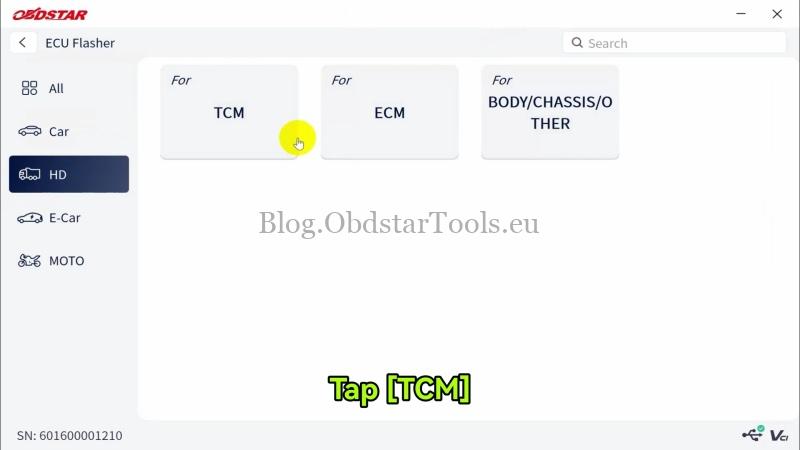
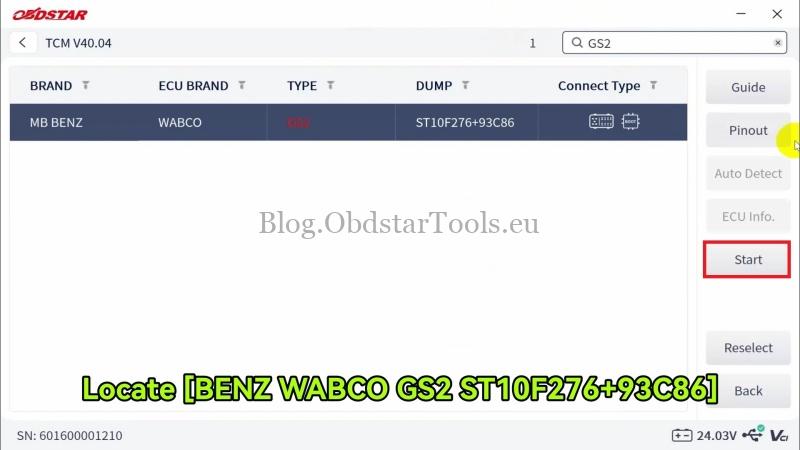
ECU Flasher >> HD >> TCM >> Latest Version >> MB BENZ, WABCO, GS2, ST10F276+93C86 >> Start >> BENCH >> OK
2. Check the Wiring & Connect the TCM
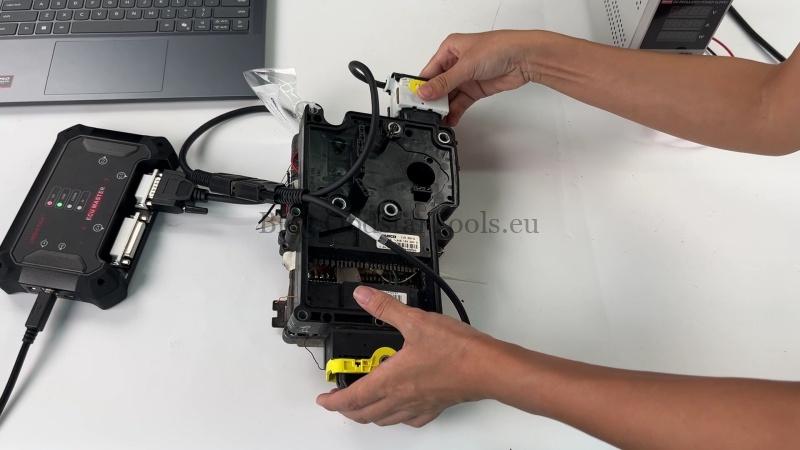
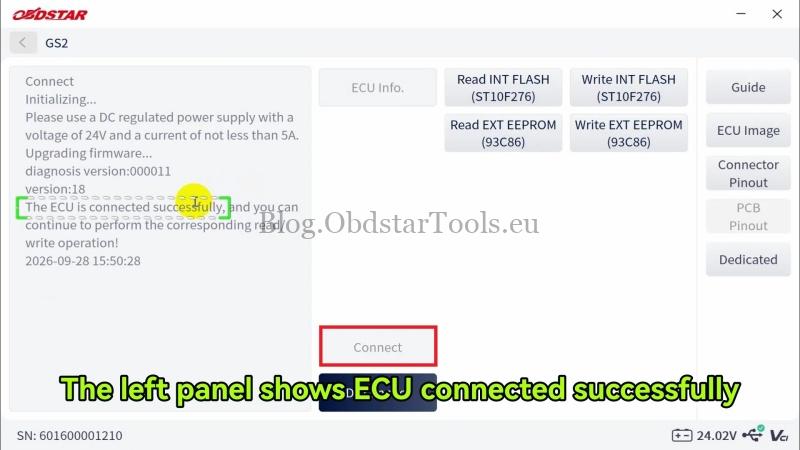
- Check Guide, View the ECU image, Connector Pinout, and Dedicated for wiring reference, then connect the harness according to the diagrams.
- Use a regulated DC power supply set to 24V with a current of at least 5A. Click Yes when prompted.
- The software should display ECU connected successfully.
3. Read FLASH & EEPROM Data
Read and save both memory areas:
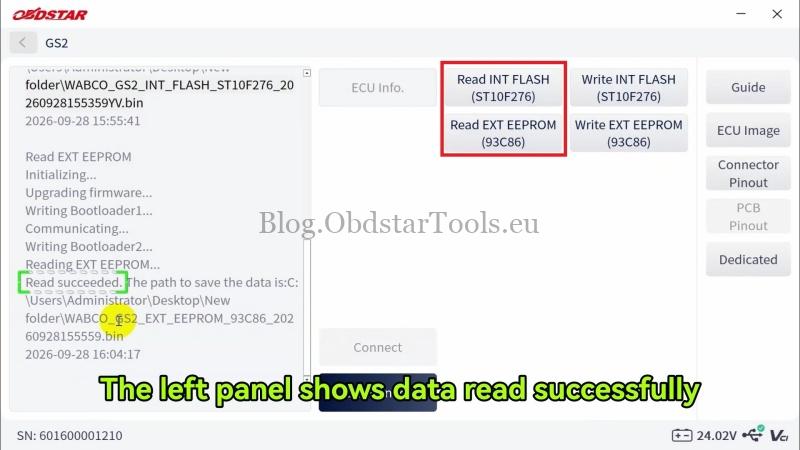
- Click Read INT FLASH (ST10F276) and save the FLASH data file.
- Click Read EXT EEPROM (93C86) and save the EEPROM data file.
The software will display a successful reading message for each operation.
4. Write FLASH and EEPROM Data
Load the corresponding data files to write the memory:
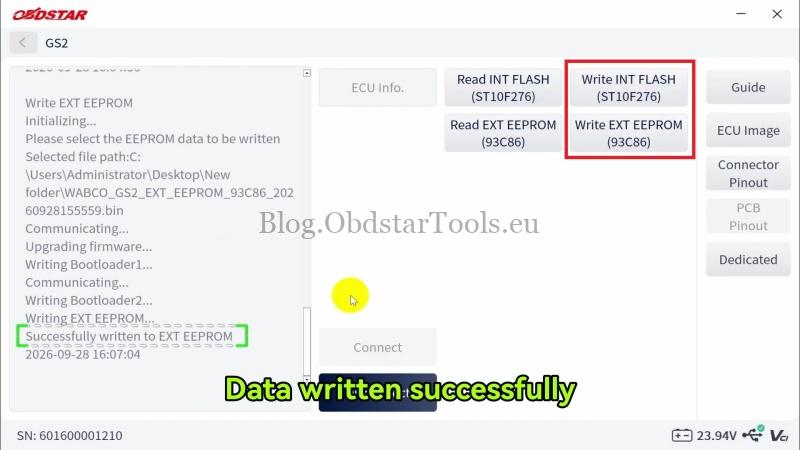
- Click Write INT FLASH (ST10F276), select the corresponding FLASH file, and click Yes.
- Click Write EXT EEPROM (93C86) and select the corresponding EEPROM file.
The software will confirm successful writing after each operation.
Technical Support
Email: sales@obdstartools.eu
WhatsApp/Mobile/Wechat: +86 15972933706
Skype: OBDStarTools.eu
www.obdstartools.eu