
Keeping your Mercury Marine engine in peak condition requires timely oil changes, but clearing those persistent service alerts shouldn’t be a headache. The OBDSTAR Marinemaster provides a professional-grade, streamlined solution for resetting maintenance indicators in just a few taps.
Preparation
To begin, you’ll need:
- OBDSTAR Marine Master
- Main Cable
- Mercury-specific Diagnostic Cable

Watch Video Tutorial:
Quick 3-Step Reset Process
1. Connect and Scan
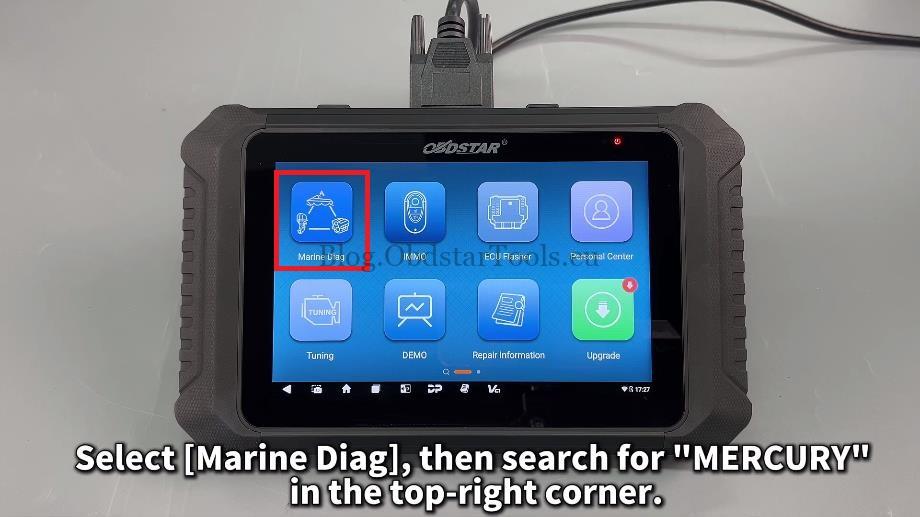
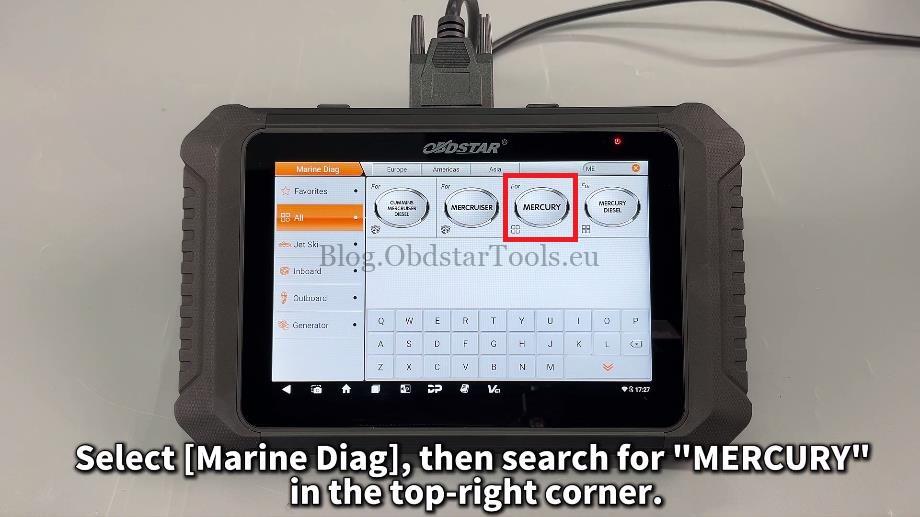
Plug the device into the boat’s diagnostic port. Navigate to: Marine Diag > MERCURY > Auto Scan.
2. Access Maintenance Menu
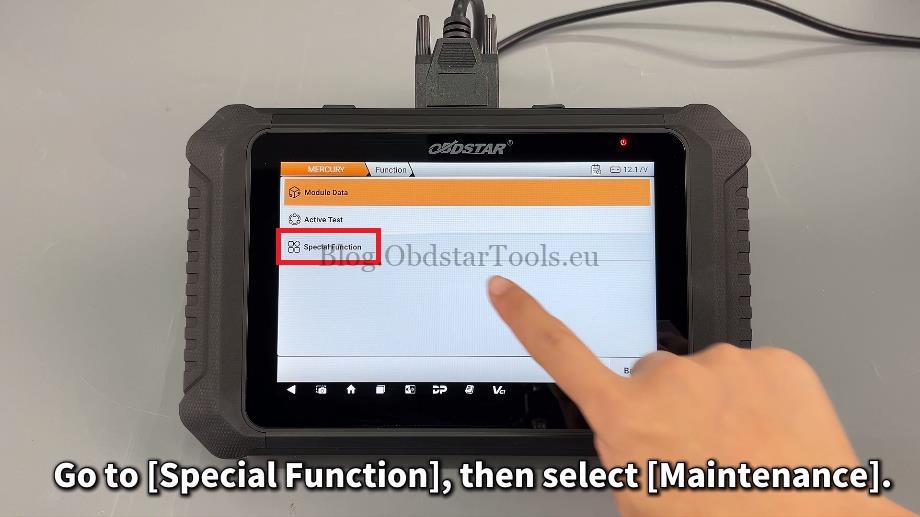
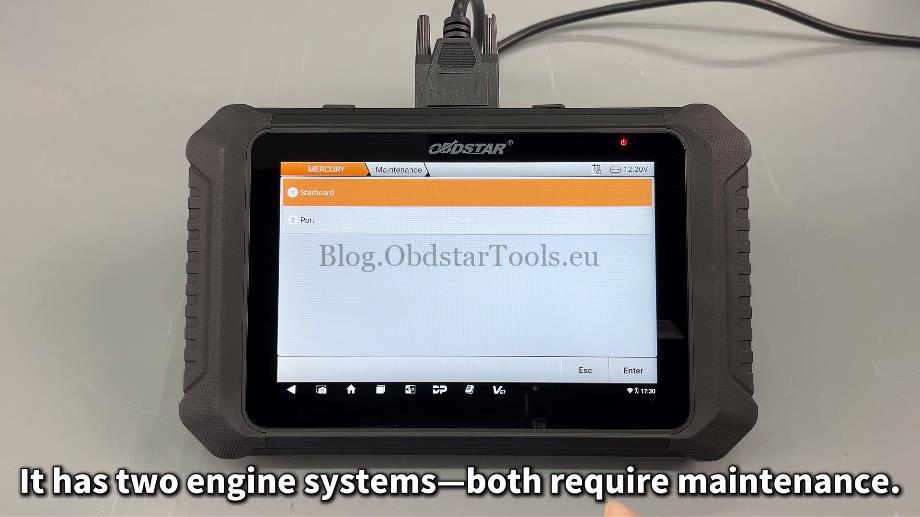
Select Special Function, then tap Maintenance. Choose the specific engine system (e.g., Standard) that requires the reset.
3. Execute Reset
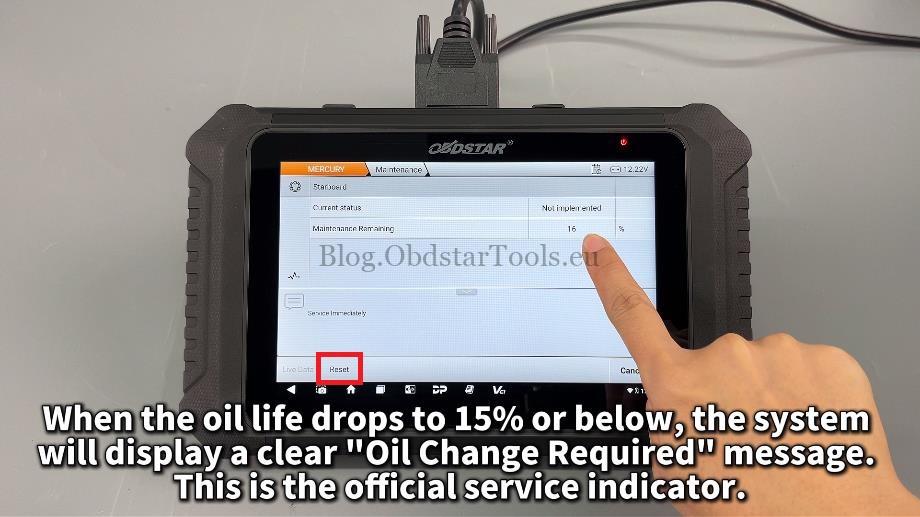
- Monitor Oil Life: The system triggers a warning when oil life is 15% or below.
- Reset: Tap “Reset”.
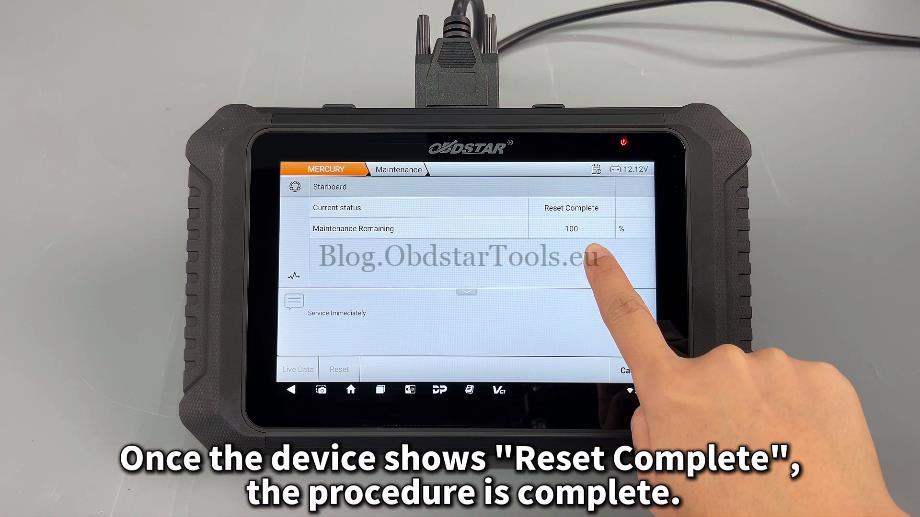
- Confirm: Once the screen displays “Reset Complete,” the procedure is finished.
Note: For dual-engine setups, simply repeat these steps for the second engine.
Why Use OBDSTAR Marinemaster?
The OBDSTAR MarineMaster is an essential tool for boat owners and technicians, offering the latest software versions to support official Mercury service indicators. It simplifies complex marine diagnostics into a user-friendly interface, making professional maintenance accessible to everyone.
Contact Info:
- Email: sales@obdstartools.eu
- WhatsApp/Mobile/Wechat: +86 15972933706
- Skype: OBDStarTools.eu
- Website: www.obdstartools.eu