
I used the OBDSTAR X300 Classic G3 to successfully add a new spare key for 2018 Ford Ranger in under 3 minutes. The OBD procedure was quick and straightforward. Here’s how it went.
Required Tools
- X300 Classic G3
- a Blank New Key
- An Original Working Key
1. Select Vehicle & Check Key Count
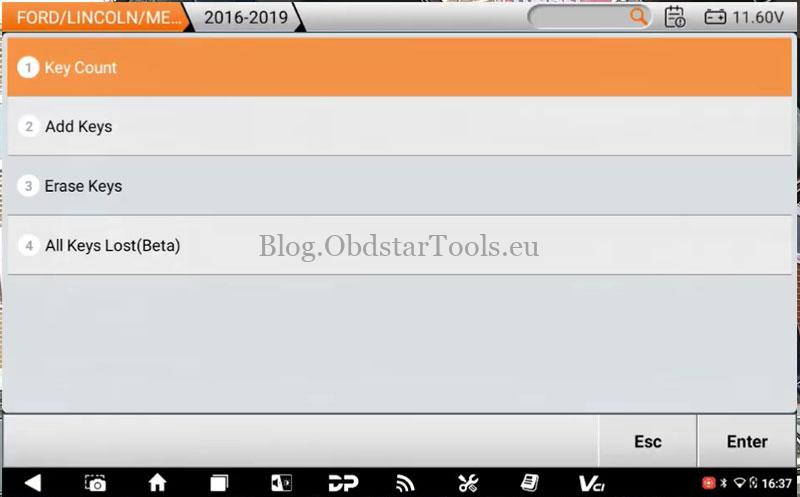
- Connect the OBDSTAR X300 G3 to the vehicle’s OBD port. Follow this menu path: IMMO >> Car >> Ford >> Manual Select Model >> FORD >> EUROPE >> RANGER >> BLADE >> 2016–2019.
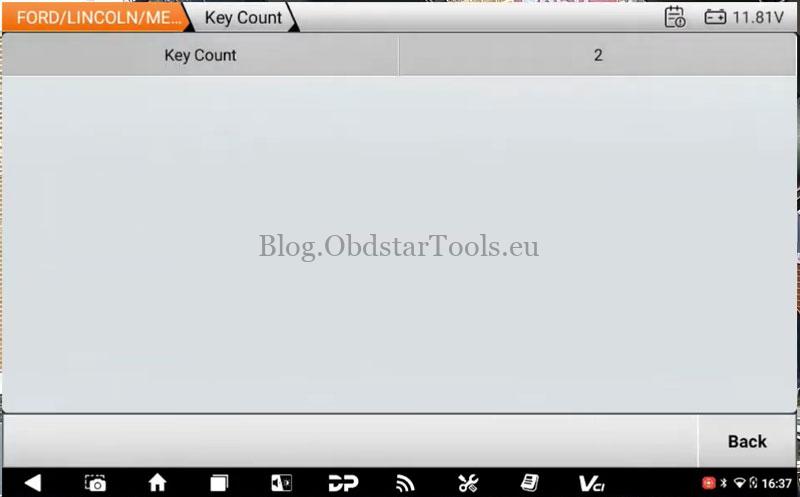
- Select Key Count to check the number of registered keys. The tool showed two keys on this vehicle.
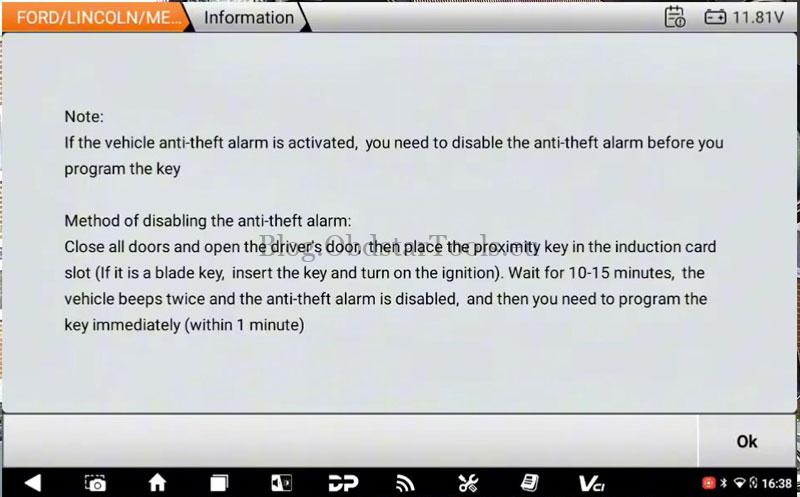
- Select Add Keys. The tool connects to the server and displays the programming instructions. If the vehicle’s anti-theft alarm is activated, disable it before continuing.
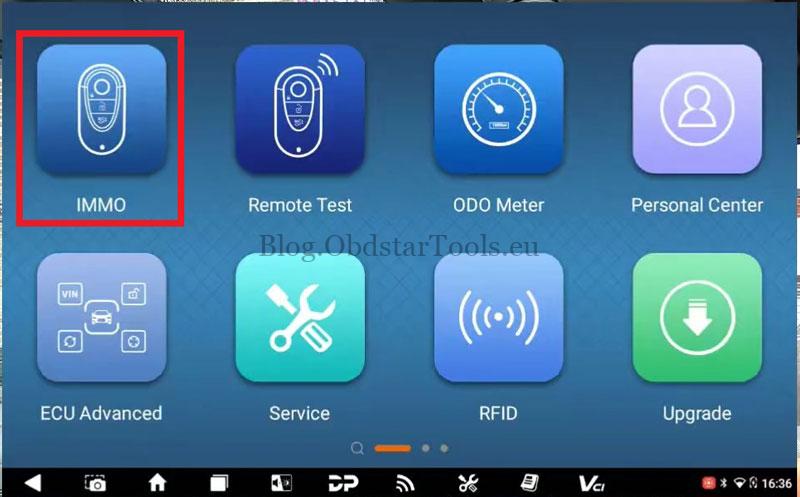
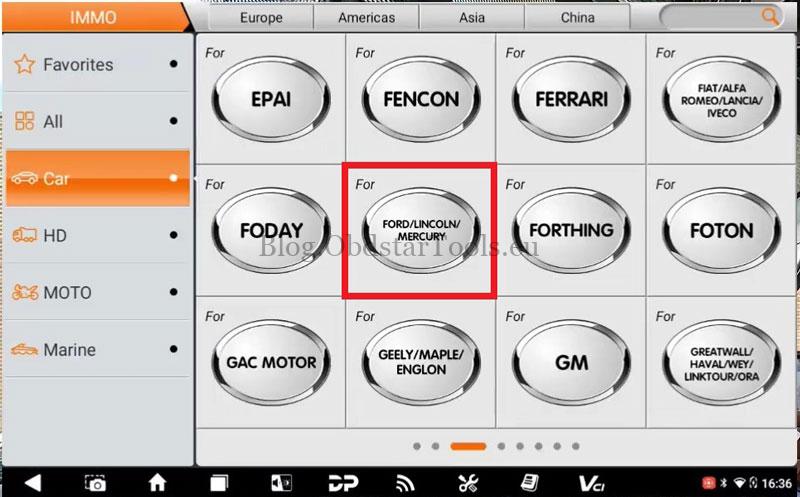
2. Read Vehicle Data with Original Key
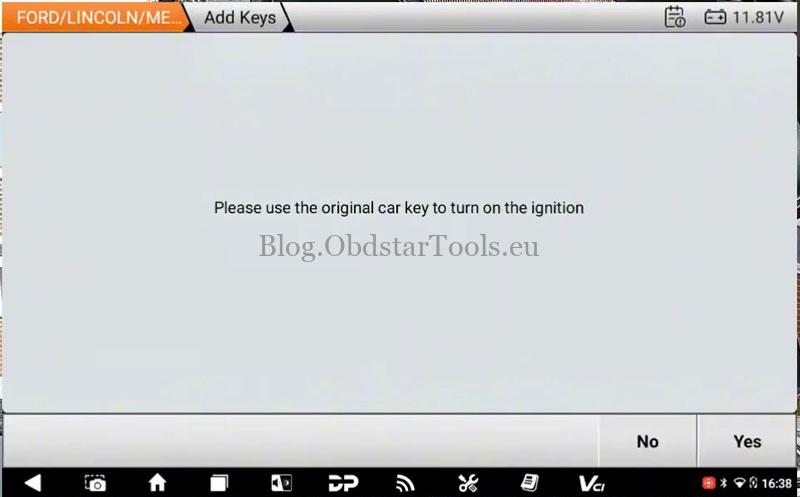
- Insert the original working key and turn the ignition on as prompted. The X300 G3 reads vehicle data and bypasses security.
- Wait while the tool communicates with the vehicle modules. The instrument cluster and radio may temporarily go blank during this process.
- When prompted, switch the ignition off and press OK.
3. Program the New Key
- Remove the original key, insert the blank new key, and turn the ignition on.
- Wait for programming to finish. The indicators may flash and the door locks may cycle during the process.
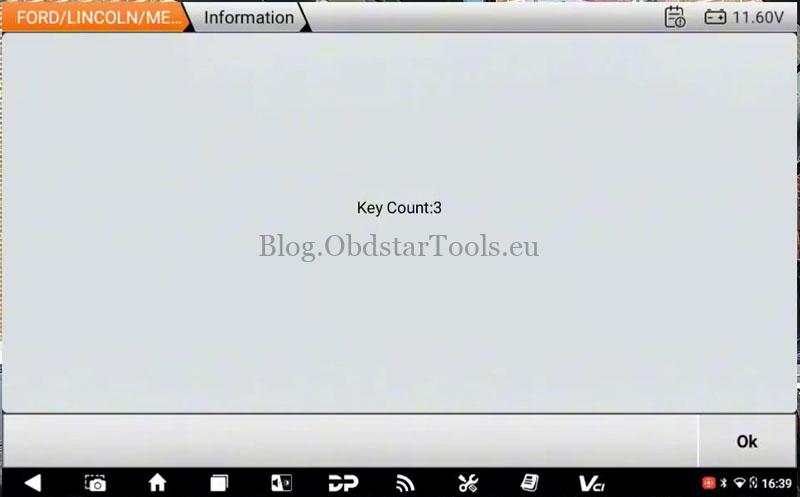
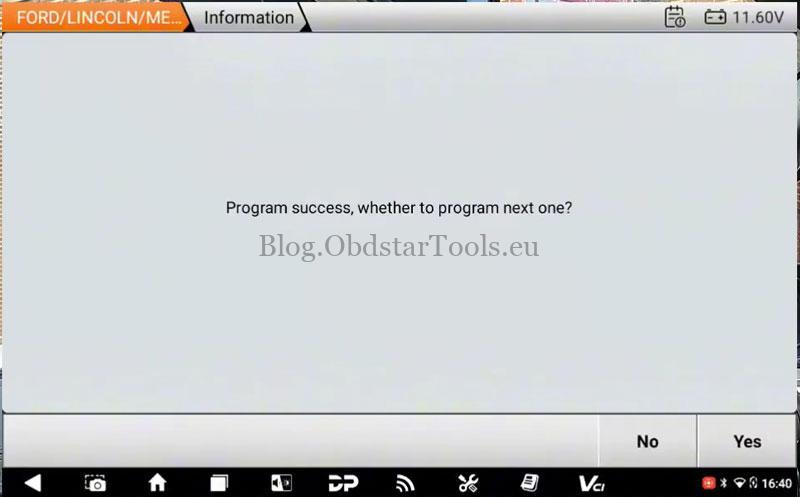
- Check that the key count has increased to three, then press OK. When asked whether to program another key, select No.
4. Test the New Key
Test the lock and unlock buttons, then start the engine. Confirm the vehicle starts normally and the basic remote functions work.
Contact Info:
Email: sales@obdstartools.eu
WhatsApp/Mobile/Wechat: +86 15972933706
Skype: OBDStarTools.eu
www.obdstartools.eu