
The OBDSTAR DC706 ECU Tool supports reading and writing data, reading coding, and changing left or right side configurations on Volvo HCM (Hardware Control Module) units. This guide provides clear, simple steps to perform these operations using the DC706, also compatible with the OBDSTAR X300 Classic G3.
Tools Required
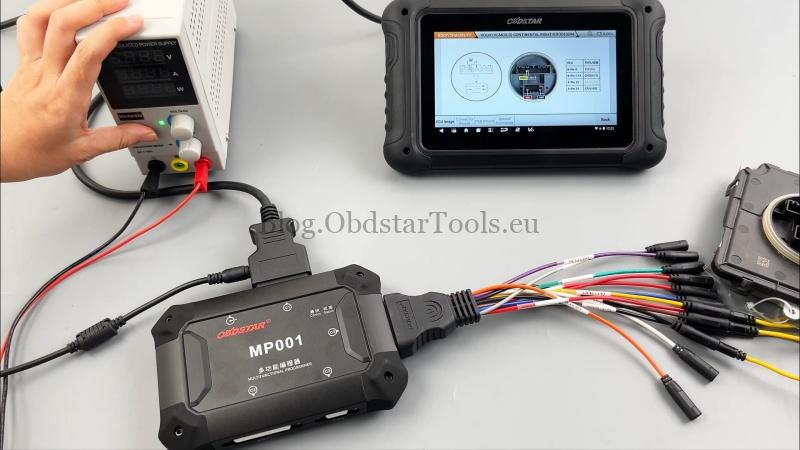
High-power DC regulated power supply
Main cable and ECU clone jumper
120Ω resistor
Volvo HCM module
Step 1: Software Update
Ensure your OBDSTAR device has the latest software installed. Connect to the internet and update through the device menu before starting.
Step 2: Select Module and Connection Type
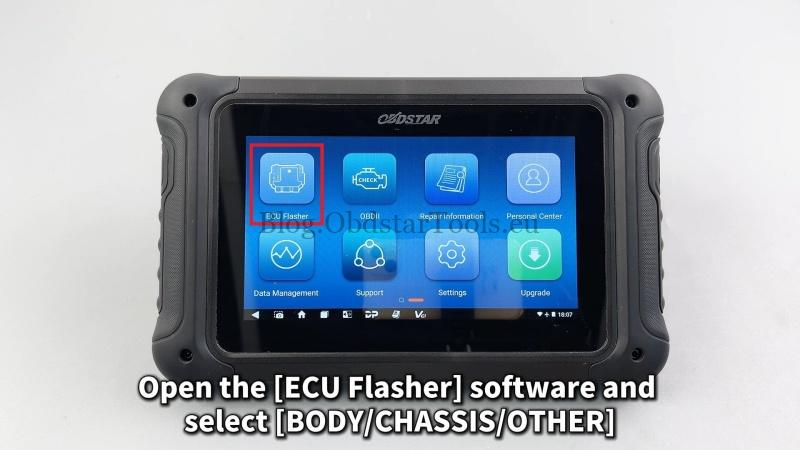
- Open ECU Flasher on the DC706.
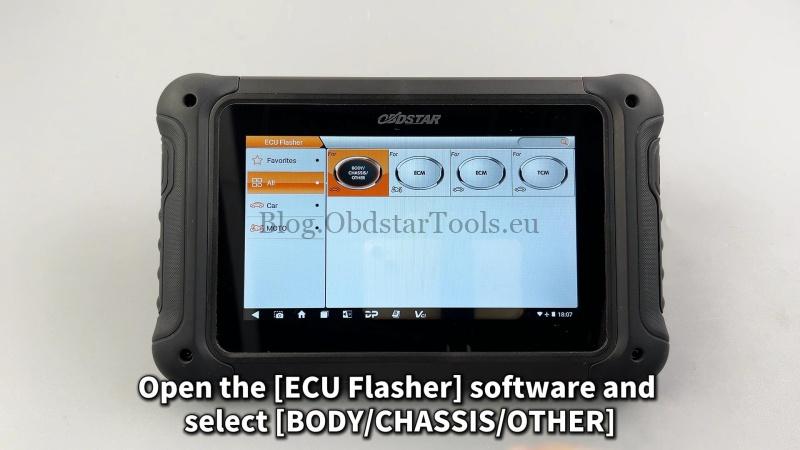
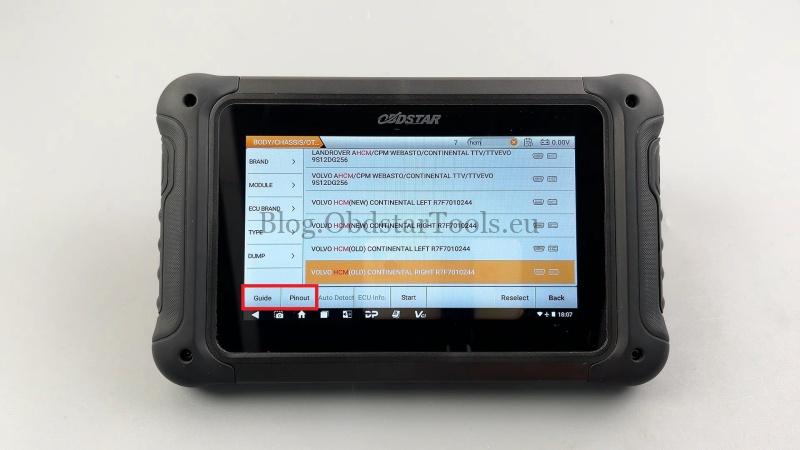
- Navigate to: BODY/CHASSIS/OTHER → Latest Version → VOLVO HCM (OLD) CONTINENTAL RIGHT R7F7010244.
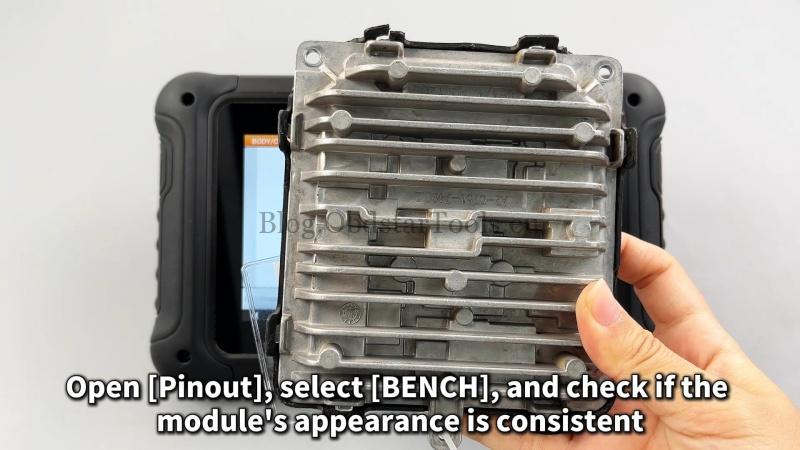
- Select Pinout and choose BENCH, MP001.
- Verify the HCM module matches the on-screen image.
Step 3: Follow Connection Guide
- Click “Guide”and carefully read all instructions, warnings, and connection diagrams.
- Connect the Volvo HCM module to the DC706 and MP001 programmer using the provided cables and 120Ω resistor as shown in the wiring diagrams.
- Ensure all connections are secure before proceeding.
Step 4: Start Communication
- Click “Start”and confirm BENCH → MP001.
- Make sure the device is connected to the internet for service activation.
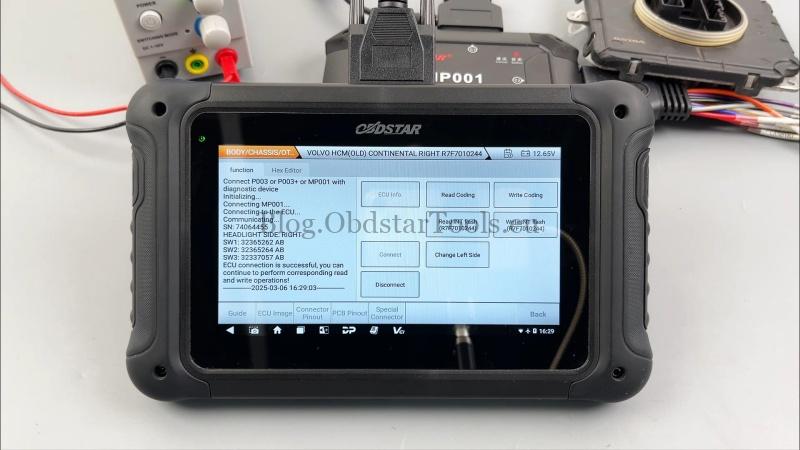
- Click “Connect”and wait for the tool to establish communication with the module.
Step 5: Perform Operations
Once connected, you can:
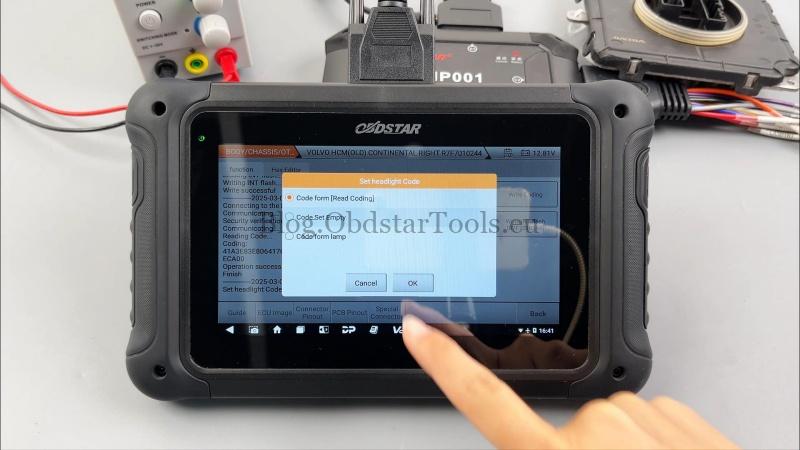
Read/Write Coding
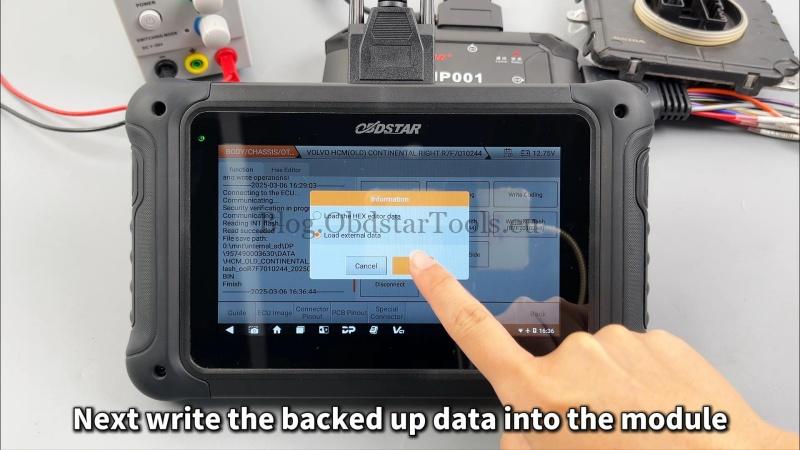
Read/Write INT Flash (R7F7010244)
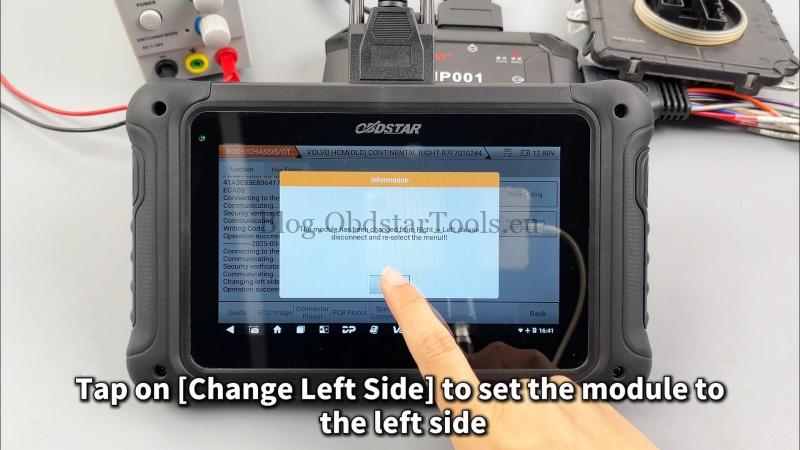
Change Left/Right Side Settings
Follow the on-screen prompts to select your desired function. The process is automatic once initiated.
Conclusion
The OBDSTAR DC706 simplifies Volvo HCM module programming with an intuitive interface and reliable performance. Always follow safety guidelines and ensure stable power and internet connections during the process.
Technical Support
Email: sales@obdstartools.eu
WhatsApp/Mobile/Wechat: +86 15972933706
Skype: OBDStarTools.eu