
For airbag modules with encrypted chips, crash repair may require opening the ECU and using JTAG mode. In this tutorial, the OBDSTAR P50 G2 is used to repair a Land Rover Jaguar airbag module (LK73-14D374-AC) with an R7F7010643 encrypted chip as an example.
Tools Needed
- ECU MASTER D Version (P50 G2) / P50 / KEY MASTER G3
- USB cable
- Jump wire
- C4-06 Adapter
- DC Regulated Power Supply
Check Video Tutorial:
Check the Module
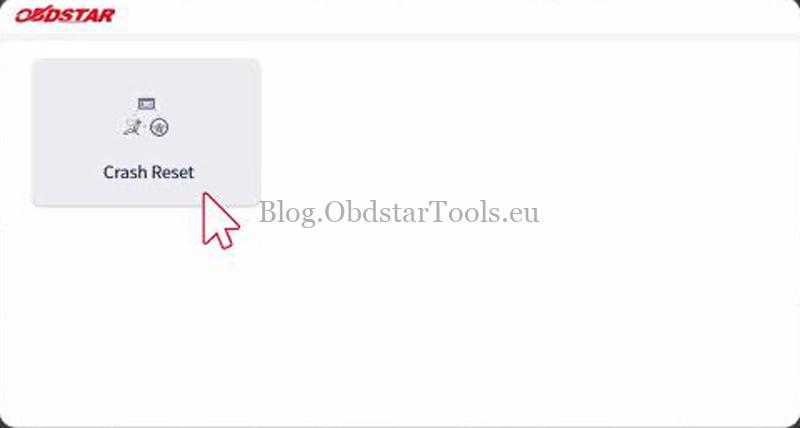
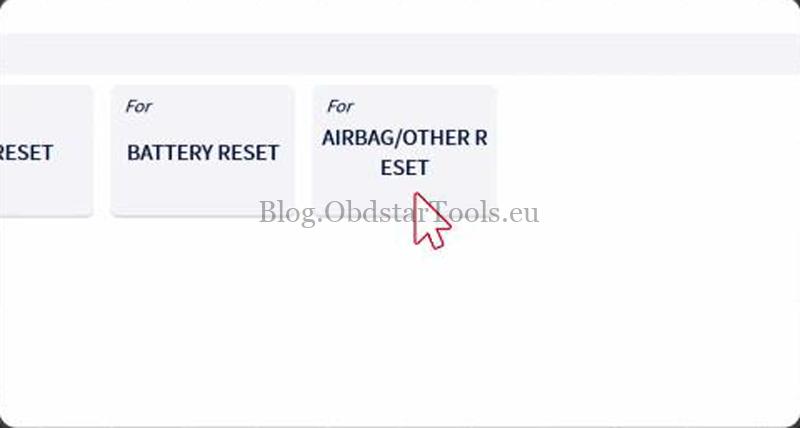
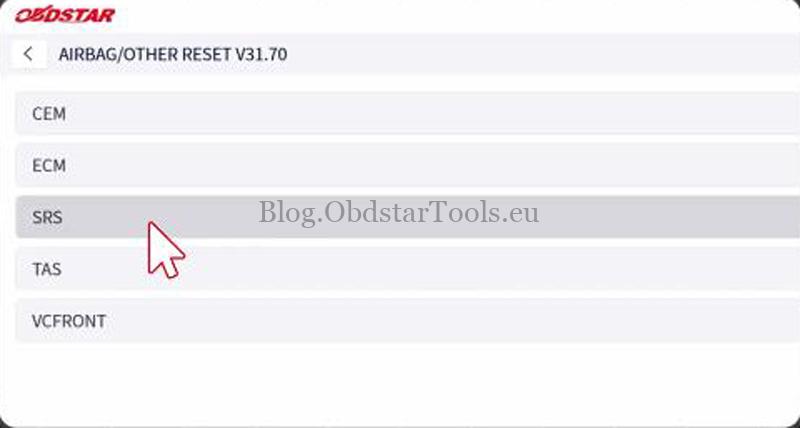
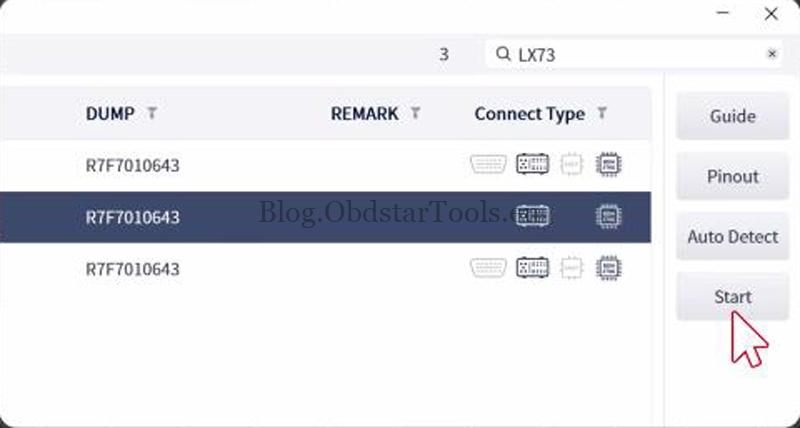
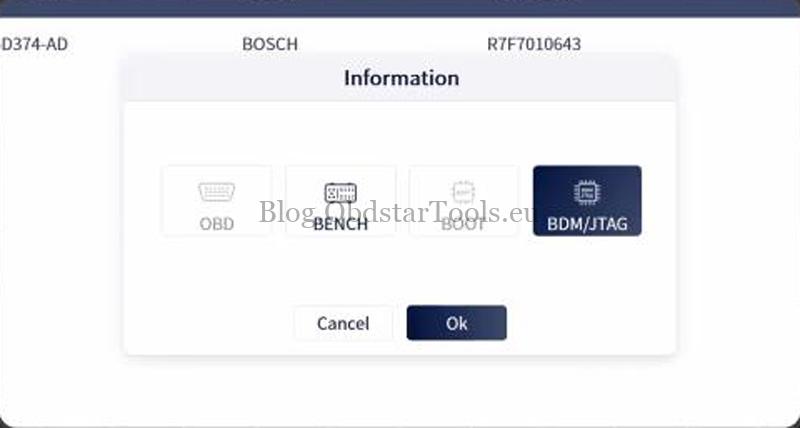
- Power on the P50 G2 and go to Crash Reset >> Accept Agreements >> AIRBAG/OTHER RESET >> SRS. Search for Land Rover R7F7010643, then select Start >> BDM/JTAG >> OK.
- Follow the [Guide] and [Connector Pinout] to connect the device. Use the C4-06 adapter to connect to the ECU pins.
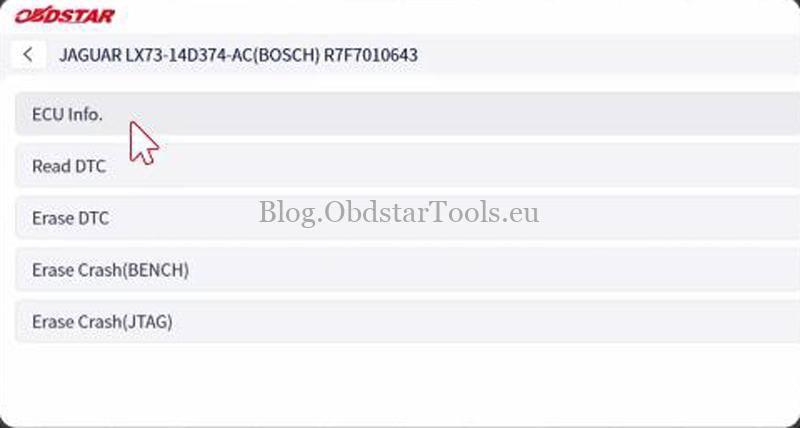
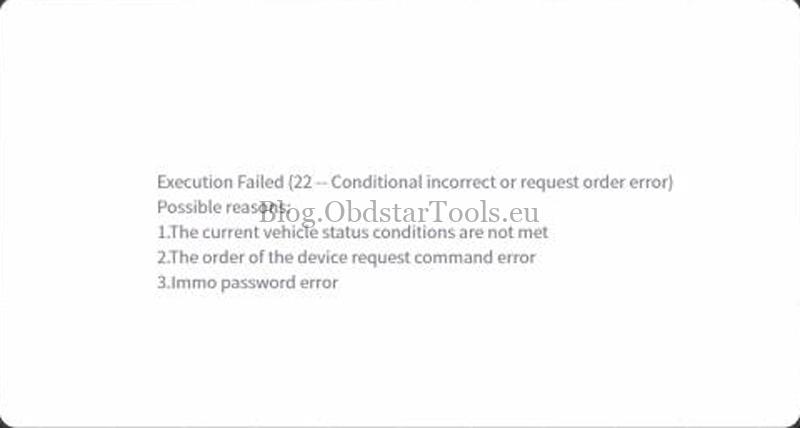
- Select [ECU Info.] and [Read DTC] to check the ECU information and stored fault codes. This confirmed the crash fault on the module.
Read the ECU & Erase the Crash Data
- Disconnect the CV1 cable, then select Erase Crash (JTAG) >> PCB Pinout to check the wiring. Open the ECU and solder the wires according to the pinout.
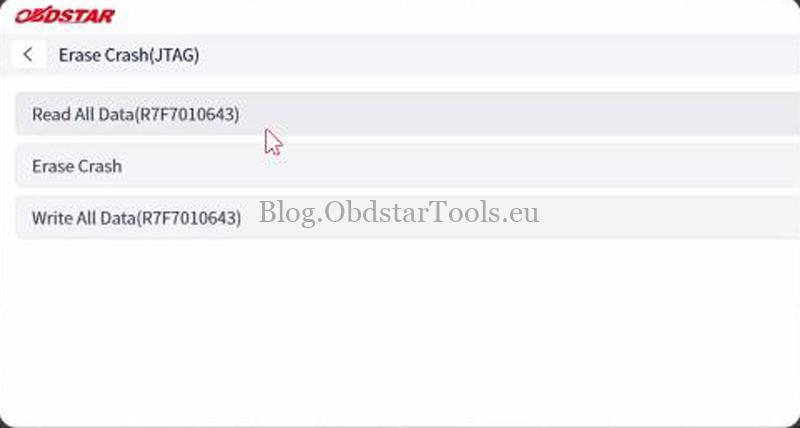
- Connect C4-06, W010, W010A, and C4-06-C02 together, then select Read All Data (R7F7010643) >> Start.
- Save the data after the read is finished. Then select Erase Crash >> Start to clear the crash data.
Clear the DTC
- Go back to the previous menu, disconnect the C4-06 from the P50 G2, and reconnect the BENCH-CV1 cable.
- Select [Erase DTC]. The tool showed Erase DTC success.
- Read the fault codes again to confirm the crash fault was cleared.
If something goes wrong with the ECU, the saved file can be written back using Write All Data to restore the module.
Technical Support
Email: sales@obdstartools.eu
WhatsApp/Mobile/Wechat: +86 15972933706
Skype: OBDStarTools.eu
www.obdstartools.eu