
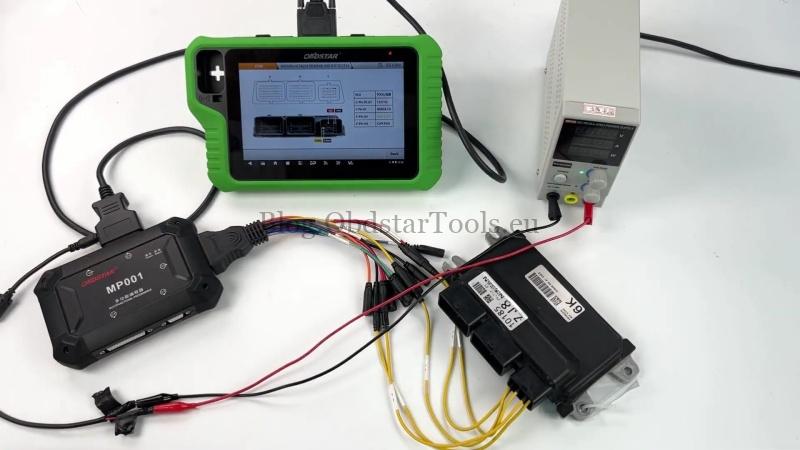
For this Nissan BEM548-500 ECU job, the OBDSTAR X300 Classic G3 and MP001 Programmer are used to read INT FLASH and write MAPS data on the bench. The following steps show the actual connection and operation process.
ECU Connection and Setup
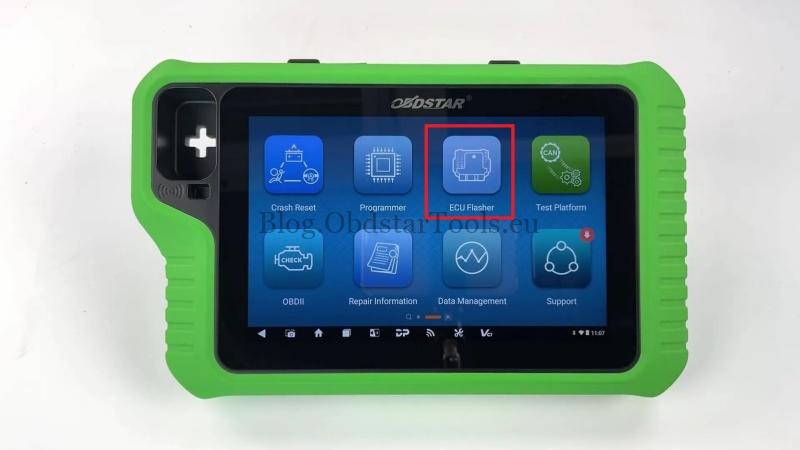
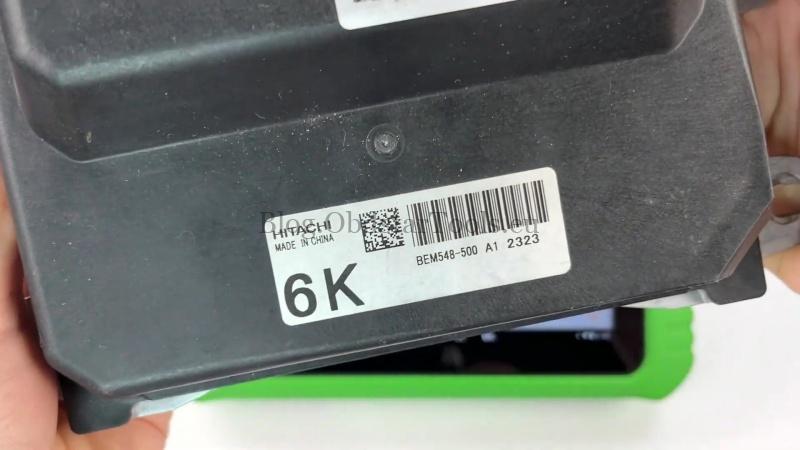
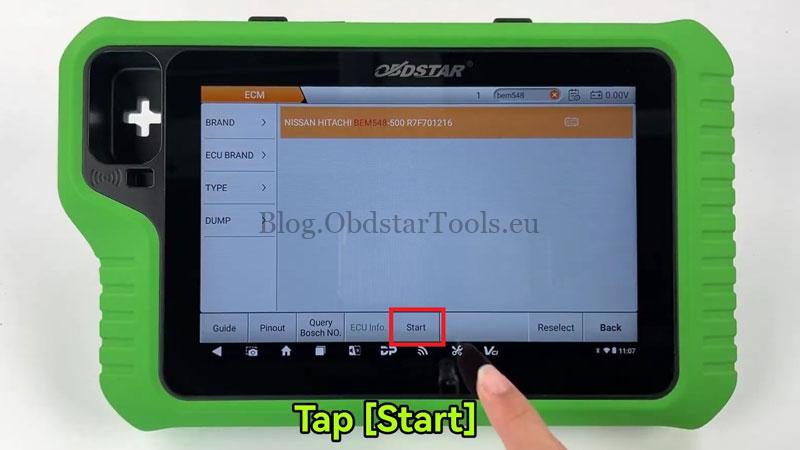
- Update the X300 Classic G3 software to the latest version, then enter ECU Flasher → Accept → ECM → Latest Version → NISSAN HITACHI BEM548-500 R7F701216.
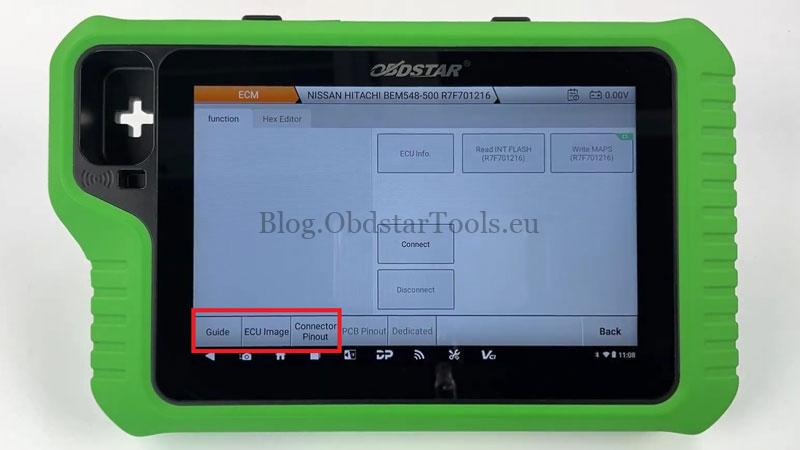
- Select Start → BENCH → MP001 → OK, then check the connection guide and ECU pinout diagram before wiring.
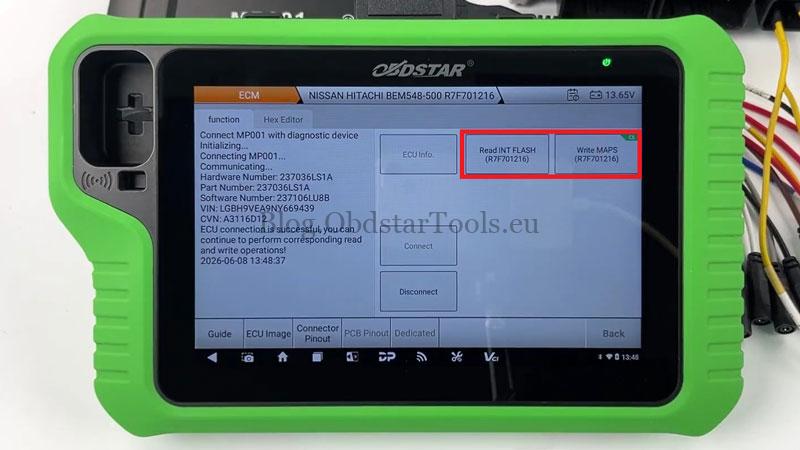
- Connect the Nissan BEM548-500 ECU according to the connector wiring diagram and tap Connect. The left panel will confirm the ECU connection status.
Read ECU Data
- Select Read INT FLASH (R7F701216).
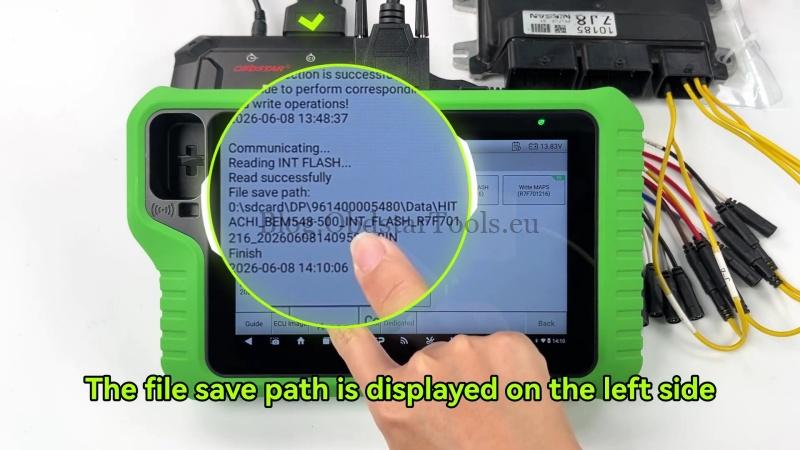
- Save the read file after completion. The file path will be displayed on the left side.
Write MAPS Data
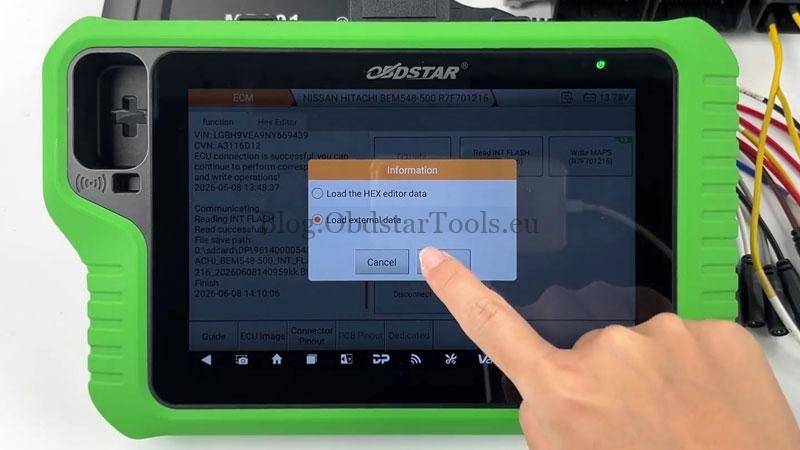
- Select Write MAPS (R7F701216) and load the external data file.
- Locate the target file by file name, creation time, or search function.
- When prompted for checksum verification, select NO.
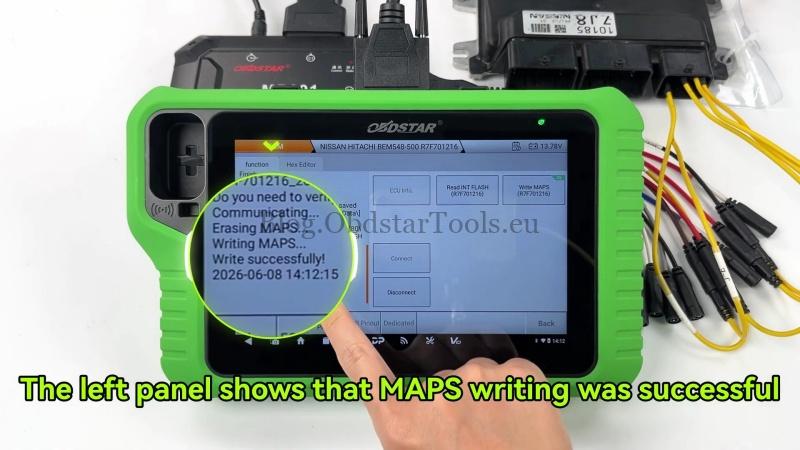
The left panel will show that the MAPS writing process is successful.
Verification
Confirm the job is completed by checking that the vehicle starts normally and basic functions operate correctly.
Workshop Notes
For Nissan BEM548-500 bench operations, verify the ECU model and wiring connection before starting communication. The correct MP001 connection is required for stable read/write access.
Technical Support
Email: sales@obdstartools.eu
WhatsApp/Mobile/Wechat: +86 15972933706
Skype: OBDStarTools.eu