
Is your OBDSTAR iScan BRP failing to power on? Ensure your tablet is connected to a stable power source. If the device remains unresponsive, perform a systematic hardware check to differentiate between battery exhaustion and motherboard failure. Follow this protocol to restore functionality or determine if component replacement is necessary.
Phase 1: Power and Battery Diagnostics
- LED Indicator Test: Connect the power adapter and observe the light.
- Red Light On: Charge for 30 minutes. If it boots, the battery was depleted; if not, the issue is internal.
- No Light: Proceed to external power testing.
- Manual Battery Bypass: Open the back cover of OBDSTAR BRP Scanner and disconnect the battery cable. Power the motherboard directly via the adapter. If the device boots, replace the faulty battery.
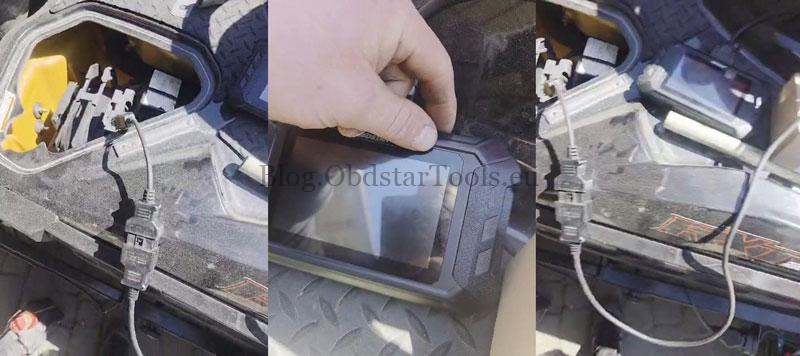
- OBD Main Cable Test: If the adapter fails, connect the device to a vehicle via the OBD cable. If it boots, the power adapter is defective and requires replacement.
Phase 2: Core Hardware Troubleshooting
If power input is confirmed but the screen remains black, the failure originates from the internal boards:
- Android Motherboard: This is the most common point of failure. Replace the Android board first to resolve boot-up issues.
- VCI Motherboard: If a new Android board does not fix the problem, the VCI motherboard is defective and must be replaced.
Technical Support
Email: sales@obdstartools.eu
WhatsApp/Mobile/Wechat: +86 15972933706
Skype: OBDStarTools.eu
Website: www.obdstartools.eu