
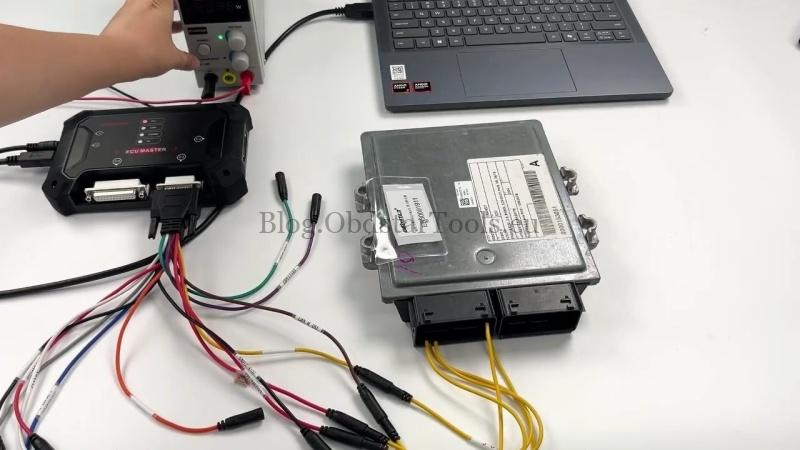
This tutorial shows how to read and write MAPS data on a Ford Continental/Siemens/VDO SID213EVO TC387 ECU with OBDSTAR ECU MASTER. This bench procedure can be used when ECU data needs to be read, modified, or written back.
Required Tools
- ECU MASTER
- High-power DC regulated power supply
- Computer
- USB cable
- Jumper wires
- Ford Continental Siemens VDO SID213EVO TC387 ECU
Check Video Tutorial
Select the ECU & Connect It
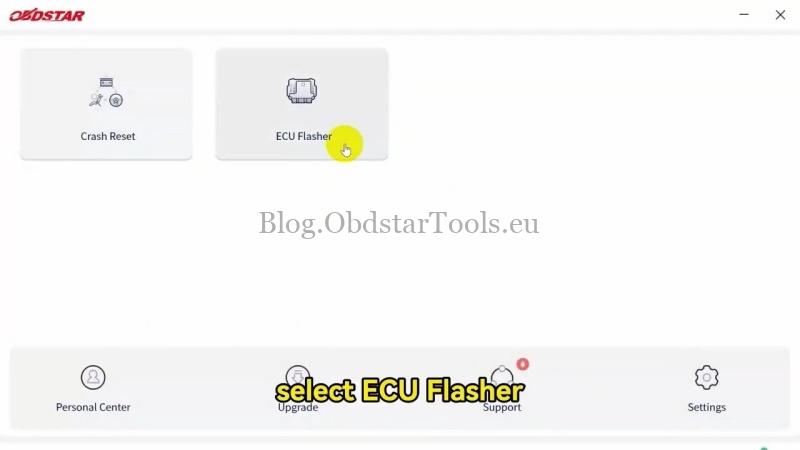
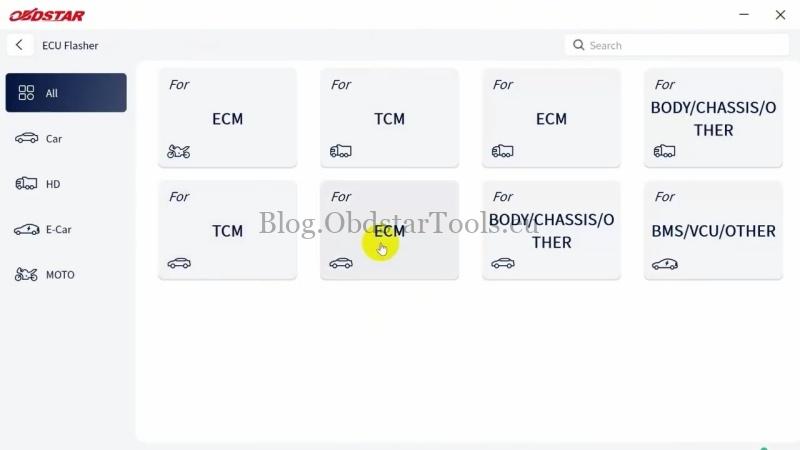
- Open ECU Flasher >> Accept >> ECM >> Latest Version >> Ford, Continental/SIEMENS/VDO, TC387.
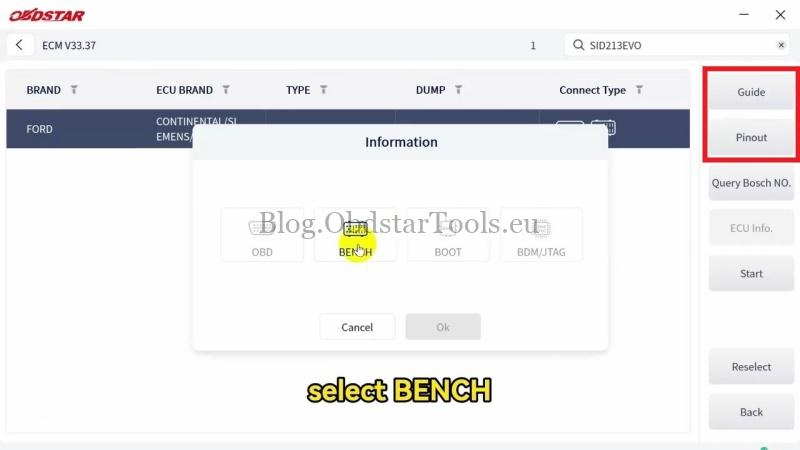
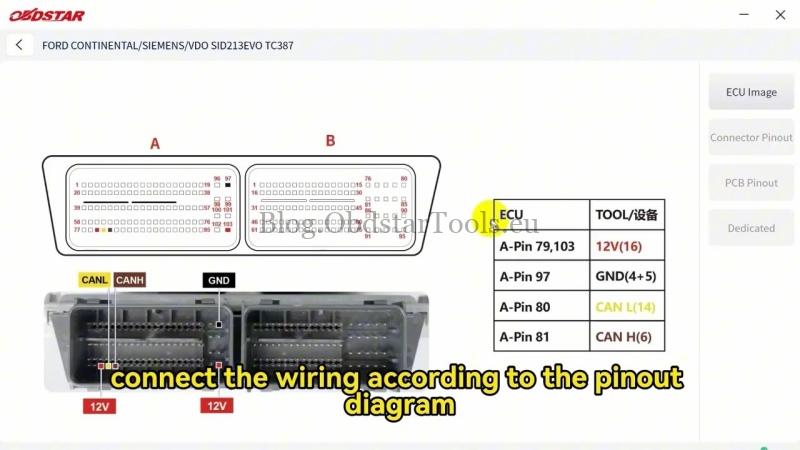
- Select Guide and Pinout >> BENCH, then connect the ECU according to the guide and pinout diagram.
- Return to the main screen and select Start >> BENCH >> Connect to connect to the ECU.
Read & Write MAPS Data
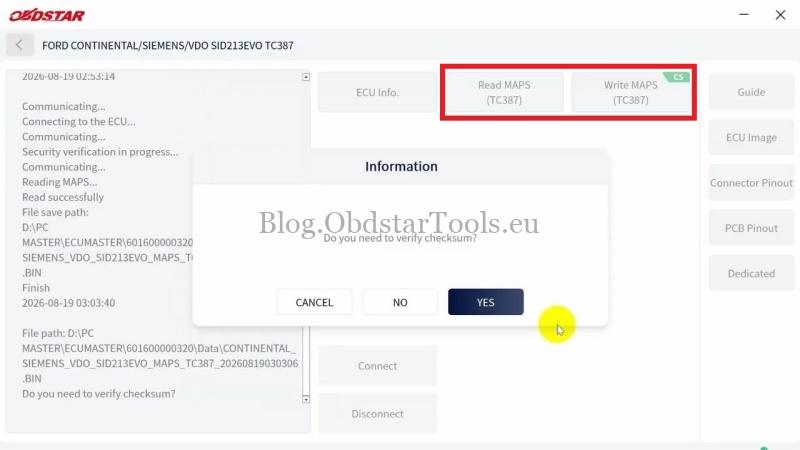
- Select Read MAPS(TC387) to read the MAPS data.
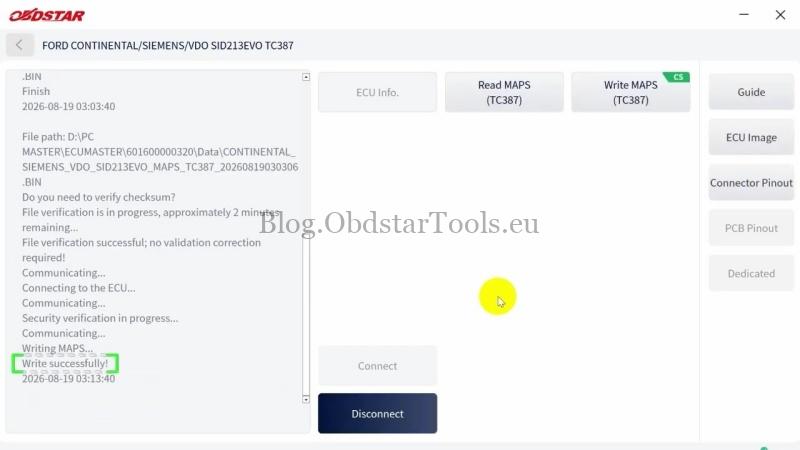
- Select Write MAPS(TC387) and choose the saved file to write the data back to the ECU.
- When prompted “Do you need to verify checksum?”, select YES. The CS button indicates checksum support. If the data has been modified, select Yes to verify and write it. If no modifications were made, select No to write it directly.
The MAPS data read/write operation is complete.
Technical Support
Email: sales@obdstartools.eu
WhatsApp/Mobile/Wechat: +86 15972933706
Skype: OBDStarTools.eu
www.obdstartools.eu