
Learn how to safely read and write ALFA ROMEO MM10JA ECM data using OBDSTAR DC706 in Bench Mode. This guide covers ECU cloning for Magneti Marelli 10JA (MPC5777+95128) using the MP001 programmer to ensure fast and accurate data transfer.
Preparation: What You Need
Before starting, ensure your device software is updated to the latest version to support the MPC5777+95128 chip structure.
- Device: DC706 ECU Tool or KeyMaster G3
- Accessories: MP001 Programmer, Main Cable, and ECU clone jumper
- Power: A high-power DC regulated power supply
Watch Video Tutorial
Step 1: Locate the ECU Menu
Navigate through the DC706 interface to find the specific software for your vehicle’s module:
- Select ECU Flasher > ECM > Latest Version.
- Search for ALFA ROMEO MAGNETI MARELLI 10JA.
- Select BENCH mode and the MP001 adapter.
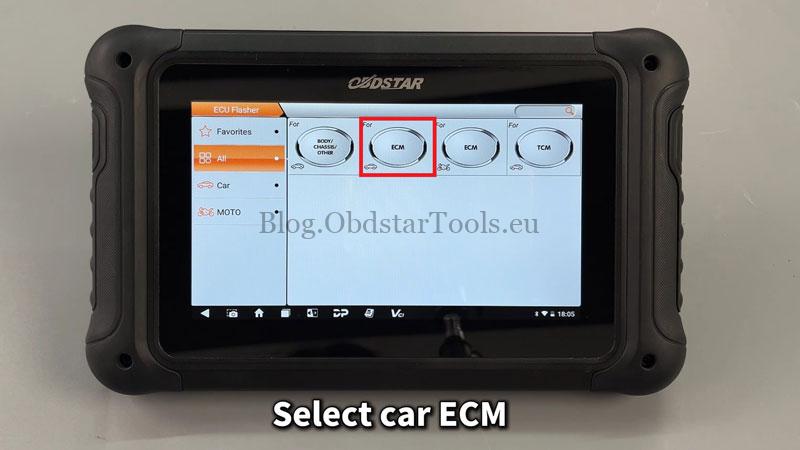
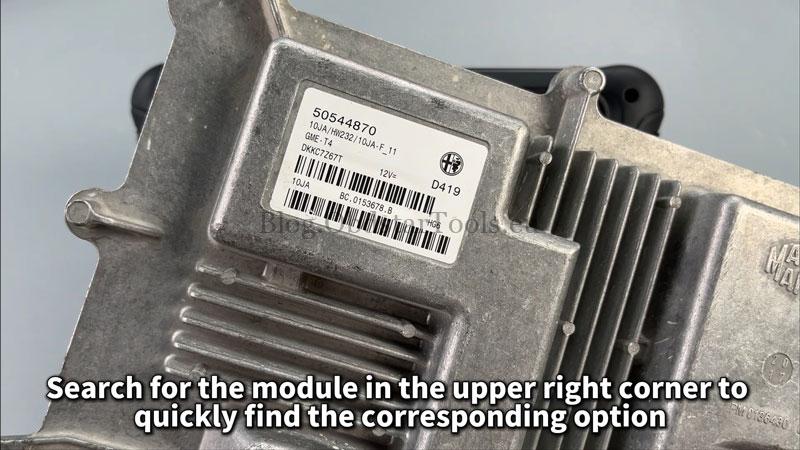
Step 2: Establish the Connection
- Tap [Guide] to review technical notes and connection methods.
- Tap [Pinout] to view the wiring diagram.
- Connect the MP001 and jumper cables to the ECM as shown.
- Tap [Start] and then [Connect]. Ensure the screen displays “Connection successful.”
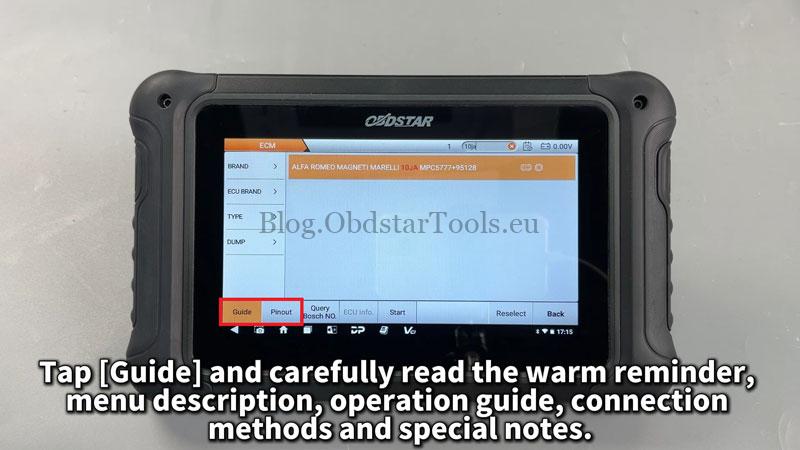
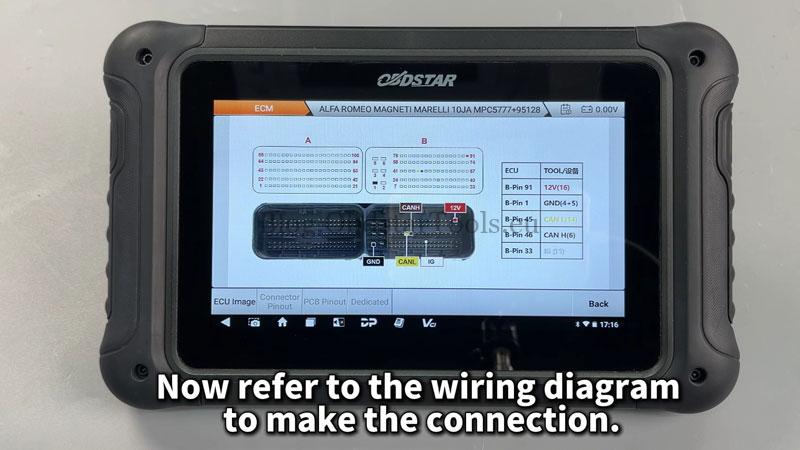
Step 3: Backup Original Data (Read)
Always back up the original data before performing any write operations:
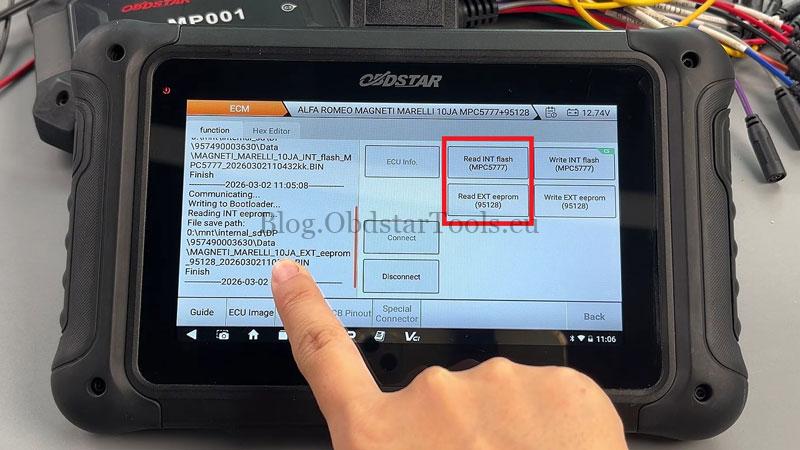
- Read INT Flash (MPC5777)
- Read EXT EEPROM (95128)
- Save these files with a recognizable name for future recovery.
Step 4: Write Data & Checksum
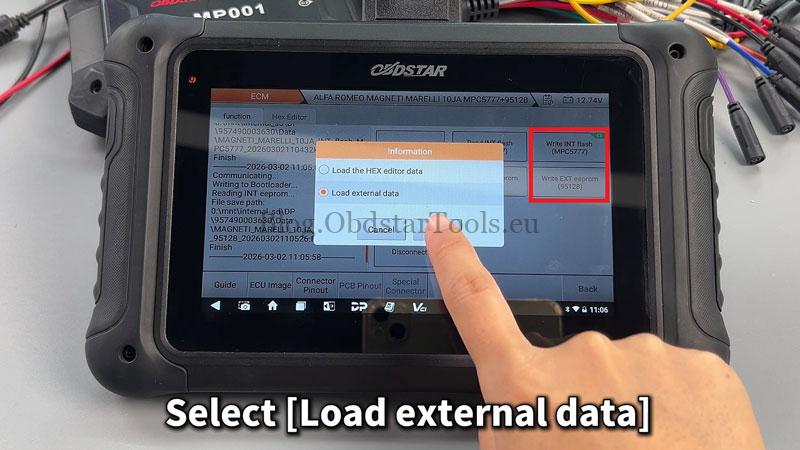
- Tap Write INT Flash or Write EXT EEPROM.
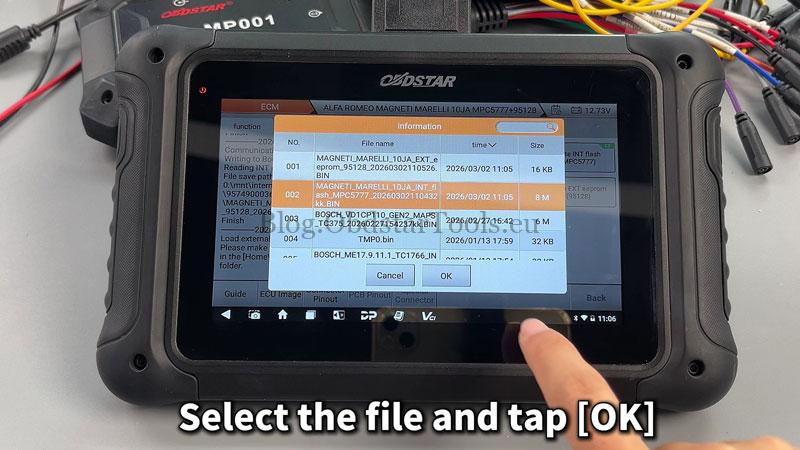
- Select Load external data and locate your file.
- Checksum Note: If you see the “CS” label and have modified the data, tap “Yes” when prompted for a checksum. If the data is original/unmodified, tap “No”.
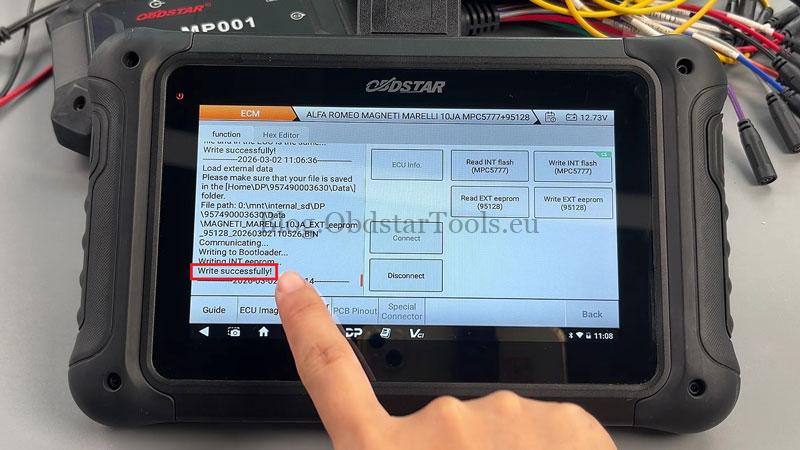
- Wait for the “Data written successfully” confirmation.
Pro Tip: Always use a stable DC power supply. Voltage drops during the “Write” process can lead to module corruption.
Technical Support
- Email: sales@obdstartools.eu
- WhatsApp/Mobile/Wechat: +86 15972933706
- Skype: OBDStarTools.eu
- Website: www.obdstartools.eu