
This guide explains how to configure the Engine Coolant Temperature (ECT) to a stable 90℃ on the BMW MEVD17.2.3 B38 Engine Control Module (ECM). This adjustment is commonly performed during ECU tuning, diagnostics, or thermal management optimization using the OBDSTAR DC706 ECU Tool.
Tools Required:
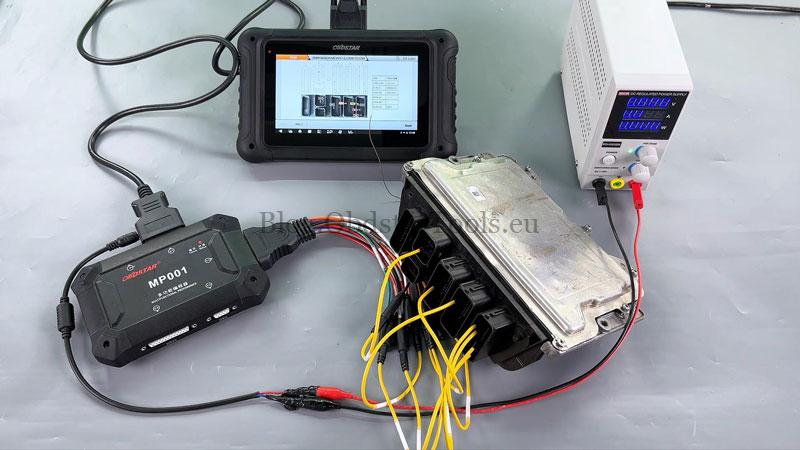
OBDSTAR DC706 (or X300 Classic G3)
High-power DC regulated power supply
Main cable
ECU clone jumper
BMW MEVD17.2.3 B38 ECM
Check Video Tutorial:
Before You Start:
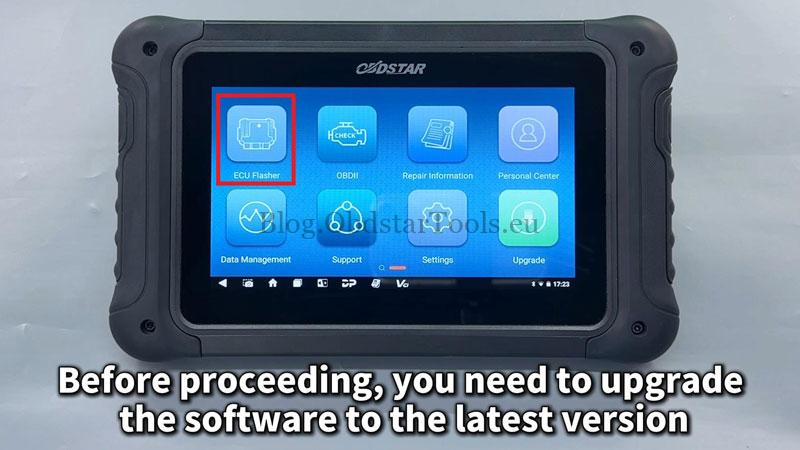
- Ensure your device software is updated to the latest version.
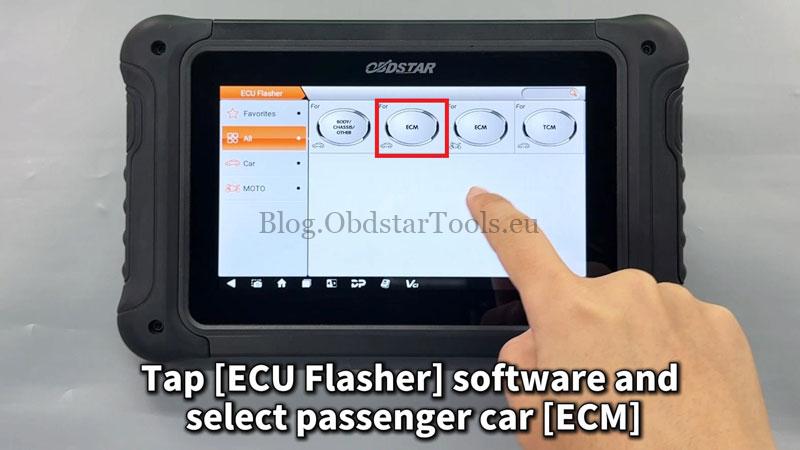
- Navigate to: ECU Flasher → ECM → Latest version.
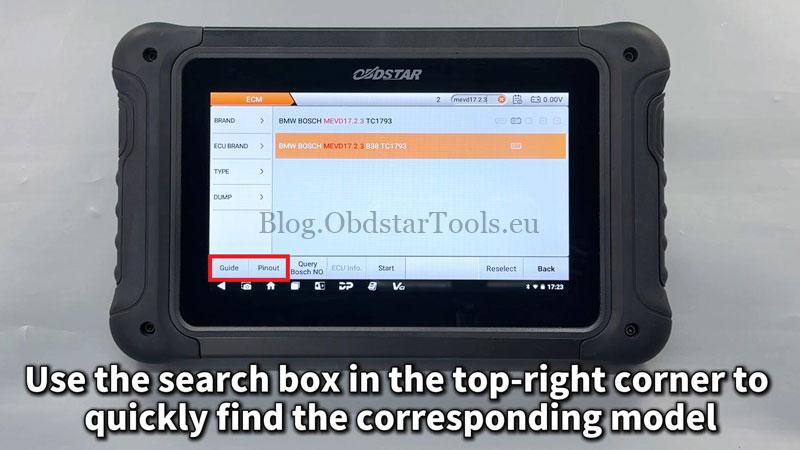
- Use the search box to find your specific model quickly.
Step-by-Step Instructions:
- Open the “Guide”section and review all notes, menus, and connection details.
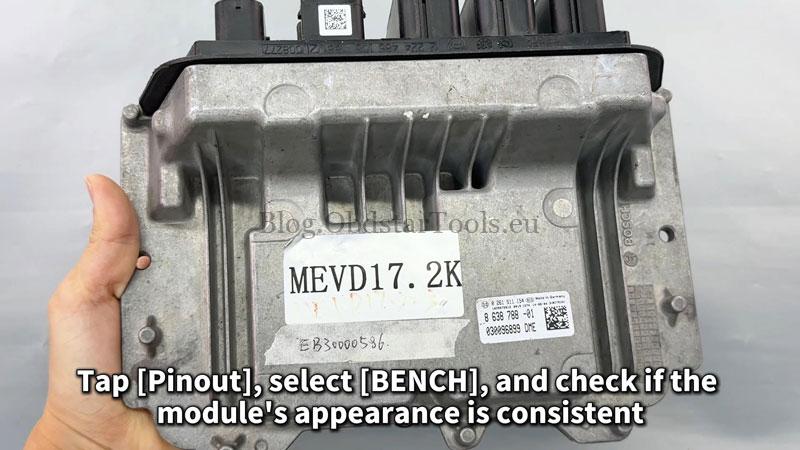
- Select “Pinout”and choose “BENCH”. Confirm the module matches the displayed image.
- Refer to “Connector Pinout”and connect cables accordingly.
- Tap “Start”to begin communication with the ECU.
- Backup ECU Data:
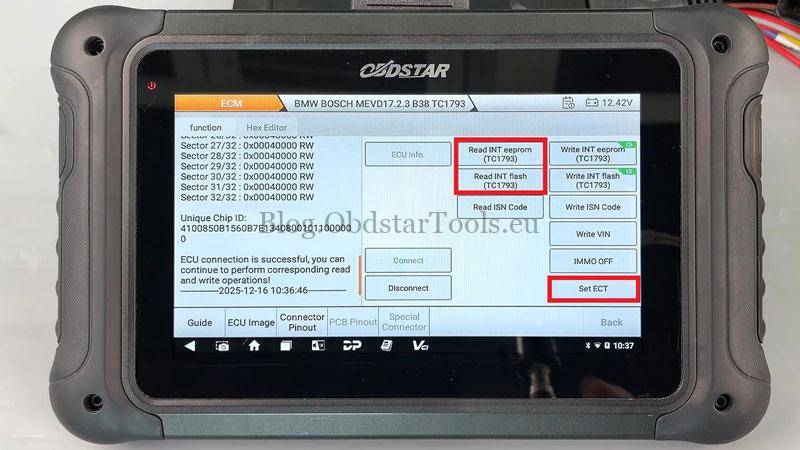
- Tap “Read INT eeprom(TC1793)”and save the file with a custom name.
- Then tap “Read INT flash(TC1793)”and save again.
- Note the saved file locations shown on the left.
- Set Coolant Temperature:
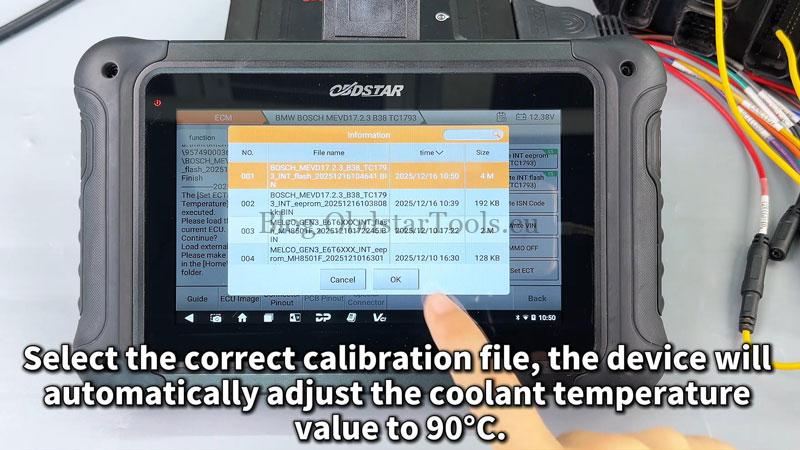
- Select the “Set ECT (Engine Coolant Temperature)”
- Choose the correct calibration file. The tool will automatically adjust the temperature to 90℃.
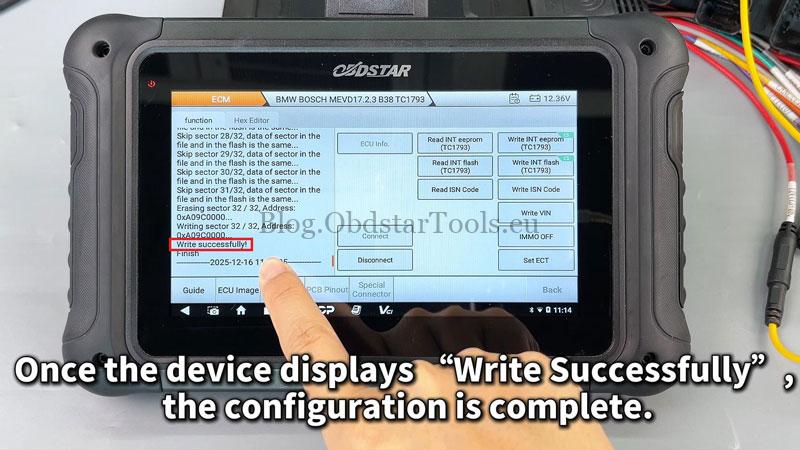
- Once “Write Successfully”appears, the process is complete.
Note:
- This procedureonly modifies the coolant temperature calibration and does not affect VIN, immobilizer, or full flash writing.
- Always perform a full ECU backup before making any changes.
- Ensure stable power supply during writing to avoid ECU corruption.
- This guide is intended for professional use with proper hardware.
Technical Support
Email: sales@obdstartools.eu
WhatsApp/Mobile/Wechat: +86 15972933706
Skype: OBDStarTools.eu