
This job uses OBDSTAR MOTOMASTER to read BMW motorcycle ECU data and perform ISN, VIN, and ECU data writing operations.
Watch Video Tutorial:
Connect to the ECU
Choose the connection method according to the vehicle.
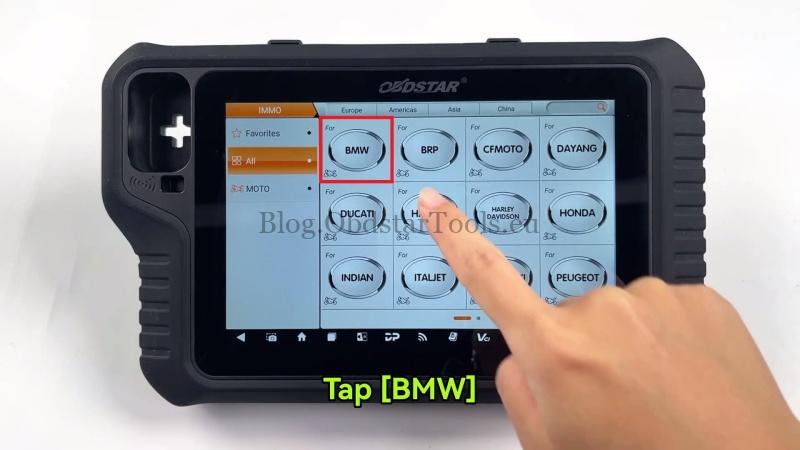
Go to IMMO → BMW → Latest Version → Manual Select System → PROXIMITY → ID8A.
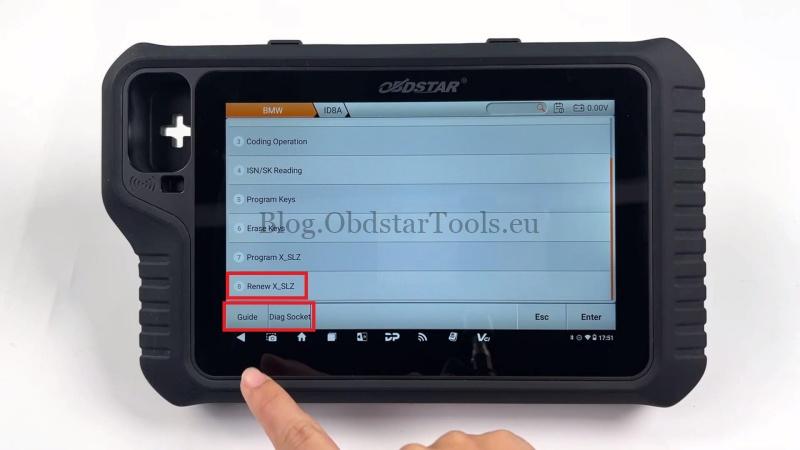
- For OBD mode, tap Diag Socket, locate the motorcycle diagnostic connector, and connect the device.
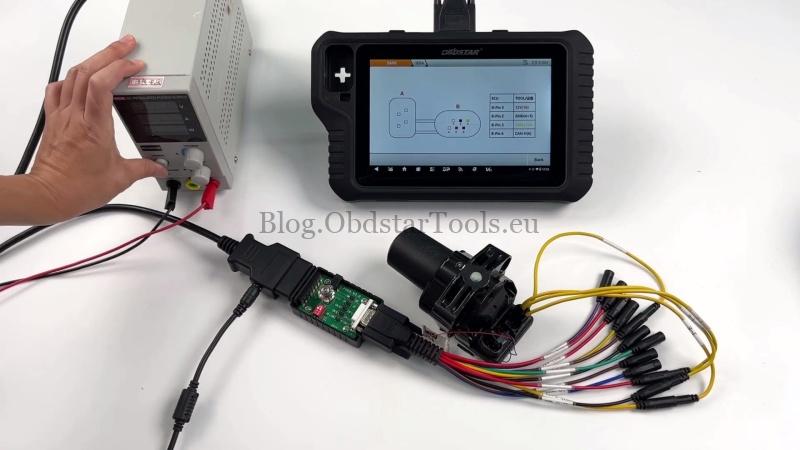
- For BENCH mode, tap Guide, check the wiring diagram and notes, then connect the ECU according to the displayed diagram.
Read ECU Data
After the wiring is complete:
- Tap Back, then select Renew X_SLZ.
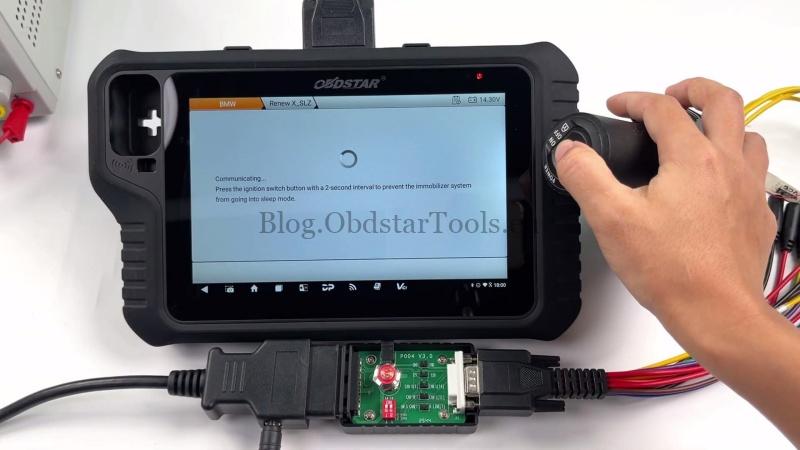
- Follow the on-screen prompts, press the ignition switch once, tap Yes, then continue pressing the ignition switch every 2 seconds when requested.
- Tap Read ECU Data and switch the ignition ON or OFF as instructed.
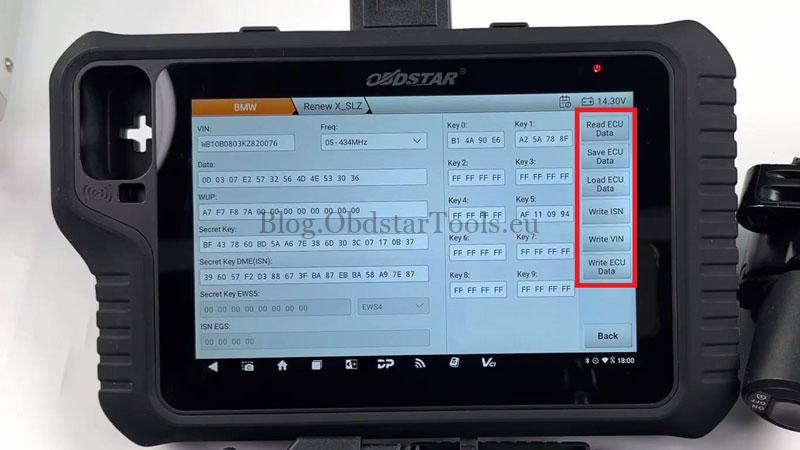
- After the read is complete, verify the displayed VIN, ISN, and key information, then tap Save ECU Data. The device will display the file save location after the data is stored successfully.
Write ISN or VIN
To update the ECU information:
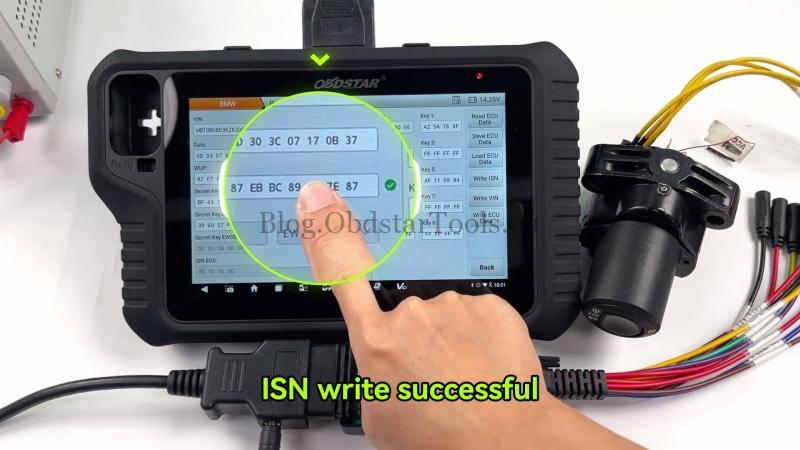
- Tap Write ISN and follow the prompts to switch the ignition ON or OFF until the write is completed.
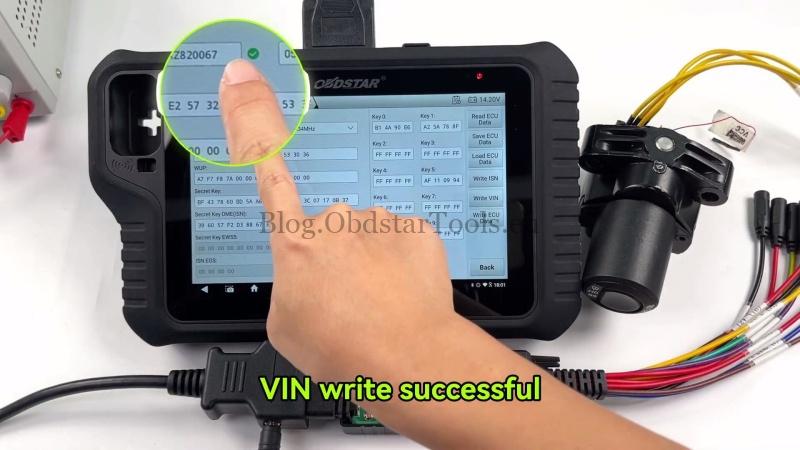
- If the VIN also needs to be changed, tap Write VIN and follow the same ignition prompts until the operation finishes successfully.
Write Full ECU Data
If the complete ECU data needs to be updated:
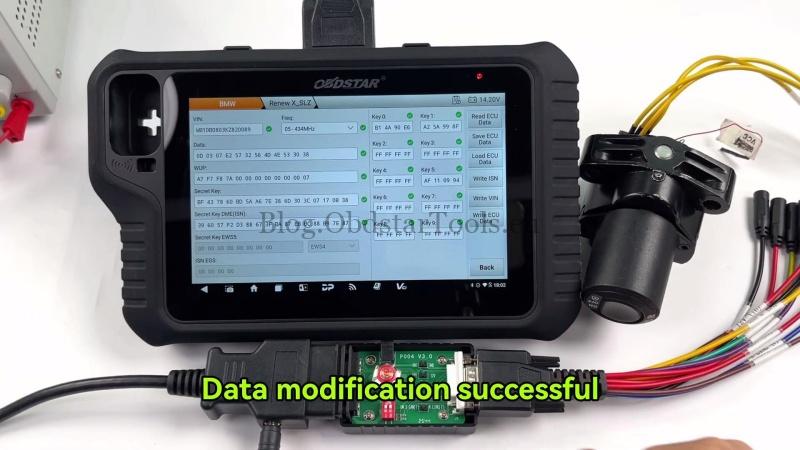
- Tap Write ECU Data.
- Follow the prompts to switch the ignition ON or OFF during the writing process.
- Wait until the device confirms that the ECU data has been written successfully.
Verification
Cycle the ignition, confirm the motorcycle starts normally, and verify the basic ECU functions operate as expected.
Workshop Notes: Always save the original ECU data with MOTO MASTER before making any changes so it can be restored if required.
Technical Support
Email: sales@obdstartools.eu
WhatsApp/Mobile/Wechat: +86 15972933706
Skype: OBDStarTools.eu
Website: www.obdstartools.eu