
Programming a NIO ES6 smart key with the OBDSTAR KEY MASTER G3 requires the C1022 CAN DIRECT Kit for the wiring connection under the steering column. Once connected, the rest of the job is completed from the IMMO menu.
Prepare the Tools
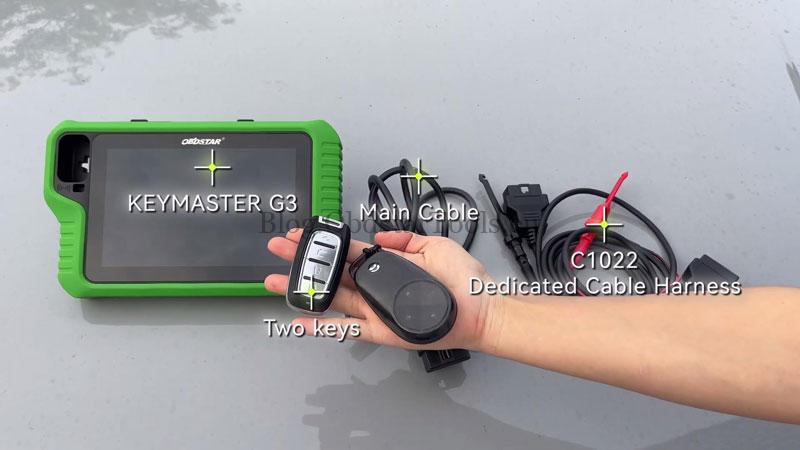
- KEY MASTER G3
- Main Cable
- C1022 Cable Harness
- Two smart keys
Check Video Tutorial:
Connect the Vehicle
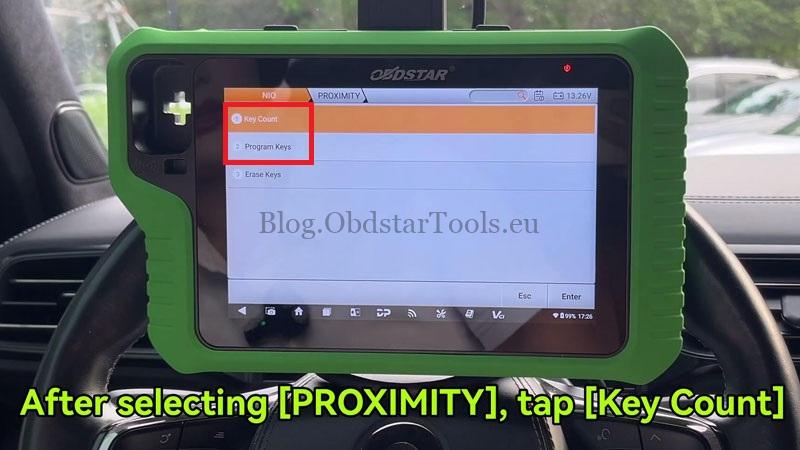
Open IMMO → NIO → Latest Version → Manual Select Model → ES6 → PROXIMITY → Key Count → Start → Guide, then follow the wiring diagram shown on the tool.
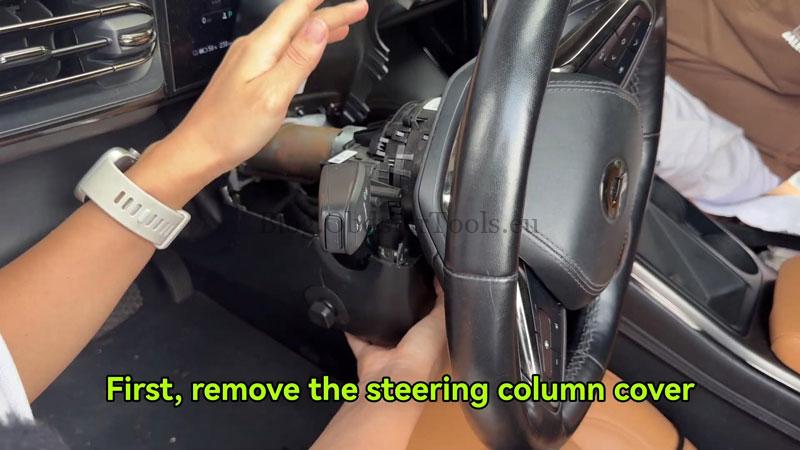
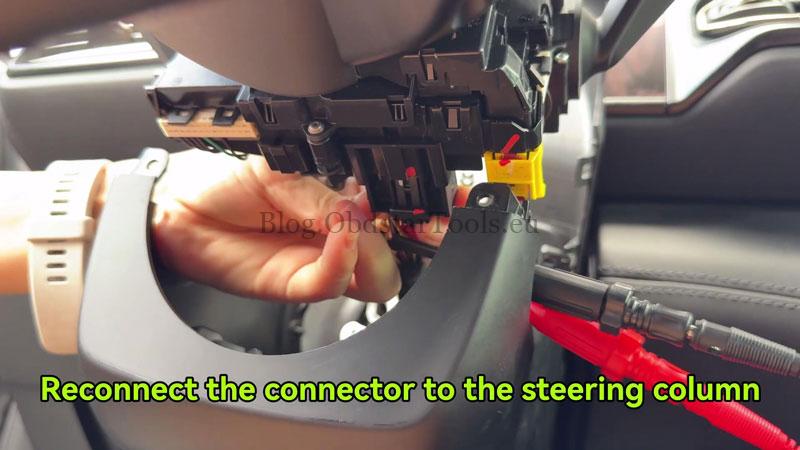
- Remove the steering column cover and disconnect the connector below the steering column.
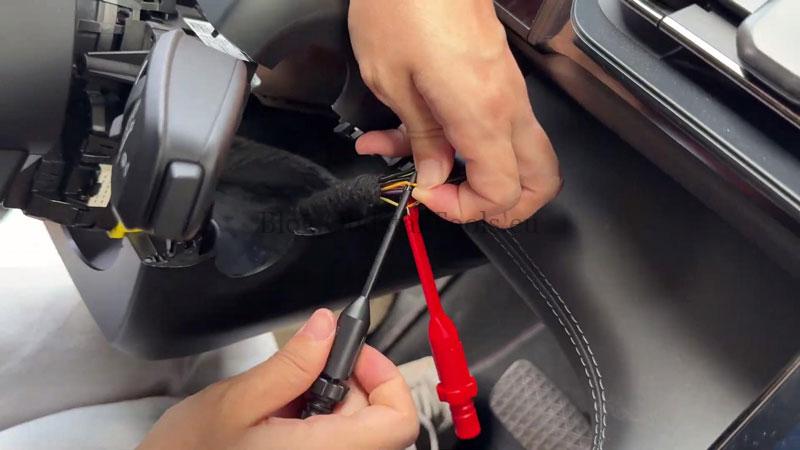
- Using the probe tool from the C1022 Cable Harness Kit, locate wires No.8 (black) and No.9 (red) on the connector, then connect the probe tool to the C1022 main cable.
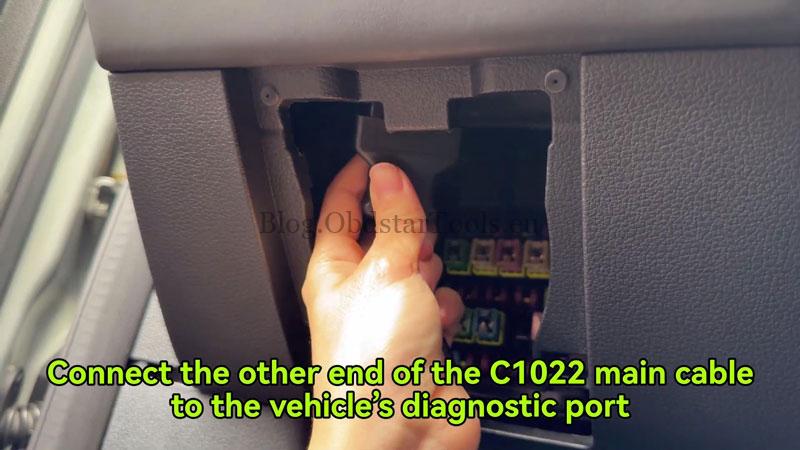
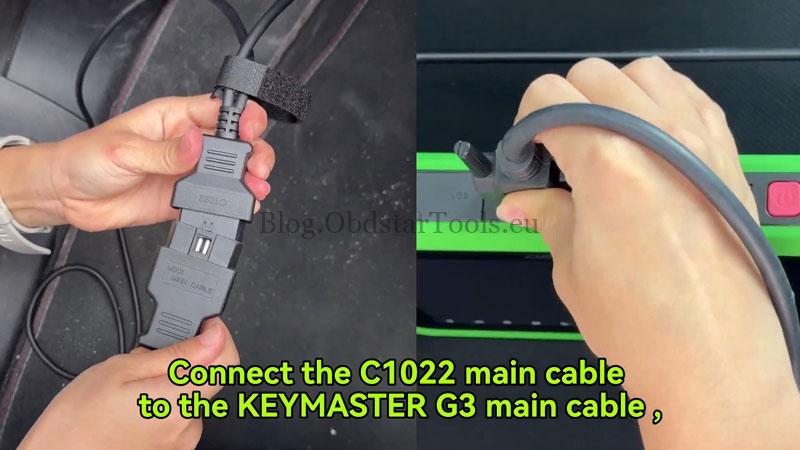
- Reconnect the steering column connector, connect the other end of the C1022 main cable to the vehicle diagnostic port, then connect the C1022 cable to the KEYMASTER G3 main cable and the KEYMASTER G3.
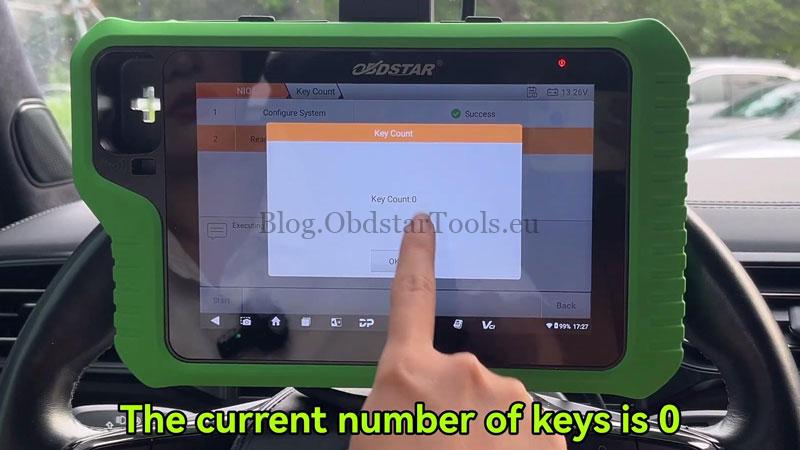
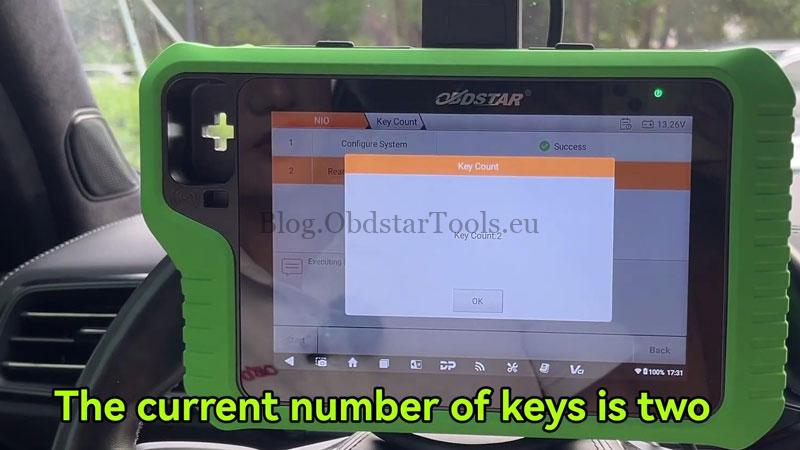
Tap YES. The tool will display the current key count.
Program the Smart Key
Return and select Program Keys → Start → Yes.
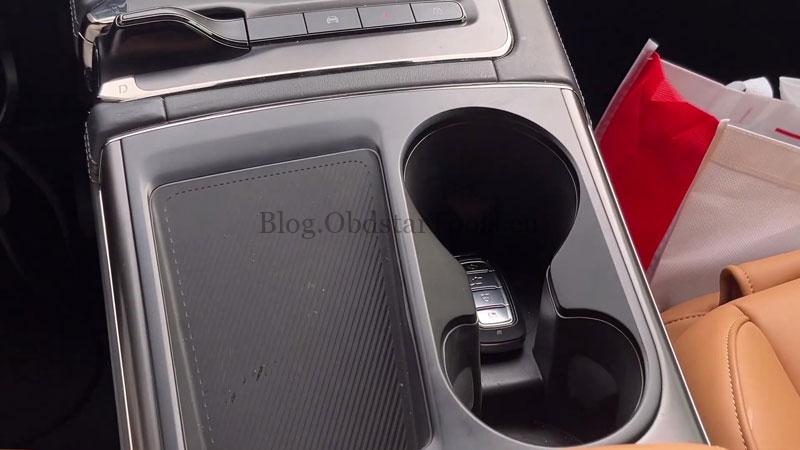
- Follow the on-screen prompt to confirm the vehicle is in Park (P), then disable the wireless charging function and tap OK.
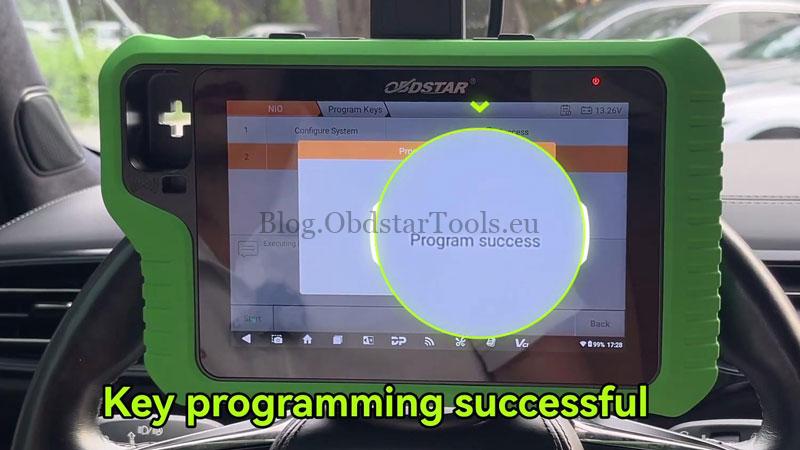
- Place the smart key in the sensing area and tap OK. When the tool reports Program Success, the key has been added.
- If programming a second key, repeat the same procedure. Afterward, return to Key Count to confirm the total number of programmed keys.
Verify the Result
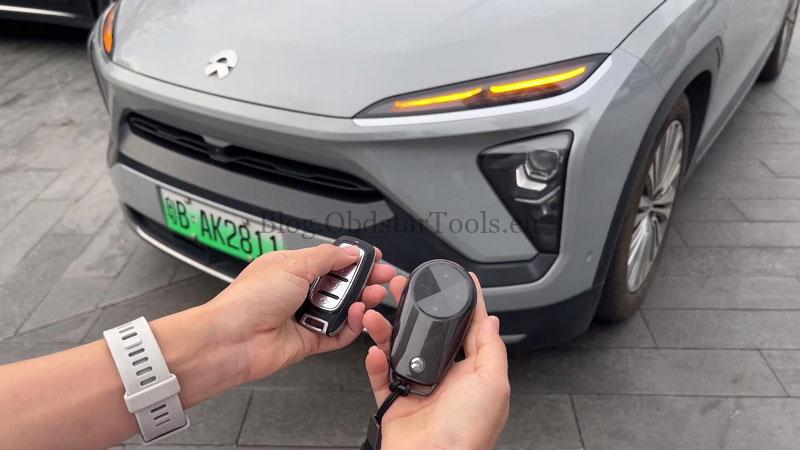
Take the programmed key outside the vehicle and confirm it starts the vehicle and the basic key functions operate normally.
Technical Support
Email: sales@obdstartools.eu
WhatsApp/Mobile/Wechat: +86 15972933706
Skype: OBDStarTools.eu