
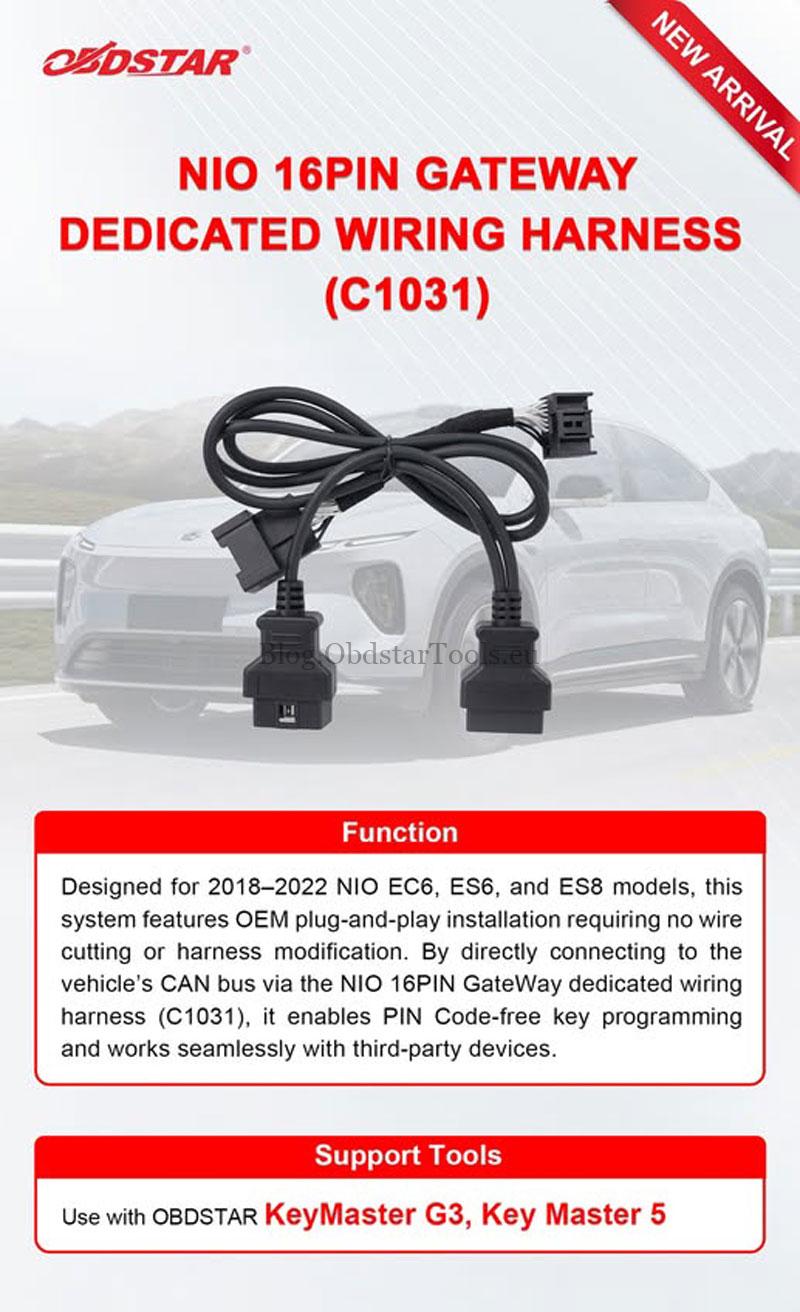
Programming smart keys on 2019–2022 NIO EC6 now requires the new OBDSTAR NIO 16PIN Gateway Harness (C1031).
Used together with the OBDSTAR X300 Classic G3, it provides a dedicated plug-and-play gateway connection for this procedure.
New: OBDSTAR NIO 16PIN Gateway Dedicated Wiring Harness (C1031)
- Designed for 2018–2022 NIO EC6, ES6, and ES8
- OEM plug-and-play installation
- No wire cutting or harness modification
- Direct CAN bus connection
- Supports PIN code-free key programming
- Compatible with OBDSTAR KeyMaster G3 and Key Master 5
Check Video Tutorial:
Connect the C1031 Gateway Harness
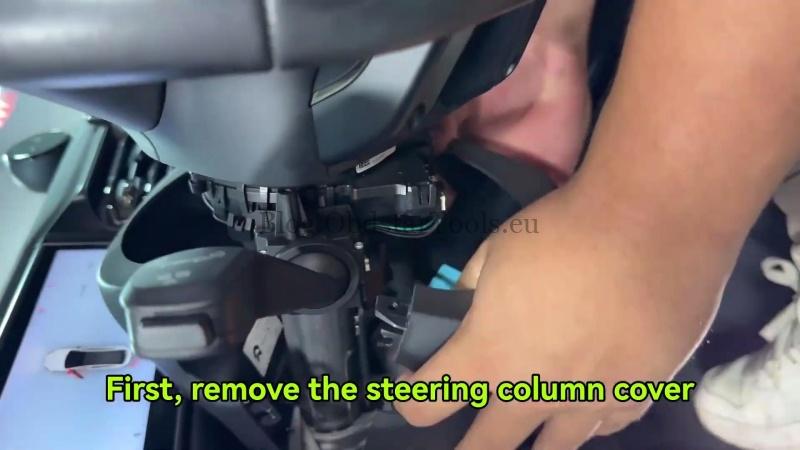
- Remove the steering column cover.
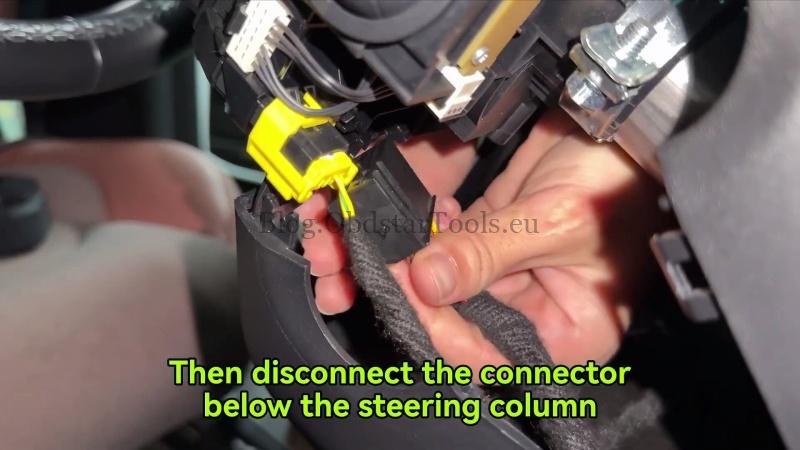
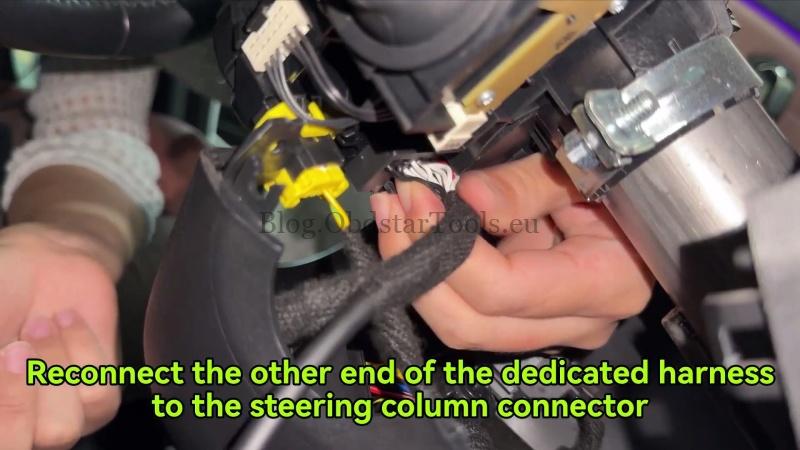
- Disconnect the connector below the steering column.
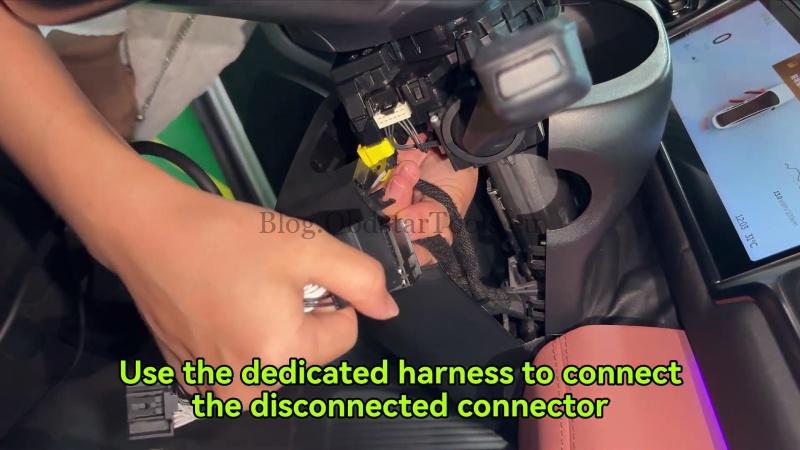
- Insert the C1031 Gateway Harness between the disconnected connector and the steering column connector.
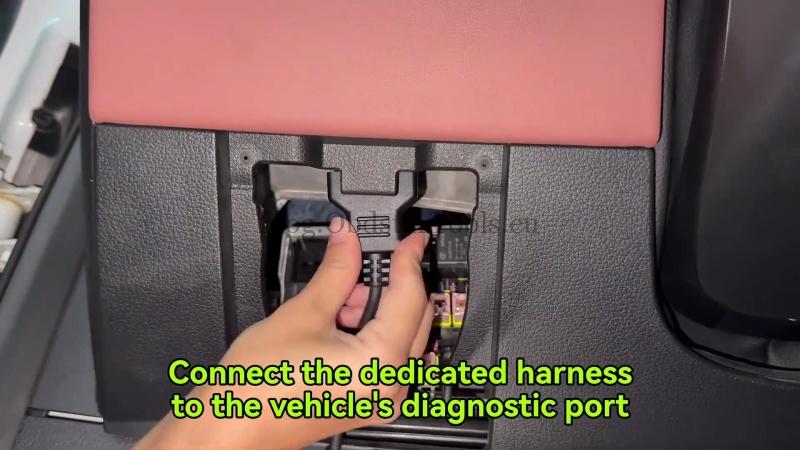
- Connect the C1031 harness to the vehicle’s diagnostic port, then connect it to the KEYMASTER G3 main cable.
The wiring is now complete.
Program the Smart Key
On the OBDSTAR X300 G3, navigate to:
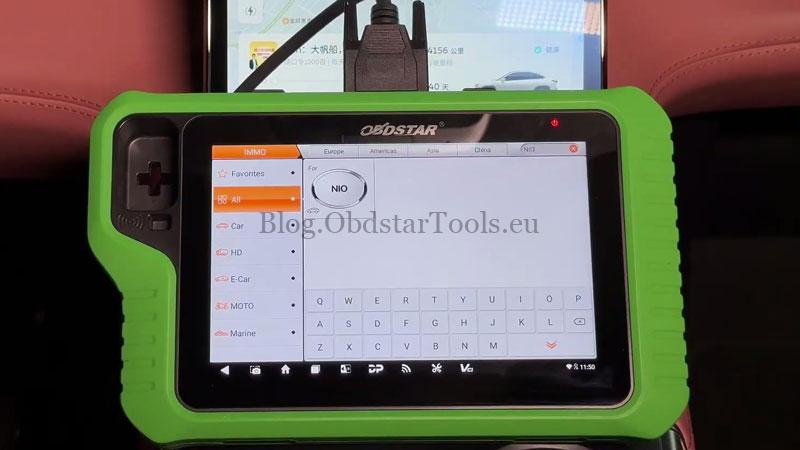
IMMO → NIO → Latest Version → Manual Select Model → EC6 → Proximity → 2019–2022 → Key Count
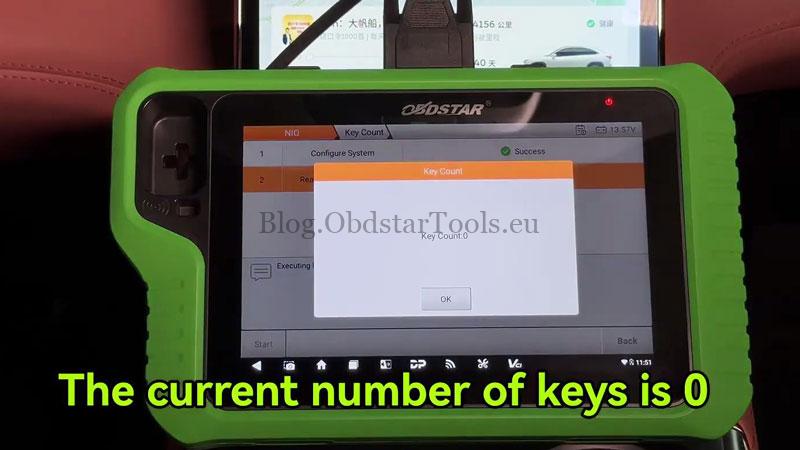
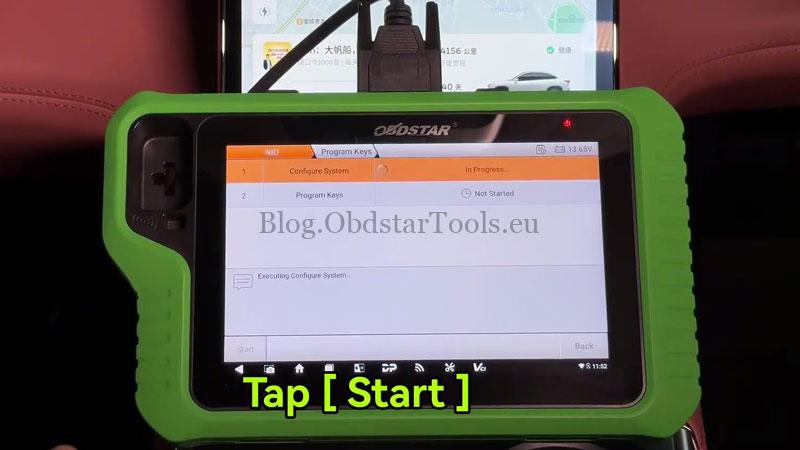
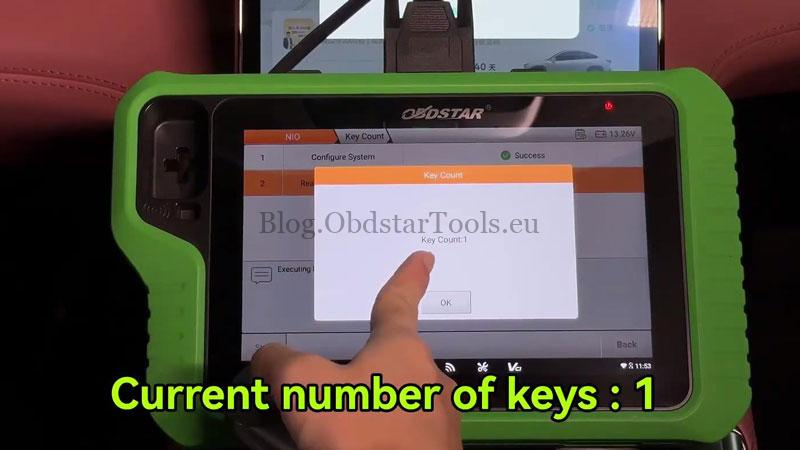
- Select Start → Yes. The tool will display the current key count.
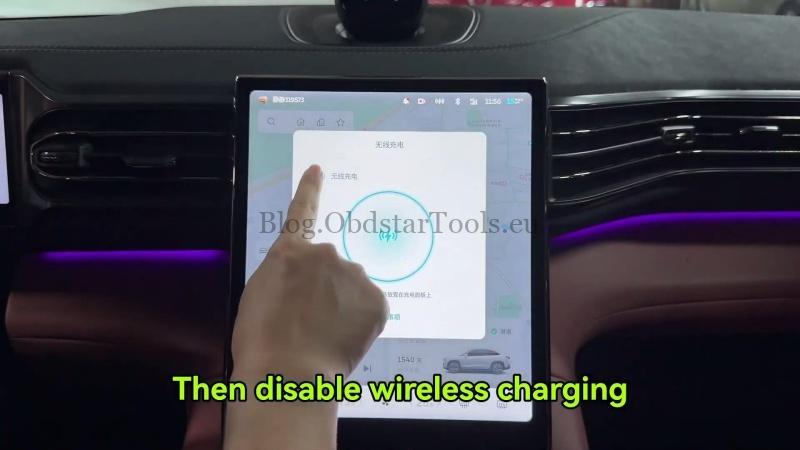
- Go to Program Keys → Start → Yes. When prompted, make sure the vehicle is in Park (P) and disable the wireless charging function, then tap OK.
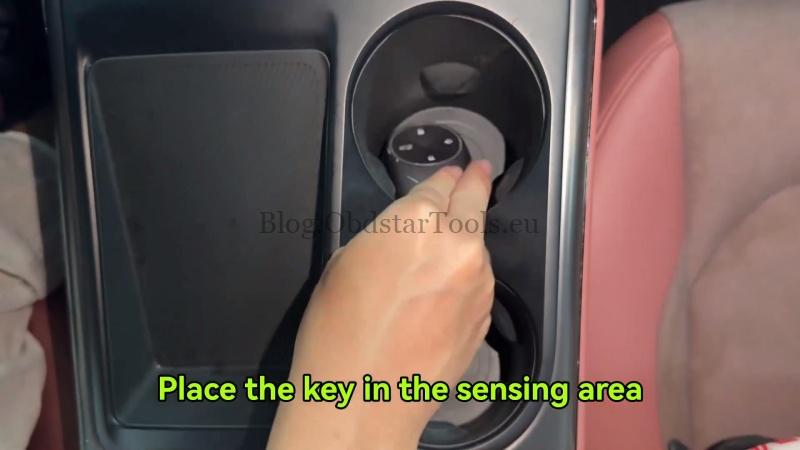
- Place the blank smart key in the sensing area and tap OK. After programming is completed, return to Key Count to confirm the number of registered keys has increased.
Verification
Take the programmed key outside the vehicle and confirm it starts the vehicle and that the basic smart key functions operate normally.
Workshop Notes
The key count can be checked before and after programming to confirm the new smart key has been successfully added.
Contact Info:
Email: sales@obdstartools.eu
WhatsApp/Mobile/Wechat: +86 15972933706
Skype: OBDStarTools.eu
www.obdstartools.eu