
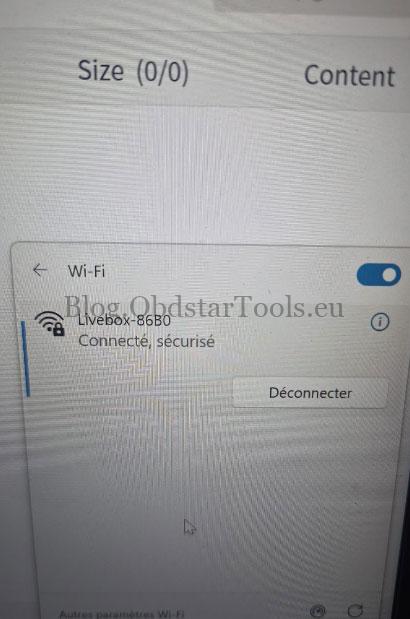
Problem: A user tried to upgrade the OBDSTAR ECU MASTER software but received the following message: “667: Network connection abnormality. Please confirm that the network is turned on.”
The device was already connected to a working network. What should be checked?
Answer: The issue may be related to the account used in Personal Center. Check whether an ECU MASTER account is logged in before downloading the software again.
Solution
- Check the account logged into Personal Center. Make sure it is an ECU MASTER account. If not, log out first.
- Register a new ECU MASTER account, then log in and download the software again.
- If the problem persists, provide the device serial number to an OBDSTAR technician for further support.
Technical Support
Email: sales@obdstartools.eu
WhatsApp/Mobile/Wechat: +86 15972933706
Skype: OBDStarTools.eu