
The OBDSTAR X300 Classic G3 was used to program a key on a Nissan X-Trail. The procedure is straightforward once the vehicle is identified and the key programming menu is entered.
Watch Video Tutorial:
Vehicle Identification
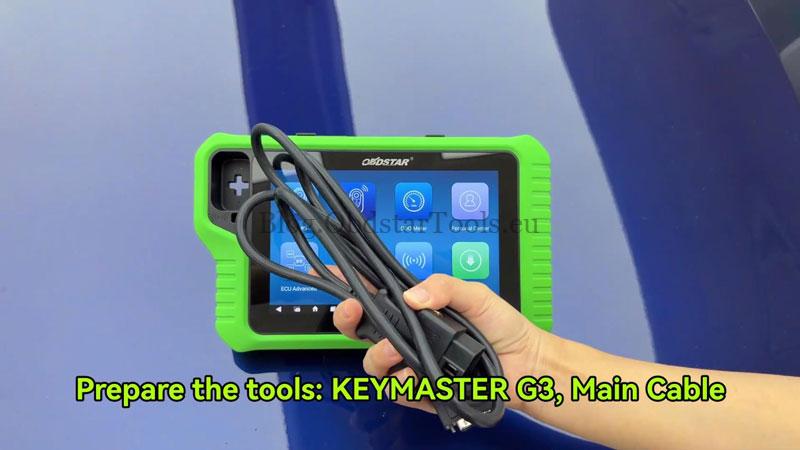
- Connect the Main Cable to the diagnostic port.
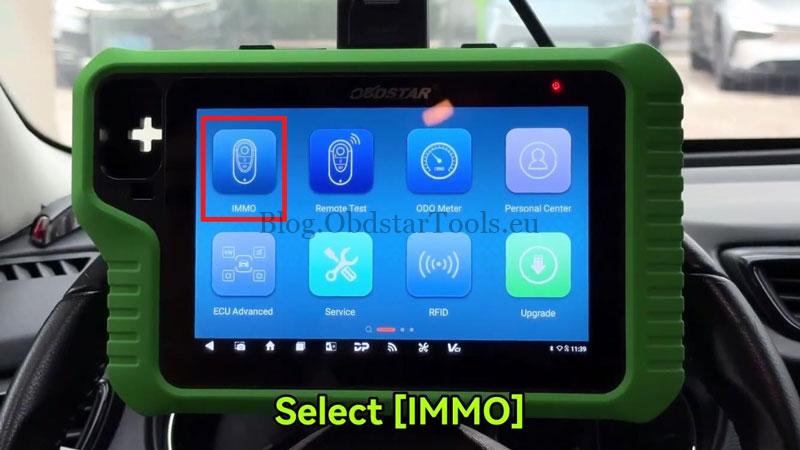
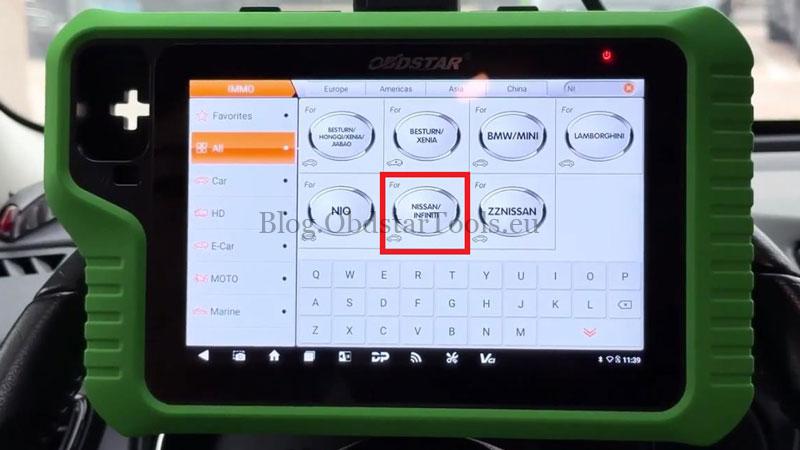
- Go to IMMO >> NISSAN/INFINITI >> Latest Version >> Auto Detect Model. Manual vehicle selection is also available.
- Turn on the hazard lamps. If the ignition can be turned on, switch on the instrument first. Open and close the driver’s door once.
- Tap Yes on the X300 Classic G3 and wait for the scan to finish.
Enter Key Programming
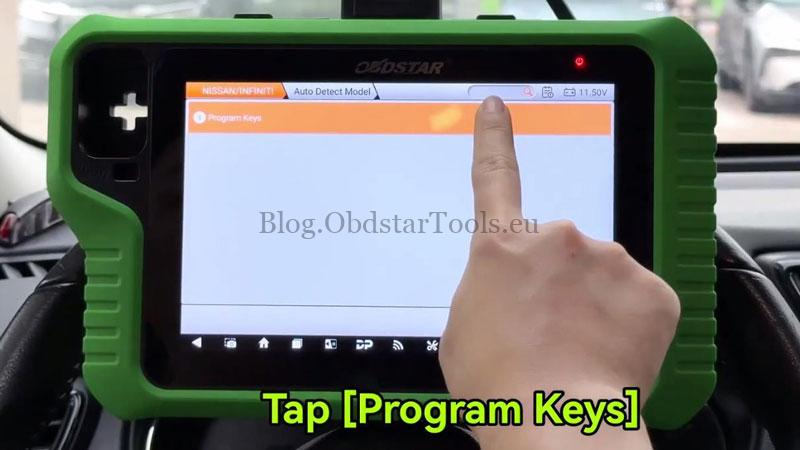
- Select Program Keys and follow the prompts to switch the ignition off and turn on the hazard lamps.
- Note: Some BCM part numbers may freeze during all-keys-lost programming. Check the BCM information carefully and proceed with caution.
- Close all doors, then open the door once. When prompted to erase all keys, tap Yes.
- The OBDSTAR X300 G3 shows that up to four keys can be programmed. If original keys are available, program them first.
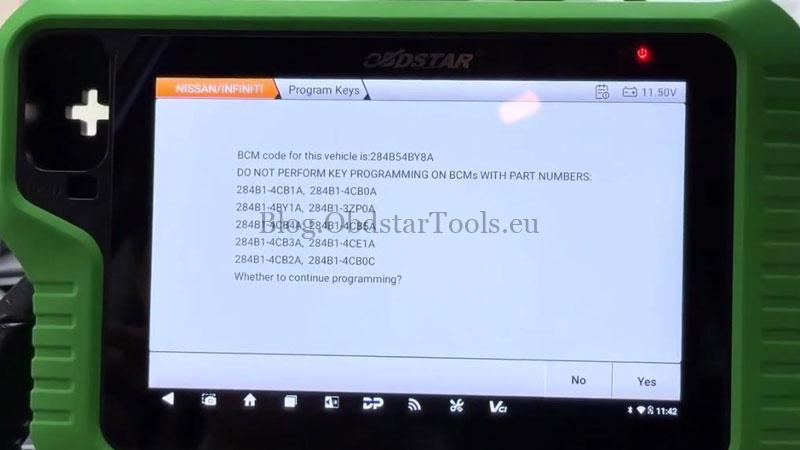
Program the Key
- Press and release the Start/Stop button. Place the key near its detection area. The instrument illuminates automatically, and the immobilizer light flashes five times.
- Switch the ignition off. When asked whether to program another key, select No.
- Within 5 seconds, place the key against the Start/Stop button. When the vehicle beeps, the key programming is complete. Switch the ignition off.
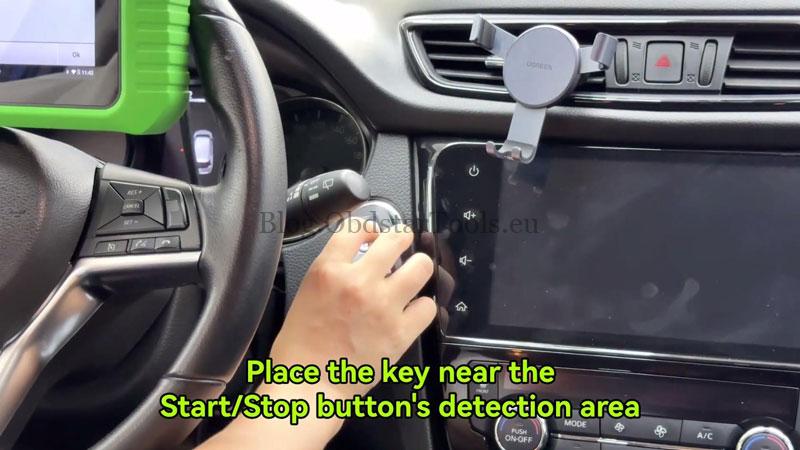
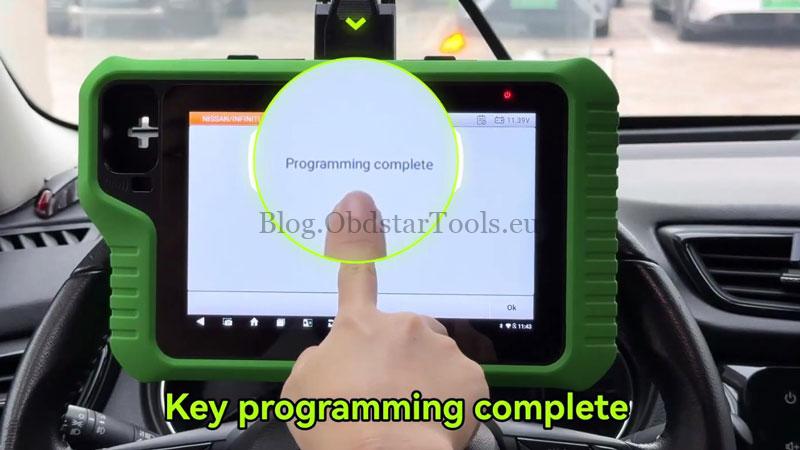
Verification
Take the key outside the vehicle and check that the engine starts and the basic key functions work normally.
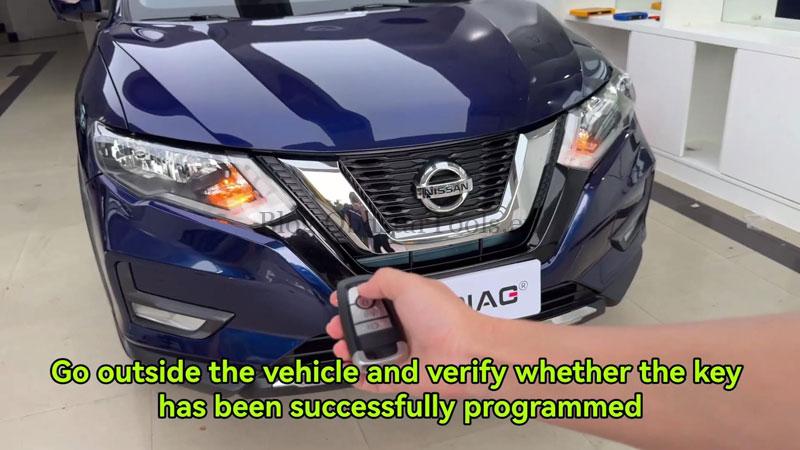
Technical Support
Email: sales@obdstartools.eu
WhatsApp/Mobile/Wechat: +86 15972933706
Skype: OBDStarTools.eu
www.obdstartools.eu