
Preparation
- Device: OBDSTAR Moto Master, M001A Cable.
- Condition: Ensure the ignition is on and the device is connected to the bike’s OBD port.
Step-by-Step Service Reset Procedure
1. Identify Your Vehicle
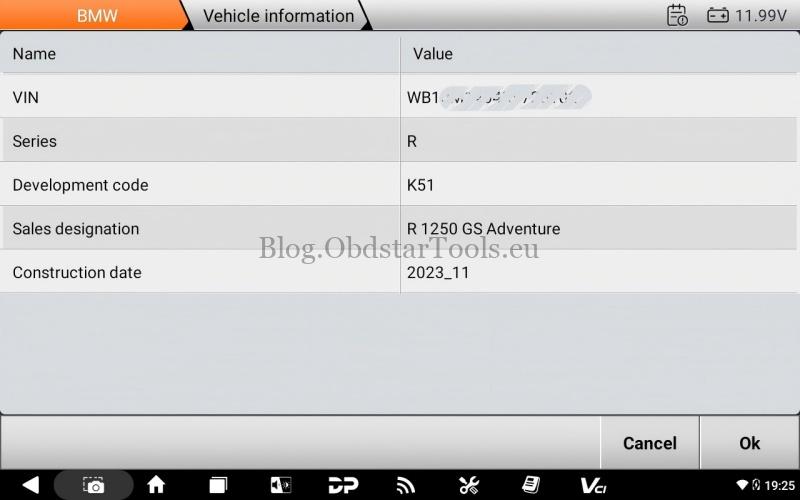
Navigate to MOTO Diag > BMW > Latest Version > Diagnosis > New Version (-2025) > Auto Identify [VIN] > Read to automatically pull your bike’s data.
Confirm the VIN and vehicle model year to proceed.
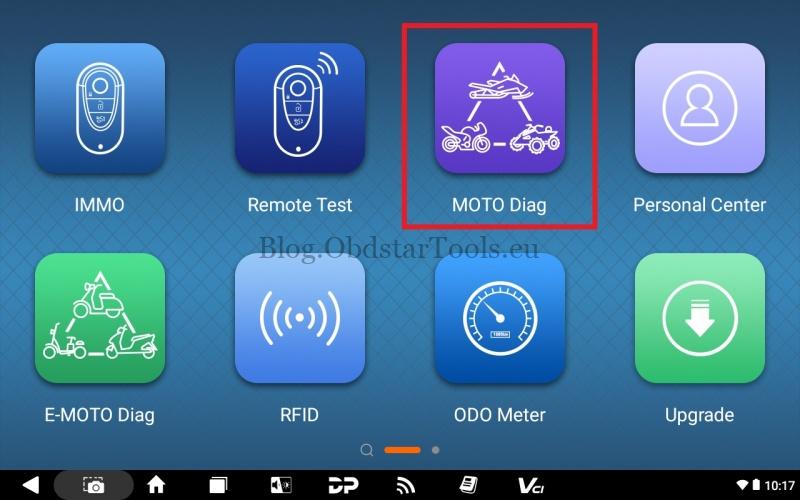
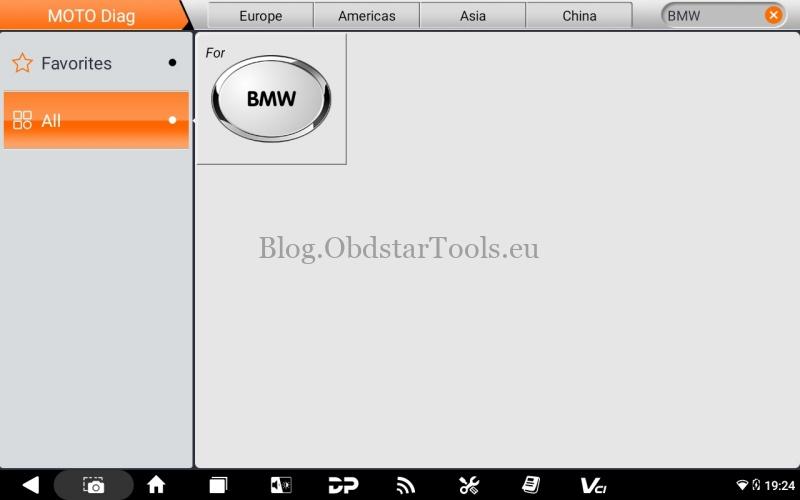
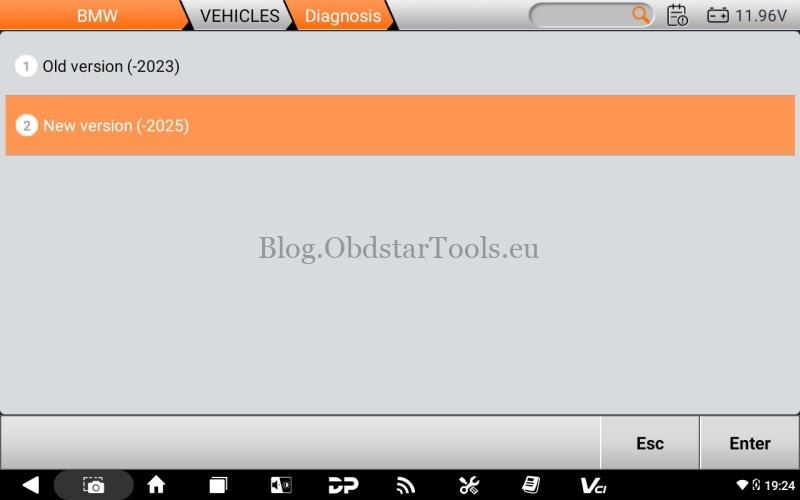
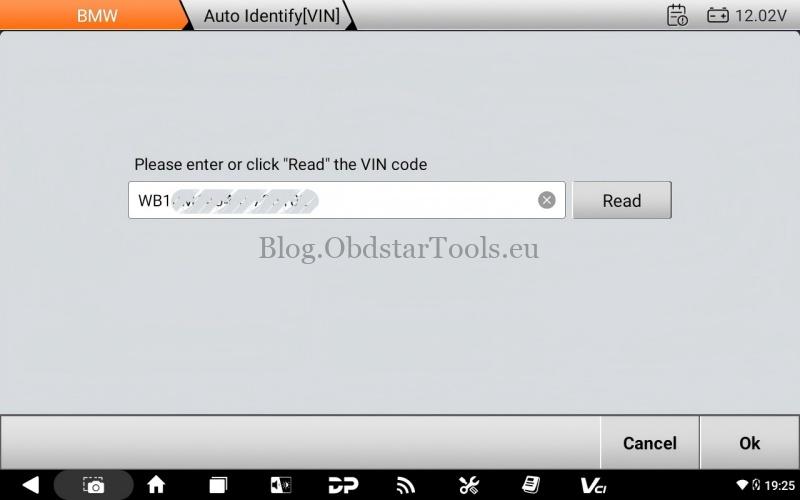
2. Access Service Functions
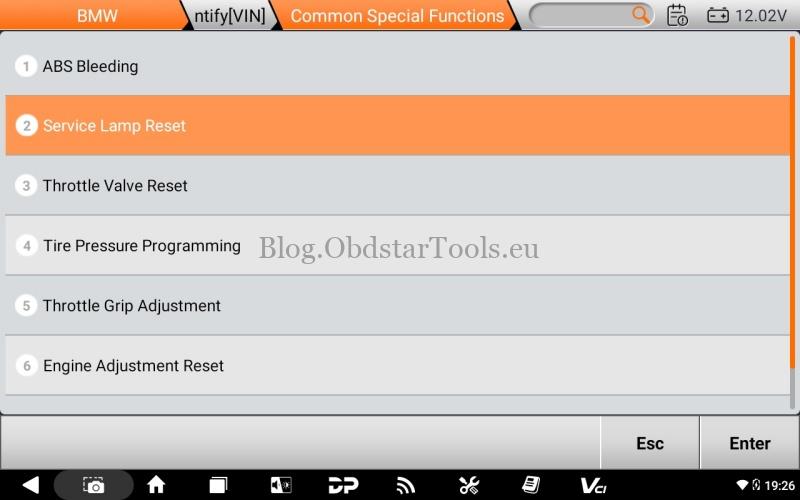
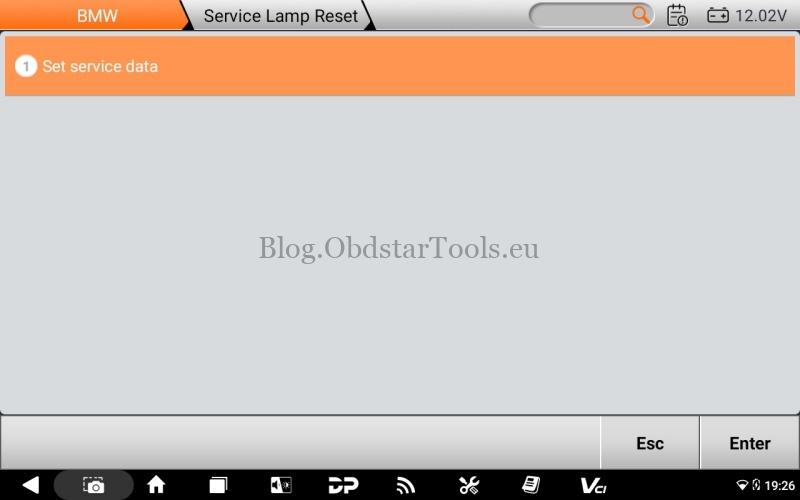
Enter the Common Special Functions > Service Lamp Reset > Set service data.
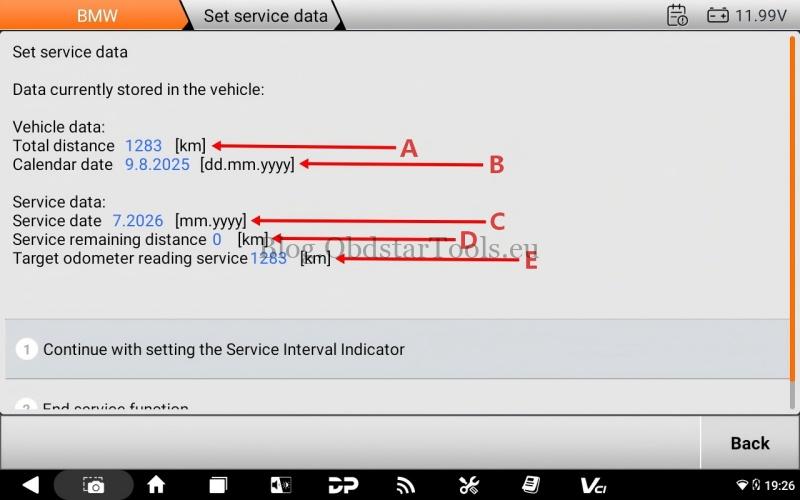
Review the current vehicle status (total distance, current date, and remaining service mileage).
Click Continue with setting the Service Interval Indicator.

3. Sync Date and Time
Ensure the Instrument Cluster Date is accurate.
- If the date is wrong, select “Accept the date and time from the diagnosis system” to instantly sync the bike with the MOTOMASTER scanner;
- Or Click “Set calendar date manually” to input the correct date and time directly.

4. Set the New Service Interval
The MOTOMASTER generates a default recommendation of 10,000 km or 1 year. You can finalize this by choosing:
- Accept service data: To use the standard 10,000 km/1-year interval.
- Manual Adjustments: You can also choose to manually enter a custom mileage or specific future date based on your actual maintenance plan.

Summary
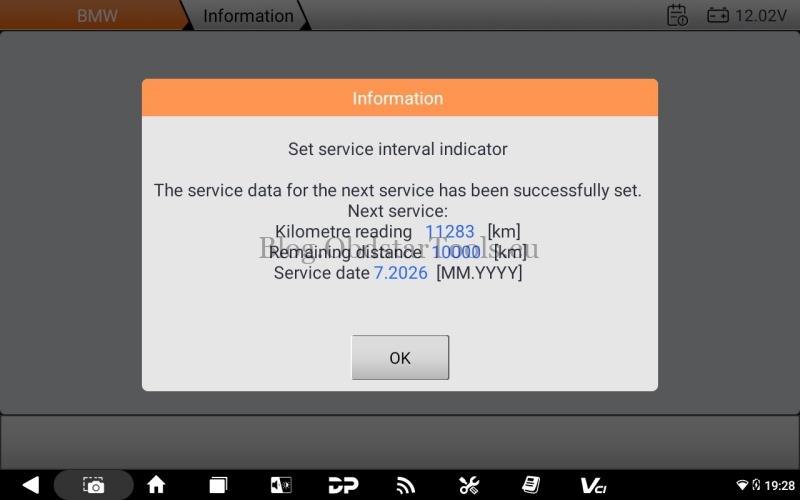
Once confirmed, the system will display a success message, and the service lamp on your dashboard will be cleared.
The OBDSTAR MOTOMASTER makes complex BMW electronic maintenance accessible, ensuring your R 1250 GS Adventure is always ready for the next journey.
Technical Support
- Email: sales@obdstartools.eu
- WhatsApp/Mobile/Wechat: +86 15972933706
- Skype: OBDStarTools.eu
- Website: www.obdstartools.eu