
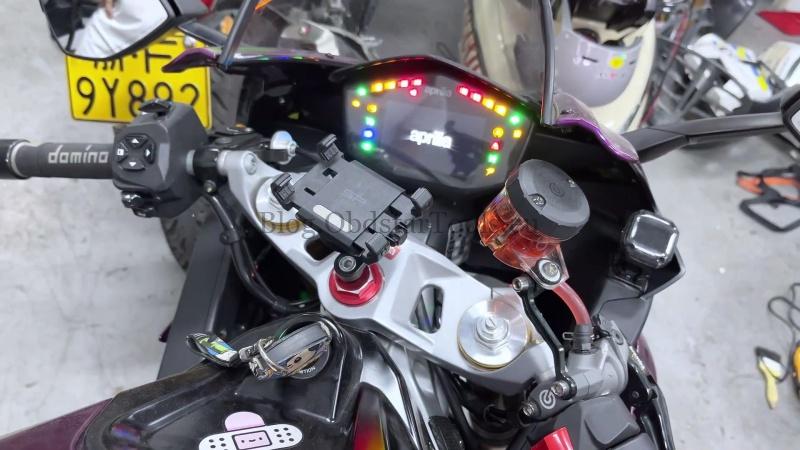
For a 2022 Aprilia RS660, the VIN can be written directly through the diagnostic menu with OBDSTAR iScan Aprilia. The diagnostic port is under the seat, so the job starts there.
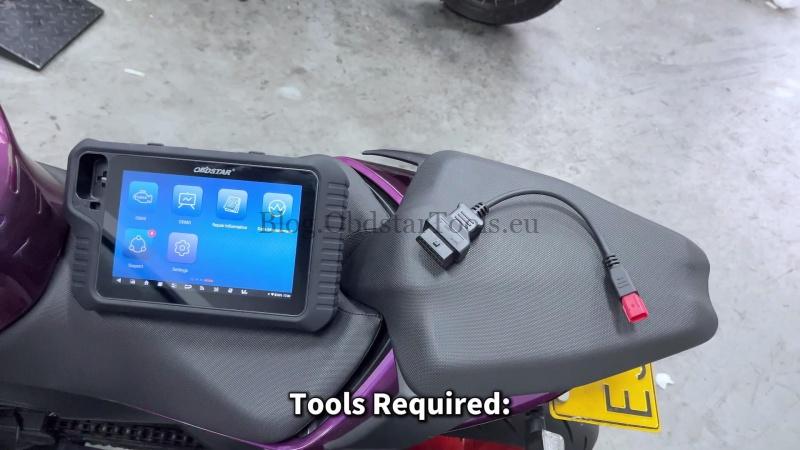
Tools Required
- iScan Aprilia / MOTOMASTER
- M041 Cable
- Main Cable
The OBDSTAR app can be used to check the diagnostic port location and cable selection.
Watch Video Tutorial
Connect to the Motorcycle
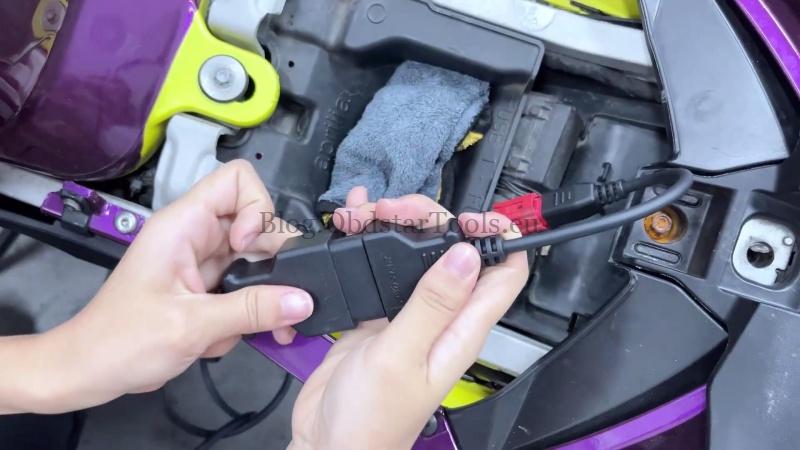
- Use the key to unlock the seat from the rear section of the bike and locate the diagnostic port underneath.
- Connect the iScan Motorcycle Scanner to the motorcycle using the M041 and main cable.
Enter the Engine ECU
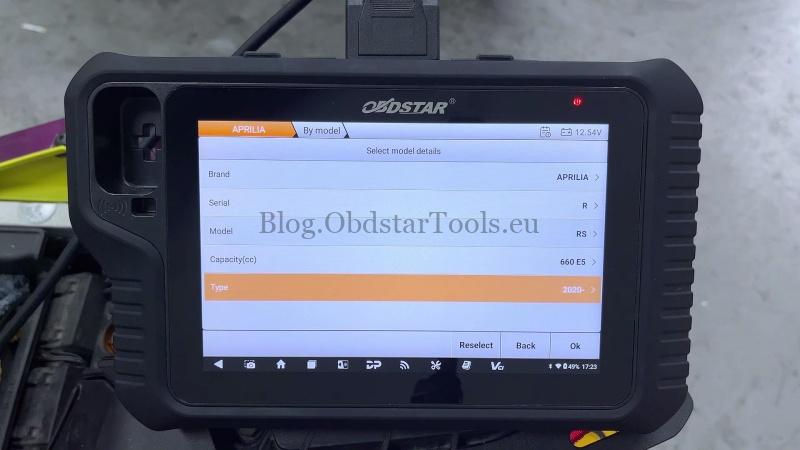
- Select MOTO Diag >> APRILIA >> Latest Version >> Diagnosis >> R >> RS >> 660 E5 >> 2020-.
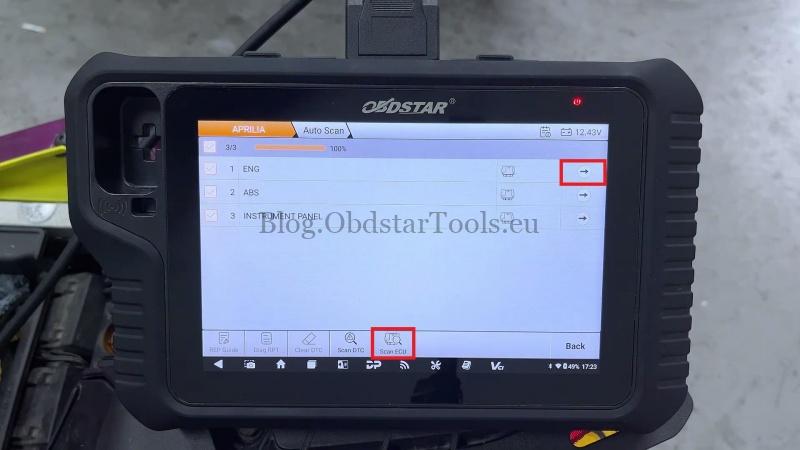
- Tap OK >> Auto Scan >> Scan ECU >> ENG.
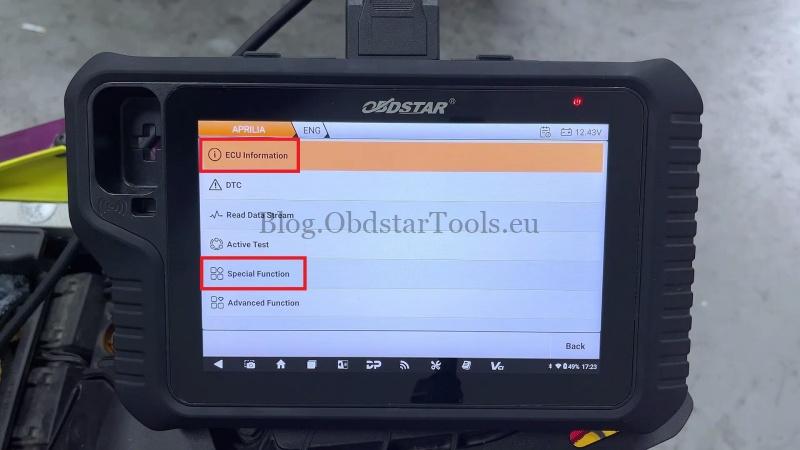
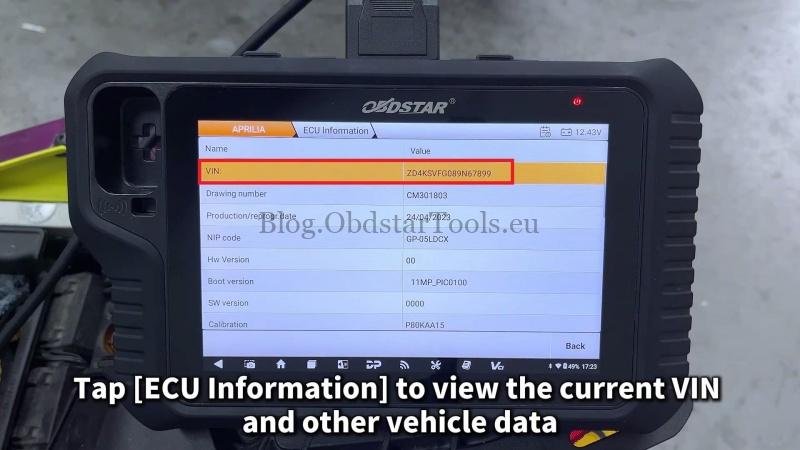
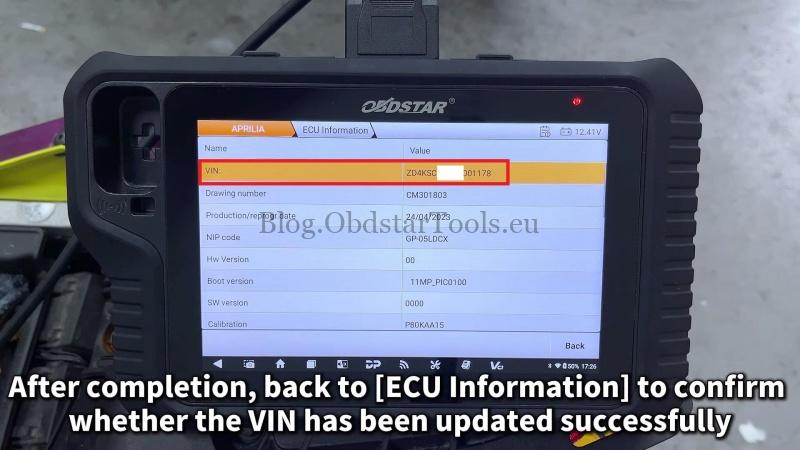
- Open ECU Information and check the current VIN and vehicle data.
Write the VIN
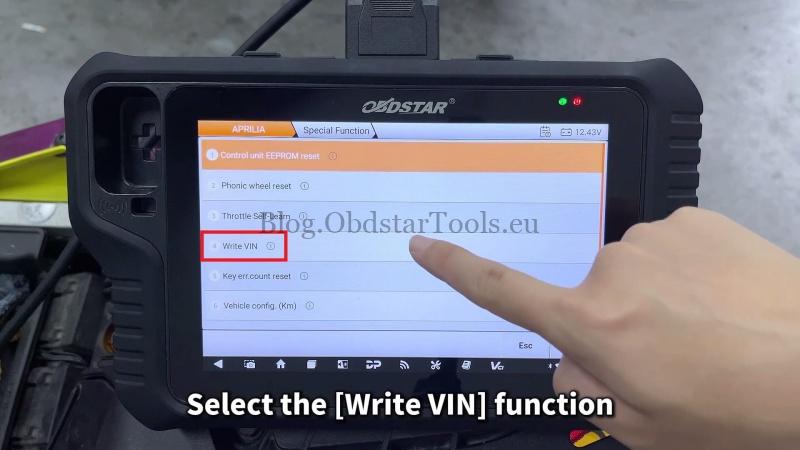
- Go to Special Function, enter password 123, then select Write VIN.
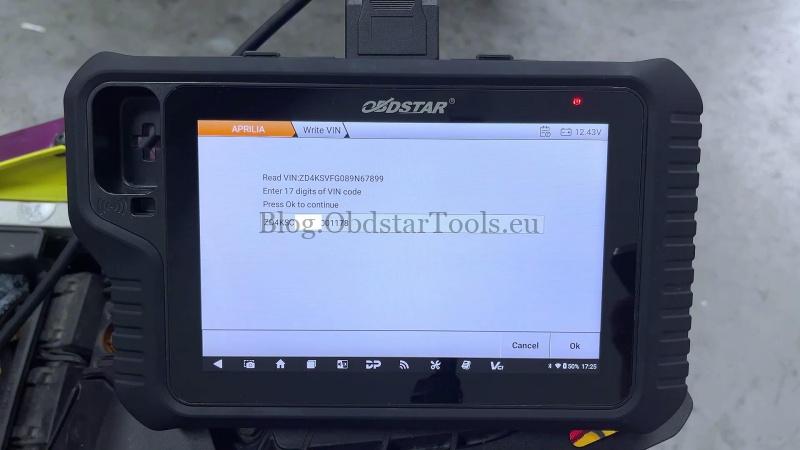
- Enter the 17-digit VIN and press OK.
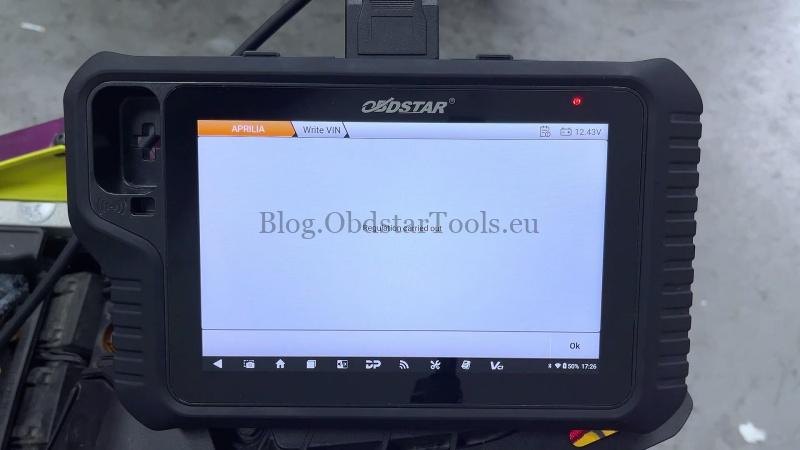
- Follow the prompts: turn the dashboard off, wait for communication with the control unit to finish, and press OK. Turn the key on and press OK to continue.
The tool will display Regulation carried out when the operation is finished.
Verify the Result
Return to ECU Information and check the VIN. Start the bike and confirm it starts normally and the basic functions work as expected.
Technical Support
Email: sales@obdstartools.eu
WhatsApp/Mobile/Wechat: +86 15972933706
Skype: OBDStarTools.eu
www.obdstartools.eu